When your Shark UV540 brush roll stops spinning, it’s usually due to a simple clog, a worn or broken belt, or a tripped motor protector. You can diagnose and fix most issues at home with basic tools and patience. Start by unplugging the vacuum, removing the brush roll, and checking for hair or debris wrap. If the belt is damaged or the motor feels hot, those parts may need replacement. Regular maintenance is key to preventing this common problem.
You’re in the middle of cleaning your living room, that satisfying hum of your Shark UV540 Lift-Away vacuum filling the air. You push it over a rug, expecting that deep-scrubbing action from the rotating brush roll… and nothing. The suction is strong, but the brush just sits there, stubbornly still. Frustration sets in. You’ve just encountered one of the most common, and fortunately often fixable, issues with this popular model: the Shark UV540 brush not spinning. Don’t panic and don’t rush to buy a new vacuum. In this complete guide, we’re going to walk through exactly why this happens, how to diagnose the specific problem yourself with simple tools, and how to perform the repairs that will have your vacuum’s brush roll agitating carpet fibers again in under 30 minutes. This is your go-to manual for restoring your Shark’s deep-cleaning power.
Key Takeaways
- Clogs are the #1 culprit: Hair, string, and carpet fibers wrapping around the brush roll shaft or inside the nozzle housing will jam the mechanism instantly.
- The belt is a common failure point: The rubber drive belt that connects the motor shaft to the brush roll can stretch, slip off, break, or melt from friction, stopping rotation.
- Motor thermal protection may trip: If the motor overheats from a severe clog or extended use, a safety switch will cut power to the brush roll until it cools down.
- Brush roll bearings can seize: Lack of cleaning causes dirt to pack into the brush roll’s end caps, freezing the bearings and preventing spin.
- Always disconnect power first: Safety is paramount. Always unplug the vacuum before inspecting or performing any maintenance.
- Regular cleaning prevents recurrence: A quick 2-minute brush roll inspection and cleaning after every few uses is the single most effective preventive measure.
📑 Table of Contents
- Understanding Your Shark UV540’s Brush Roll System
- Step-by-Step Diagnostic: Why Is My Brush Not Spinning?
- Most Common Fixes: From Simple to Complex
- When the Problem Isn’t Mechanical: Electrical Issues
- Proactive Maintenance to Prevent “Brush Not Spinning”
- When to Call a Professional: Knowing Your Limits
Understanding Your Shark UV540’s Brush Roll System
Before we start unscrewing things, it’s crucial to understand what makes the brush roll spin. Knowledge is power, and it turns a scary repair into a simple logical puzzle. The brush roll system in your UV540 is a beautifully simple piece of engineering.
The Key Components: Motor, Belt, and Brush Roll
The system has three main actors. First, the suction motor. This is the heart of the vacuum, creating the airflow. Second, separate from the suction motor, is the brush roll motor (or sometimes the same motor uses a clutch mechanism). This smaller motor provides the rotational torque. Third, the brush roll itself—that cylindrical bar with bristles. These components are connected by a drive belt, a rubber loop that transfers the spinning motion from the motor’s shaft to the brush roll’s axle. Finally, the entire assembly lives inside the nozzle housing or “floor head,” which clicks onto the main vacuum body.
When you press the “brush roll on” button (often a separate switch on the handle or nozzle), power flows to the brush roll motor. It spins, the belt turns, and the brush roll agitates. If any link in this chain breaks or is obstructed, the brush stops. Our job is to find the broken link.
How the Safety Features Work
Your Shark UV540 is designed with safety in mind. Two features are relevant here. The first is a thermal overload protector. If the brush roll motor works too hard—usually because it’s jammed by a massive clog—it will overheat. A thermal fuse inside the motor will trip, cutting power to the brush roll to prevent a fire. The motor will cool down, and the fuse often resets automatically after 30-60 minutes. The second is a clutch or release mechanism. Some Shark models use a clutch to engage/disengage the brush roll. If this clutch wears out or gets jammed with debris, it won’t engage, leaving the brush roll stationary even though the motor might be humming.
Step-by-Step Diagnostic: Why Is My Brush Not Spinning?
We’re going to play detective. Follow this sequence to isolate the problem. All steps require the vacuum to be unplugged from the wall outlet.
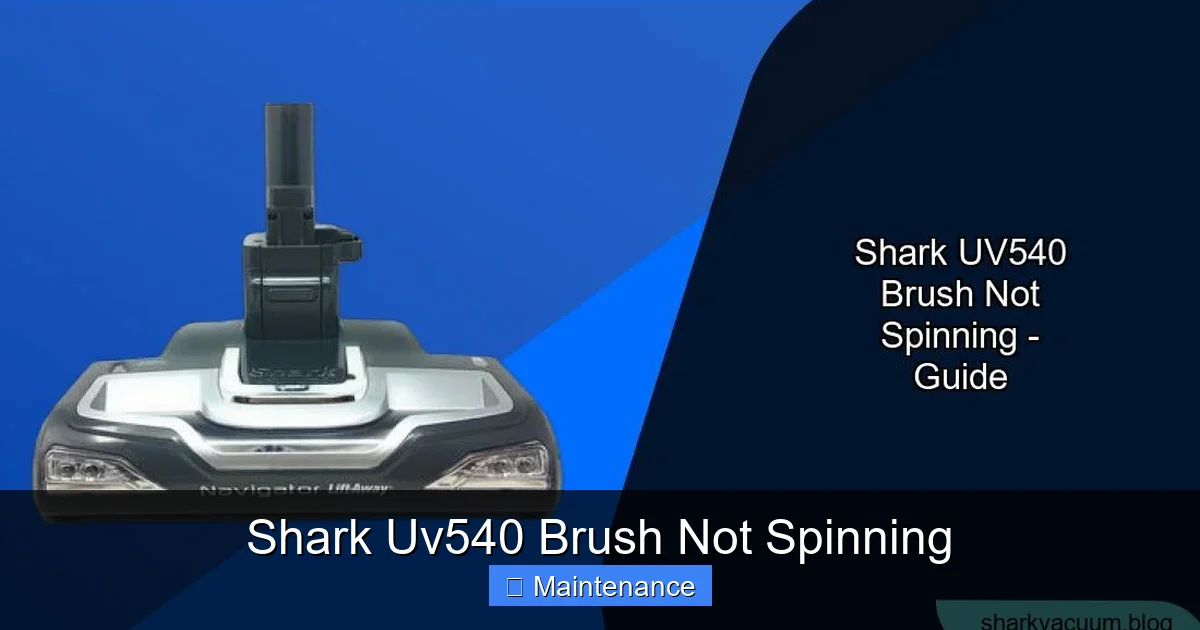
Visual guide about Shark Uv540 Brush Not Spinning
Image source: sharkvacuum.blog
Step 1: The Visual & Manual Inspection
Flip your UV540 over. Look at the brush roll through the nozzle opening. Can you see it? Is it visibly jammed with hair, carpet fibers, or a sock? Use a flashlight. Try to manually rotate the brush roll with your fingers. Does it turn freely? Or is it stiff, gritty, or completely locked? This is your first major clue.
- If it’s jammed with debris: The problem is almost certainly a clog. We’ll clear it in the next section.
- If it turns freely by hand: The issue is likely electrical (motor, switch) or the belt has come off/broken.
- If it’s stiff or gritty: The bearings in the brush roll end caps are packed with dirt and need cleaning or the brush roll needs replacement.
Step 2: Accessing the Brush Roll and Belt
To go deeper, you need to remove the nozzle housing. On the UV540, this is usually done by pressing two release tabs on the underside of the nozzle and pulling it away from the vacuum’s main body. Once removed, lay it flat. You’ll see the brush roll running across the width. At one or both ends, there will be a plastic cap. These caps often twist or snap off to release the brush roll. Gently remove the brush roll from the housing.
With the brush roll out, your view is unobstructed. Look for the black rubber belt. It’s a loop that should be stretched around the metal motor pulley (a small wheel attached to the motor shaft) and the plastic brush roll pulley (a wheel on one end of the brush roll).
- Is the belt there? If it’s missing, it has snapped or jumped off and needs replacement.
- Is the belt loose, stretched, or shiny? A worn belt slips and won’t transmit power. Replace it.
- Is the belt broken? Obvious. Replace it.
- Is the belt in place but the motor pulley isn’t turning when you try to spin the brush roll? The brush roll motor may be dead or the clutch is failed.
Step 3: Testing the Motor and Switch
This is more advanced. With the brush roll and belt removed, you can try to listen/feel for the motor. Reconnect the vacuum’s main body to power (keep the nozzle off) and press the brush roll on button. Place your ear near where the belt would be. Do you hear a faint whirring or humming sound? You might also feel a slight vibration on the motor housing.
- If you hear/feel the motor running: The motor is working. The problem is the connection between motor and brush roll—meaning the belt is off/broken, or the clutch mechanism (if equipped) is disengaged/broken.
- If you hear/feel nothing: The issue is power-related. Check the brush roll switch on the handle/hose for debris or damage. The problem could be a faulty switch, a broken wire in the hose, or a failed brush roll motor itself. This often requires a multimeter for testing or professional repair.
Most Common Fixes: From Simple to Complex
Based on your diagnosis, here’s how to fix the most frequent causes of a Shark UV540 brush not spinning.
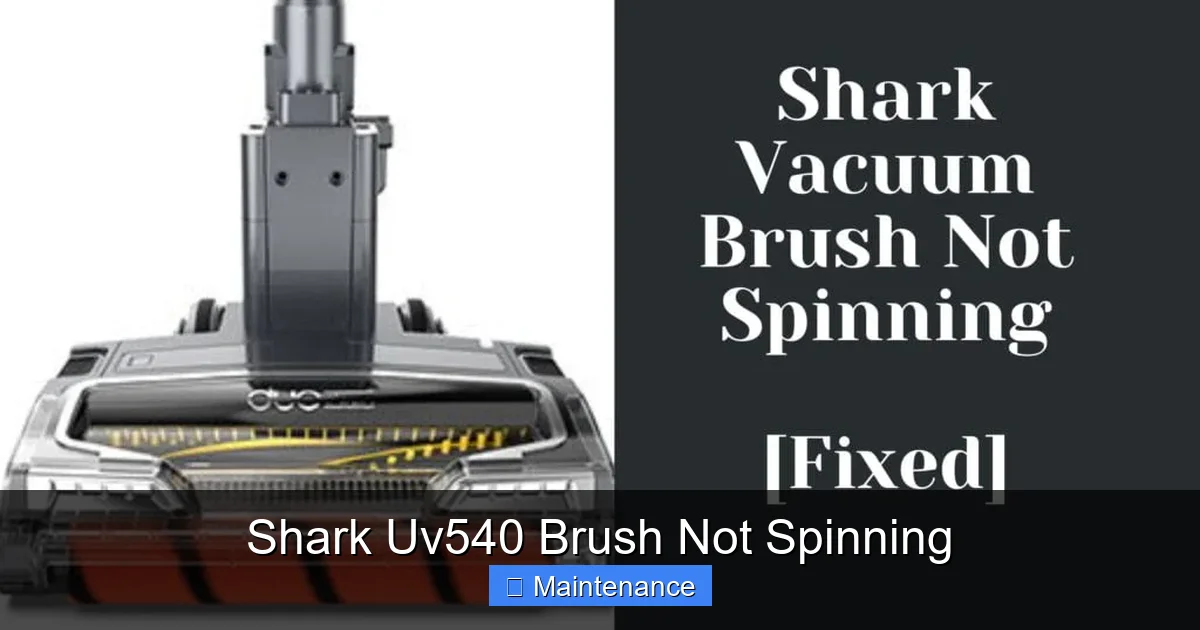
Visual guide about Shark Uv540 Brush Not Spinning
Image source: vacuupedia.net
Fix #1: Clearing a Severe Clog (The #1 Fix)
This solves 70% of cases. Debris wraps around the brush roll shaft and inside the nozzle housing, creating a physical barrier that stops the brush.
Tools Needed: Scissors, a seam ripper or old credit card, gloves, a trash bag.
- Remove the Brush Roll: As described above, take it out of the housing.
- Manually Clear the Wrap: You’ll likely see a massive knot of hair, string, and carpet fibers wrapped around the metal axle of the brush roll and inside the plastic housing channels. This is the jam. Carefully use the scissors to cut through the mass. Do not try to pull it off; you’ll just tighten the knot. Cut it into sections and pull them out. Use the seam ripper or credit card to scrape debris out of the narrow housing channels where the brush roll spins.
- Check the Air Passage: While you have it apart, look at the large air intake hole on the back of the nozzle housing. Make sure it’s clear. A clog here reduces suction overall.
- Reassemble and Test: Put the brush roll back in (ensure it spins freely in the housing), reattach the belt, and click the nozzle back on. Plug in and test. It should spin.
Fix #2: Replacing the Drive Belt
If your belt is missing, broken, or worn, it’s an easy and cheap fix. Shark part numbers for the UV540 belt are typically something like Shark Part # 112F or a universal 11.5” x 0.4” vacuum belt. Always verify your exact model number (usually on the back of the vacuum) before ordering.
Tools Needed: New belt, possibly a screwdriver if your model has a belt guard screw.
- Remove the Old Belt: With the brush roll out, simply stretch the old belt off the motor pulley and the brush roll pulley.
- Inspect Pulleys: Look at both pulleys. Are they clean? Is there any rubber residue or debris stuck to them? Wipe them clean with a dry cloth. A slipping belt is often caused by a oily or dirty pulley.
- Install the New Belt: Stretch the new belt onto the motor pulley first. Then, while holding tension, stretch the other side onto the brush roll pulley. It should sit snugly in the groove on both pulleys.
- Reinstall Brush Roll: Place the brush roll back into the housing, ensuring the belt is not pinched. Rotate the brush roll by hand a few times to seat the belt properly.
- Test Before Reattaching: It’s smart to plug the vacuum in (nozzle still off) and press the brush switch. You should see the brush roll spin freely and the belt move smoothly. If it doesn’t, double-check the belt is on correctly and not twisted.
Fix #3: Cleaning or Replacing the Brush Roll
If the brush roll itself is the problem—seized bearings or broken bristles—it needs attention.
For Cleaning: Remove the brush roll fully. Use a utility knife or scissors to cut away all the hair and debris wound into the bristles and around the end caps. Pay special attention to the plastic caps. They often unscrew or pop off. Inside, you’ll find a bearing. Clean out all the packed dirt and lint from around this bearing. Spin the axle by hand. If it’s still gritty, the bearing is damaged. You can try to flush it with compressed air, but often a new brush roll is needed.
For Replacement: Brush rolls wear out. Bristles get matted and the axle can bend. The end caps can crack. If cleaning doesn’t make it spin freely, replace it. Order the exact Shark replacement brush roll for your UV540 model. Installation is the reverse of removal—pop it in, attach the belt, ensure it spins.
When the Problem Isn’t Mechanical: Electrical Issues
If you’ve cleared clogs, replaced the belt, and the brush roll spins freely by hand, but the motor doesn’t engage when you press the switch, the fault lies in the electrical system.
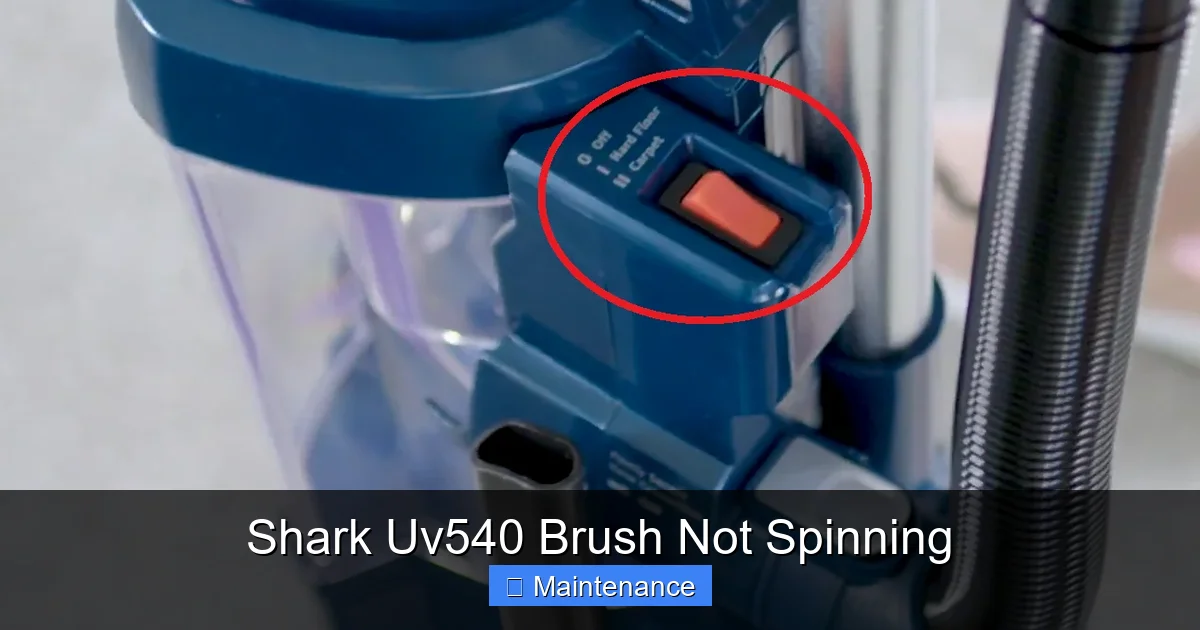
Visual guide about Shark Uv540 Brush Not Spinning
Image source: vacuupedia.net
The Thermal Reset
First, let the vacuum sit unplugged for a full hour. This allows any tripped thermal fuse in the brush roll motor to cool and reset. After an hour, plug it in and try again. If it works, you had a temporary overload, likely from a clog you’ve since cleared. Monitor it. If it trips again quickly, there’s still a drag on the system (a partially jammed brush roll or a failing motor drawing too much current).
Faulty Brush Roll Switch or Wiring
The switch that turns the brush roll on/off is on the handle or the hose connection. These switches are not sealed from moisture and debris. They can get clogged with fine dust or corrode. Spray a contact cleaner (like WD-40 Electrical Cleaner) into the switch while working it back and forth. If that doesn’t work, the switch may need replacement. If the switch is fine, a wire in the flexible hose that carries power to the nozzle could be broken from repeated flexing. This is a more complex repair often best left to a technician unless you’re skilled with soldering.
Failed Brush Roll Motor
This is the least common but most costly failure. If you’ve eliminated the belt, a jammed brush roll, and power is reaching the motor area (you can sometimes hear a faint click), the motor itself has burned out. Replacement motors are available, but for an older machine, the cost may approach that of a new vacuum. A professional can confirm this diagnosis definitively.
Proactive Maintenance to Prevent “Brush Not Spinning”
An ounce of prevention is worth a pound of cure. Integrating these habits into your cleaning routine will drastically reduce the chance of your Shark UV540 brush not spinning.
The After-Every-Few-Uses Quick Clean
Spend 90 seconds after vacuuming a high-traffic carpet or pet hair zone. Flip the vacuum over. Use your fingers or a tool to comb through the brush roll bristles. Pull out any visible hair or fibers wrapped at the ends. This prevents the slow accumulation that leads to a catastrophic jam.
The Monthly Deep Clean
Once a month, perform the full brush roll removal we described. Take it to the sink. Use an old toothbrush and dish soap to scrub the bristles, the axle, and especially the end cap bearings. Rinse thoroughly. Let it spin dry by hand and air-dry completely (at least 2 hours) before reinstalling. This removes oily dust and fine grit that grinds down bearings.
Inspect and Replace the Belt Annually
Belts are a wear item. Even if not broken, they stretch and lose tension over time. Once a year, or if you notice the brush roll seems sluggish, replace the belt. It’s a $5-10 part that saves hours of frustration.
Check Your Filters
This might seem unrelated, but clogged filters reduce overall suction. If the vacuum is struggling overall, the reduced airflow can sometimes affect the brush roll motor’s performance. Clean or replace your pre-motor foam and felt filters every 3 months according to the manual.
When to Call a Professional: Knowing Your Limits
DIY repairs are satisfying and cost-effective, but there are limits. Consider professional repair if:
- You’ve done all the above (clog cleared, new belt, clean brush roll) and it still doesn’t spin. The fault is likely internal wiring or a failed motor.
- You smell a burning odor or see smoke. Stop immediately. This indicates a short circuit or a motor burning out. Unplug and do not use.
- You are uncomfortable working with electrical components. Safety first.
- The repair cost exceeds 50% of the value of the vacuum. For an older UV540, a $80 motor repair might not be worth it. A new, modern Shark might be a better investment.
Authorized Shark service centers can provide genuine parts and warranty service if your vacuum is still covered. Always check your warranty status first.
In conclusion, a Shark UV540 brush not spinning is a frustrating but overwhelmingly repairable issue. By methodically diagnosing—starting with the simplest, most common causes of clogs and belts—you can restore your vacuum’s full cleaning power in an afternoon. Remember: unplug first, inspect thoroughly, clean relentlessly, and replace the belt annually. Your vacuum, and your clean floors, will thank you.
Frequently Asked Questions
My Shark UV540 brush roll spins when I take it out, but stops when I reattach the nozzle. Why?
This almost always means there is a hidden clog inside the nozzle housing itself. When you reattach the brush roll, it’s hitting a mass of debris packed in the housing channel. Remove the brush roll again and thoroughly clean the housing interior with a cloth and a tool like a seam ripper to dislodge any packed material.
How do I know if my belt is broken or just slipped off?
Remove the brush roll and visually inspect. A broken belt will have a distinct break or snap. A slipped belt will be completely off one of the pulleys (motor or brush roll). A stretched or worn belt will still be on both pulleys but will be very loose, may have a glazed/shiny appearance, and will slip when you try to spin the brush roll by hand.
What are the signs of a failed brush roll motor?
With the brush roll and belt removed, plug in the vacuum and activate the brush roll switch. If you hear/feel absolutely nothing—no hum, no vibration, no sound—from the motor area, and you’ve confirmed the switch and wiring are okay, the motor has likely failed. A humming sound that doesn’t translate to spin usually points to a jammed brush roll or bad clutch, not a dead motor.
How often should I really clean my brush roll?
For best results, do a quick visual and manual hair removal after every 2-3 uses, especially if you have pets or long hair. Perform a full removal, deep cleaning, and bearing inspection every 1-2 months. This prevents the slow buildup of debris that causes jams and bearing seizure.
Can I use any replacement belt for my Shark UV540?
It’s critical to use the correct size and type. The UV540 typically requires a belt around 11.5 inches in length and 0.4 inches in width. Using a belt that is too short will break quickly; too long will slip off. Purchase belts sold specifically for the Shark UV540/Lift-Away models or use the part number from your manual for guaranteed compatibility.
Is a tripped thermal fuse a sign I need a new vacuum?
Not necessarily. A thermal fuse trip is a safety response to overheating, most commonly from a clog. Clear all clogs, let the vacuum cool completely for an hour, and it should reset and work again. If it trips repeatedly with no clog, then there is a deeper issue like a failing motor drawing excess current, which would then require professional diagnosis.