Is your Shark Rotator Professional Vacuum XL NV95 suddenly refusing to roll its brush roll? This common issue is usually a simple fix you can do at home. The problem typically stems from a jammed brush roll, a broken or slipped belt, or a tripped reset button. This guide walks you through each potential cause with clear, safe diagnostic steps to get your vacuum’s rolling action back quickly.
Key Takeaways
- Unplug First: Always disconnect your Shark vacuum from power before inspecting or touching any internal components for safety.
- Jams Are Most Common: Hair, string, and carpet fibers wrapping around the brush roll bearings are the #1 cause of a non-rolling brush roll.
- Check the Belt: A broken, stretched, or slipped drive belt will prevent the brush roll from spinning even if the motor runs.
- Use the Reset Button: The motor may have thermal protection; locate and press the small reset button on the vacuum’s body.
- Height Matters: If set too high on thick carpet, the vacuum’s design may disengage the brush roll to prevent strain.
- Listen & Feel: A humming motor with no roll movement often points to a jam or belt issue; no sound may indicate a switch or motor fault.
- Regular Cleaning Prevents: Cutting away debris from the brush roll monthly is the single best maintenance task to avoid this problem.
📑 Table of Contents
- Introduction: That Frustrating Silence Where Rolling Should Be
- Understanding the Heart of the Roll: How Your Shark’s Brush System Works
- H2: The Silent Culprit: Inspecting the Drive Belt
- H2: Electrical & Safety Systems: Reset Buttons and Switches
- H2: Settings and Surfaces: Could It Be the Height Adjustment?
- H2: Advanced Diagnostics: When the Basics Aren’t Enough
- Conclusion: Systematic Troubleshooting Saves Time and Money
Introduction: That Frustrating Silence Where Rolling Should Be
You’re mid-clean, your Shark Rotator Professional Vacuum XL NV95 is humming along, and then you notice it. The powerful suction is there, but the distinct whirring and rolling action of the brush roll on your floor is gone. Your floors aren’t getting that deep-down clean they should. That feeling of frustration is all too familiar for many Shark owners, but here’s the great news: when your Shark Rotator Professional Vacuum XL NV95 is not rolling, the solution is almost always something you can diagnose and fix yourself in under 20 minutes. You don’t need to be a mechanic. You just need a systematic, safe approach.
This vacuum’s brush roll is its workhorse for carpet cleaning. That rotating bar with bristles agitates carpet fibers to lift embedded dirt. When it stops, cleaning efficiency plummets. The cause is almost never a catastrophic failure. It’s usually a mechanical blockage or a worn part. This guide is your complete, step-by-step companion for Shark Rotator Professional Vacuum XL NV95 troubleshooting for a non-rolling brush roll. We’ll start with the safest, most common fix and move logically through all possibilities.
Understanding the Heart of the Roll: How Your Shark’s Brush System Works
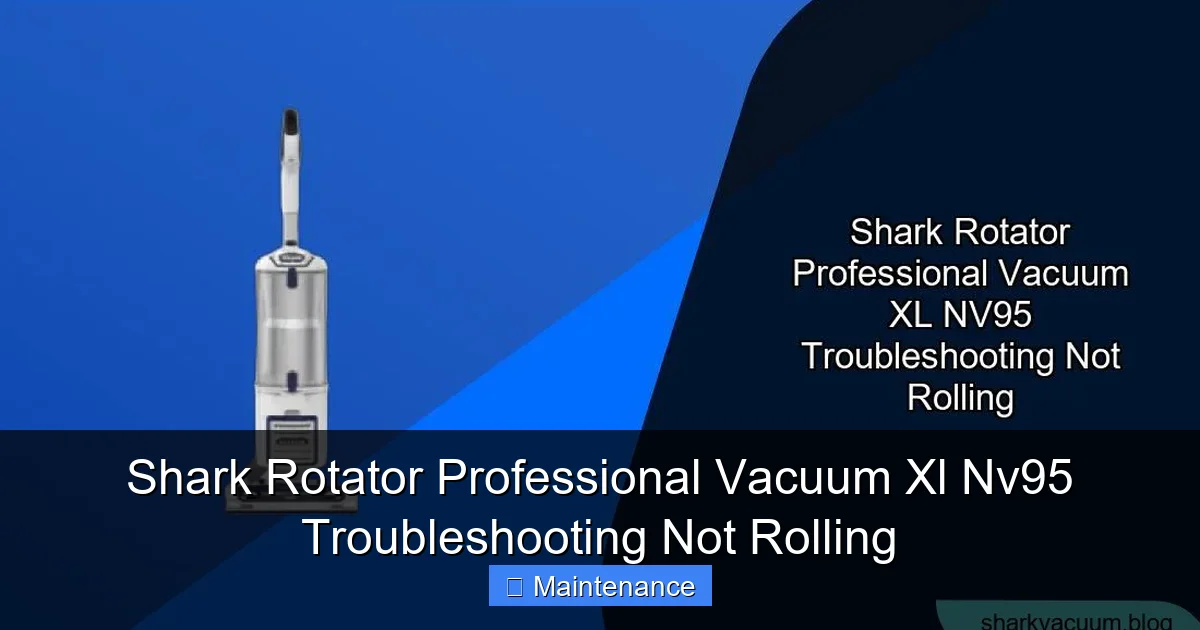
Before we start poking and prodding, a quick mental map of how the brush roll gets its power will make troubleshooting infinitely easier. Think of it as a short chain of command:
Visual guide about Shark Rotator Professional Vacuum Xl Nv95 Troubleshooting Not Rolling
Image source: sharkvacuum.blog
- The Motor: Located in the main body/sealed system. When you turn the vacuum on, this motor spins.
- The Drive Belt: A rubber belt (or in some models, a cogged belt) connects the motor’s pulley to the brush roll’s pulley. It’s the physical link that transfers rotational force.
- The Brush Roll Assembly: This is the long cylinder with bristles you see on the floor. It has bearings on each end that allow it to spin freely within the vacuum’s floor head housing.
- The Switch & Reset: A brush roll on/off switch (often on the handle or body) and a thermal reset button on the motor itself control power delivery and protect against overheating.
If the brush roll isn’t rolling, the break in this chain is somewhere between the motor starting and the brush roll spinning. Our job is to find that break. The most frequent culprit? Something physically stopping the brush roll from turning, like a massive hairball binding the bearings.
The #1 Suspect: A Jammed Brush Roll
This is your first and most likely checkpoint. Over time, human hair, pet fur, carpet fibers, and small debris like string or carpet strips wind tightly around the metal axles (bearings) on each end of the brush roll. This creates a solid knot that acts like a brake, stopping the roll dead even though the belt and motor might be trying to turn it. You’ll often hear a high-pitched squeal or a strained motor sound before the thermal protection trips.
How to Check & Clear a Jam:
- Lay the vacuum on its side. This gives you clear access to the underside of the floor head.
- Locate the release clips. On the Shark Rotator Professional XL NV95, there are typically two red or gray release levers on the underside of the floor head. Squeeze them and lift the entire brush roll housing/cover off. Some models have a single center screw. Consult your manual if unsure.
- Remove the brush roll. Once the cover is off, you can usually pull the brush roll straight out. Note the orientation—which side faces the carpet—so you reinstall it correctly.
- Inspect and de-tangle. You’ll likely see a thick mat of hair wrapped around each bearing. Use a seam ripper, a dedicated brush roll cleaning tool, or even a sturdy pair of scissors (be careful!) to cut and pull away all debris. Do not just try to pull it off; cutting it is essential. Ensure you can spin the bare brush roll freely by hand. It should rotate smoothly with no gritty feeling.
- Clean the housing. While you have it open, use a damp cloth to wipe out any accumulated dust and small debris from inside the floor head housing. Check the belt area (next section) while you’re here.
- Reassemble and test. Snap the cover back securely, reinsert the brush roll, and try the vacuum on a low-pile area. Listen for the smooth rolling sound.
Pro Tip: Doing this de-tangling monthly, especially in homes with pets or long hair, prevents 90% of these issues. It’s a 5-minute habit that saves hours of troubleshooting.
H2: The Silent Culprit: Inspecting the Drive Belt
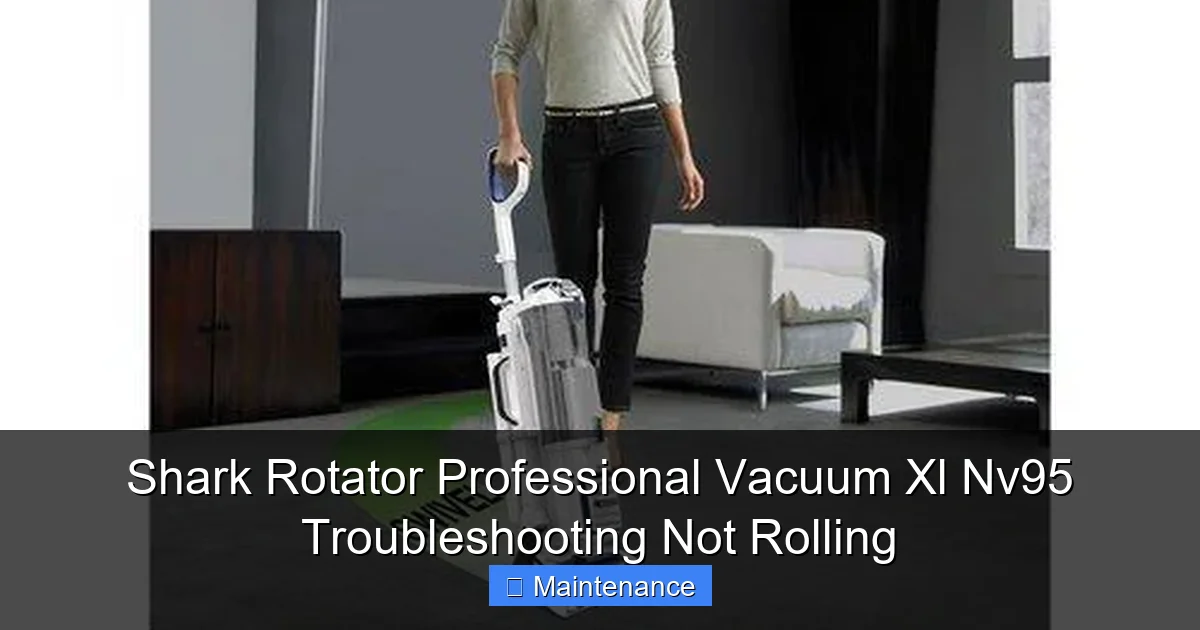
If you’ve cleared the brush roll and it spins freely by hand, but it still doesn’t roll when the vacuum is on, the belt is your next suspect. The belt can fail in three ways: it can break completely, it can stretch so much it slips off the pulleys, or it can melt/stick to itself from heat and friction.
Visual guide about Shark Rotator Professional Vacuum Xl Nv95 Troubleshooting Not Rolling
Image source: 66.media.tumblr.com
How to Visually and Physically Inspect the Belt
With the brush roll housing already open from the previous step, the belt is right there.
- Look for the belt. You’ll see a rubber loop connecting the motor pulley (usually at the back of the housing) to the brush roll pulley.
- Check for breaks or severe stretching. Is the belt in one piece? Can you see a clean break? If it’s intact, try to gently pull it. A healthy belt has some give but returns to shape. A worn belt will be visibly stretched, thinner, or have a permanent “S” shape.
- Check for slippage. Is the belt sitting properly on both pulleys? Sometimes it can slip off one, especially if the brush roll was jammed and the belt jumped.
- Feel for stickiness. A melted belt will feel gummy or sticky to the touch and may have dark residue.
Replacing the Belt: If the belt is damaged, replacement is straightforward. Note the belt part number (usually printed on the old belt, common Shark part # 112F) and order a genuine or reputable third-party replacement. To install, stretch the new belt over the motor pulley first, then hook it onto the brush roll pulley and rotate the brush roll to seat it fully. It’s a simple loop.
H2: Electrical & Safety Systems: Reset Buttons and Switches
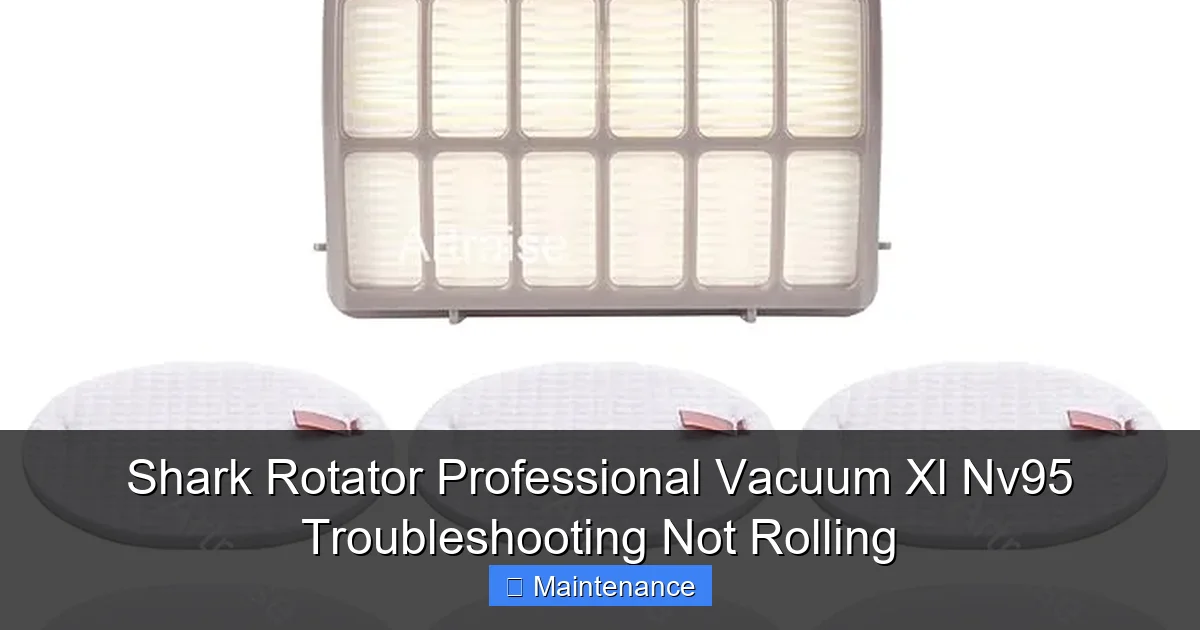
Sometimes the problem isn’t mechanical friction but an electrical safety feature that has tripped. Your Shark NV95 has two critical safeguards.
Visual guide about Shark Rotator Professional Vacuum Xl Nv95 Troubleshooting Not Rolling
Image source: images-na.ssl-images-amazon.com
The Motor Thermal Reset Button
The vacuum’s motor has a built-in thermal fuse. If the motor overheats—often because it was struggling against a jammed brush roll—it automatically shuts down to prevent damage. This is a common cause of a suddenly non-rolling brush roll after a period of normal use. The good news? It’s often resetable.
- Locate the reset button. On most Shark Rotator models, it’s a small, circular, red button on the back or bottom of the main vacuum canister body. It might be in a recessed hole.
- Press firmly. With the vacuum unplugged, press the button in until you feel a click.
- Wait and test. Plug the vacuum back in and try it. If the reset button works, your brush roll should roll again. If it trips again immediately, you have a persistent jam or a failing motor that needs professional attention.
The Brush Roll On/Off Switch
Your Shark has a dedicated switch to turn the brush roll off when cleaning hard floors (to avoid scattering debris). This switch is on the handle or the main body. It’s a simple on/off toggle.
- Verify it’s on. It’s an easy mistake. Make sure the brush roll indicator light (if your model has one) is illuminated, or listen/feel for the brush roll engaging when you switch from hard floor to carpet mode.
- Listen for a click. When you flip the switch, you should hear/feel a small click. No click could indicate a faulty switch, which is less common but possible.
H2: Settings and Surfaces: Could It Be the Height Adjustment?
The Shark Rotator Professional XL is designed with an automatic height adjustment system. However, if you’ve manually forced a height setting or are on an extremely thick, high-pile carpet, the system might disengage the brush roll to protect the motor and belt from excessive strain.
What to Do:
- Move to a low-pile carpet or a bare floor.
- Ensure the vacuum’s height dial (if your model has a manual one) is set to a lower/normal position.
- Try the vacuum again. If the brush roll engages on a thinner surface, the issue was likely excessive resistance on the thick carpet. This is a protective feature, not a fault.
Note: If the brush roll only works on the lowest setting, your vacuum’s automatic height sensor may be faulty, but this is a rarer issue.
H2: Advanced Diagnostics: When the Basics Aren’t Enough
You’ve cleared the jam, the belt is new and secure, the reset button is pressed, and the switch is on. The brush roll still doesn’t roll. Now we look deeper.
Motor Pulley and Clutch Inspection
The motor has a small plastic or metal pulley that the belt rides on. On some Shark models, there is also a clutch mechanism that can wear out.
- Check motor pulley: With the belt off, try to rotate the motor pulley by hand (you may need to access it from inside the housing). It should turn smoothly. If it’s seized or gritty, the motor bearings may be failing.
- Listen for motor hum: When you turn the vacuum on with the brush roll housing open, do you hear the motor running (a steady hum) but the brush roll doesn’t move? This strongly points to a belt that isn’t transmitting power (slipping) or a seized brush roll bearing you missed.
- Does the motor run at all? If there’s total silence when you press the trigger (after checking reset and switches), the fault could be in the main switch, wiring, or the motor itself. This is beyond simple DIY and suggests a professional repair or replacement.
Worn or Seized Brush Roll Bearings
Even after cleaning hair from around the bearings, the internal ball bearing itself can wear out or seize due to lack of lubrication or age. If you can spin the brush roll by hand but it feels gritty, stiff, or has a definite “catch” point, the bearing is bad. The fix is to replace the entire brush roll assembly, as the bearings are not serviceable.
Conclusion: Systematic Troubleshooting Saves Time and Money
Facing a Shark Rotator Professional Vacuum XL NV95 that isn’t rolling can feel like a major setback, but as we’ve seen, it’s almost always a straightforward mechanical issue. The key is a calm, methodical approach. Start with the most common and easiest fix: a thorough de-tangling of the brush roll. Then move to the belt, the reset button, and the switch. By working through this logical checklist, you’ll solve the problem yourself 95% of the time, saving you the cost and hassle of a service call or premature replacement.
Remember, prevention is your best ally. Make a monthly date to check and clean that brush roll. Keep an extra drive belt on hand—they are inexpensive and wear out every 6-12 months with regular use. Your Shark is a powerful, reliable machine designed for easy maintenance. A little attention goes a long way in keeping it rolling powerfully for years to come, delivering that signature deep-clean performance on your carpets. Now, go give that brush roll some love and get back to a truly clean home.
Frequently Asked Questions
My Shark vacuum turns on but the brush roll doesn’t spin. Is it broken?
Not necessarily. The most common cause is a jammed brush roll from hair and debris. Always unplug the vacuum and check the brush roll for tangles first. If it spins freely by hand, check the drive belt for breaks or slippage next.
How often should I replace the belt on my Shark Rotator NV95?
With regular use, inspect the belt every 3-6 months. A typical rubber drive belt lasts 6-12 months. Replace it immediately if you see cracks, stretching, melting, or if it slips off the pulleys. Keeping a spare belt is a smart practice.
What does a humming noise but no brush roll movement mean?
A humming motor with a stationary brush roll is a classic sign of a severe jam or a broken/slipped drive belt. The motor is running but can’t transfer power to the brush roll. Unplug and inspect the brush roll for jams and the belt for damage.
Can I use my Shark without the brush roll on hard floors?
Yes, and you should! Your Shark has a brush roll on/off switch specifically for hard floors. Turning it off prevents scattering debris and protects your floors from scratches. Use it on hard floors and low-pile rugs.
My reset button trips immediately after pressing. What’s wrong?
If the thermal reset button trips as soon as you press it and try to use the vacuum, there is a persistent mechanical problem causing the motor to overheat instantly. This is usually a severe, unresolved jam on the brush roll or a failing motor. Re-check the brush roll for even minor bindings.
How long should the brush roll last before needing replacement?
The brush roll itself can last 2-5 years depending on use and maintenance. The bristles wear down, and the internal bearings can seize. Regular cleaning extends its life. Replace it if bristles are missing/broken, it doesn’t spin freely, or if it’s damaged in a jam.