Is your Shark Professional vacuum refusing to start? This is often caused by simple, fixable issues like a tripped outlet, clogged filters, or a full dust cup. Before panicking or calling for service, follow a systematic diagnostic approach: check all power sources, inspect and clean filters and hoses, and perform a factory reset. For cordless models, battery health is a critical factor. Most power failures can be resolved at home in minutes with the right guidance, saving you time and money.
You’re ready to clean, you press the power button, and… nothing. That frustrating moment when your trusty Shark Professional vacuum cleaner won’t turn on is all too common. Before you resign yourself to a costly repair or the hassle of buying a new one, take a deep breath. In the vast majority of cases, a Shark Professional not turning on is not a sign of a fatal breakdown. It’s usually your vacuum’s safety systems or a simple oversight doing their job. This guide will walk you through every possible reason, from the blindingly obvious to the more obscure, with clear, actionable steps you can take right now. We’ll talk about power, airflow, filters, resets, and batteries. Let’s get your Shark working again.
Key Takeaways
- Always start with the simplest power checks: Verify the outlet works, the plug is secure, and the circuit breaker hasn’t tripped before assuming a vacuum fault.
- Clogged airflow is a primary culprit: A blocked hose, full dust cup, or dirty filter can trigger safety cut-offs that prevent the motor from starting.
- Filters require regular, proper maintenance: Washable filters must be completely dry before reinsertion; a damp filter will cause failure and potential damage.
- Most Shark Professionals have a reset procedure: Locate the reset button (often on the motor housing) or perform a full power cycle by unplugging for 60 seconds.
- Cordless model issues are often battery-related: Extreme temperatures, old batteries, or faulty chargers are common reasons for a cordless Shark Professional not turning on.
- Safety features are designed to shut the vacuum down: Overheating from a blockage or a jammed brush roll will engage thermal protectors, requiring a cool-down period and clog removal.
- Know when to seek professional help: If all troubleshooting fails and the vacuum is under warranty, contact Shark Support first to avoid voiding coverage.
📑 Table of Contents
- 1. The Power Primer: It’s Not Always the Vacuum
- 2. Airflow is Life: Clogs and Blockages
- 3. The Reset Ritual: Bypassing the Safety Lock
- 4. Cordless Conundrums: Battery and Charging Deep Dive
- 5. When DIY Isn’t Enough: Recognizing Professional Repair Needs
- 6. Prevention: Keeping Your Shark Professional Alive and Well
1. The Power Primer: It’s Not Always the Vacuum
When a Shark Professional won’t power up, the first and most crucial step is to eliminate the possibility that the problem is coming from your wall outlet, not your vacuum. This is the classic “is it plugged in?” moment, but we’ll go deeper.
Checking the Wall Outlet and Circuit Breaker
Start by physically ensuring the plug is fully inserted into the wall socket. Sometimes a loose connection is all it takes. Next, test the outlet itself. Plug in a known-working device, like a lamp or your phone charger. If that device doesn’t work, the problem is your home’s electrical system. Check your home’s circuit breaker panel for a tripped breaker. Reset it if necessary. For homes with GFCI outlets (common in kitchens and bathrooms), press the “reset” button on the outlet itself. A tripped GFCI will cut power without visibly tripping the main breaker.
Inspecting the Power Cord and Plug
Examine the entire length of the power cord. Look for any signs of damage: cuts, frays, chew marks from pets, or places where the cord has been pinched under furniture. Damage to the internal wiring can create an open circuit, preventing power from reaching the vacuum. Also, check the plug prongs. Are they bent or broken? A bent prong might not make proper contact with the outlet’s slots. Gently straighten any bent prongs with pliers. If the cord or plug is severely damaged, it will require professional repair to address safely.
The Fuse: A Hidden Safeguard
Some Shark Professional models, particularly older or commercial-grade ones, have an internal fuse located near the power cord entry or inside the motor housing. This fuse is a sacrificial component designed to blow if there’s a power surge or internal short, protecting the more expensive motor. If your model has a user-accessible fuse (consult your manual), check it with a multimeter for continuity. A blown fuse will need to be replaced with one of the exact same amperage rating. If you’re not comfortable with this, it’s a job for a professional.
2. Airflow is Life: Clogs and Blockages
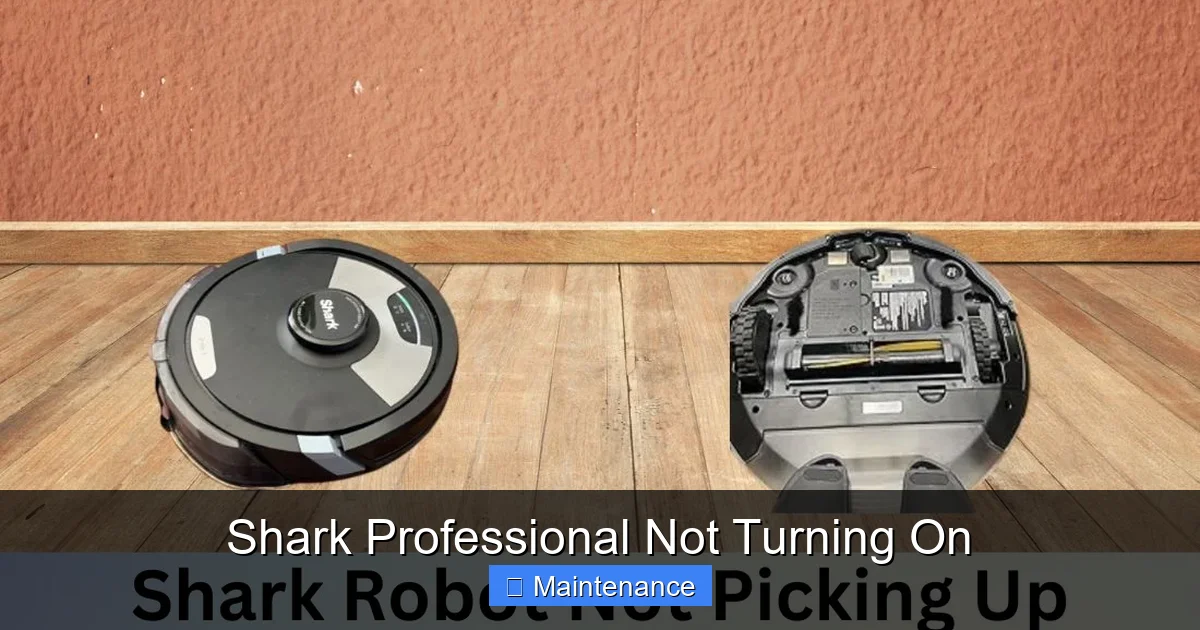
Your Shark Professional’s motor needs a clear path for air to flow through it to cool itself. If that airflow is obstructed, the vacuum’s thermal fuse will often trigger, immediately cutting power to prevent the motor from burning out. A clogged system is the most common reason for a Shark Professional to turn on for a second and then shut off, or to not turn on at all after sitting idle.
Visual guide about Shark Professional Not Turning On
Image source: sharkvacuum.blog
The Dust Cup and Primary Filter
This is your first inspection point. Empty the dust cup completely. Even if it looks empty, fine dust can cake onto the internal mesh, severely restricting airflow. Remove the cup and check the inlet where it connects to the vacuum. Is there a ball of hair or debris lodged there? Clean it out. Next, locate the primary foam or felt filter (usually right after the dust cup). This filter traps fine dust. If it’s clogged with a gray mat of dirt, air can’t pass through. Remove it and gently tap out loose debris. For washable filters, rinse with cold water (never hot), squeeze out excess water, and let it air-dry for at least 24 hours. Reinserting a damp filter is a surefire way to cause a failure and mildew.
The Hose, Wand, and Brush Head Pathway
The obstruction may not be in the main body. Detach the hose from the vacuum and look through it. Use a long, flexible brush or a straightened wire coat hanger (be gentle to avoid damage) to dislodge any deep clogs. Check the wand sections. Finally, inspect the brush roll housing on the floor head. Flip it over and remove any hair, string, or carpet fiber wrapped around the brush roll bearings. A completely jammed brush roll creates immense drag on the motor. Clear all debris from the housing cavity itself.
Exhaust Filter and Motor Vents
Air exits the vacuum through an exhaust filter, often located on the back or top of the canister. This post-motor filter must also be clean. Remove it and check for clogging. While you’re at it, use a flashlight to look into all the motor cooling vents on the vacuum’s body. Dust bunnies love to accumulate here, blocking the motor’s ability to breathe. Use a soft brush or compressed air to carefully clean these vents.
3. The Reset Ritual: Bypassing the Safety Lock
Your Shark Professional is equipped with multiple safety mechanisms. When a thermal fuse trips due to overheating (from a clog) or an electrical fault, it opens the circuit. The vacuum will appear dead. Often, this fuse will automatically reset once the vacuum cools down and the underlying issue is fixed. However, some models have a manual reset button, and a full power cycle is always a good diagnostic step.
Visual guide about Shark Professional Not Turning On
Image source: media.wired.com
Locating the Reset Button
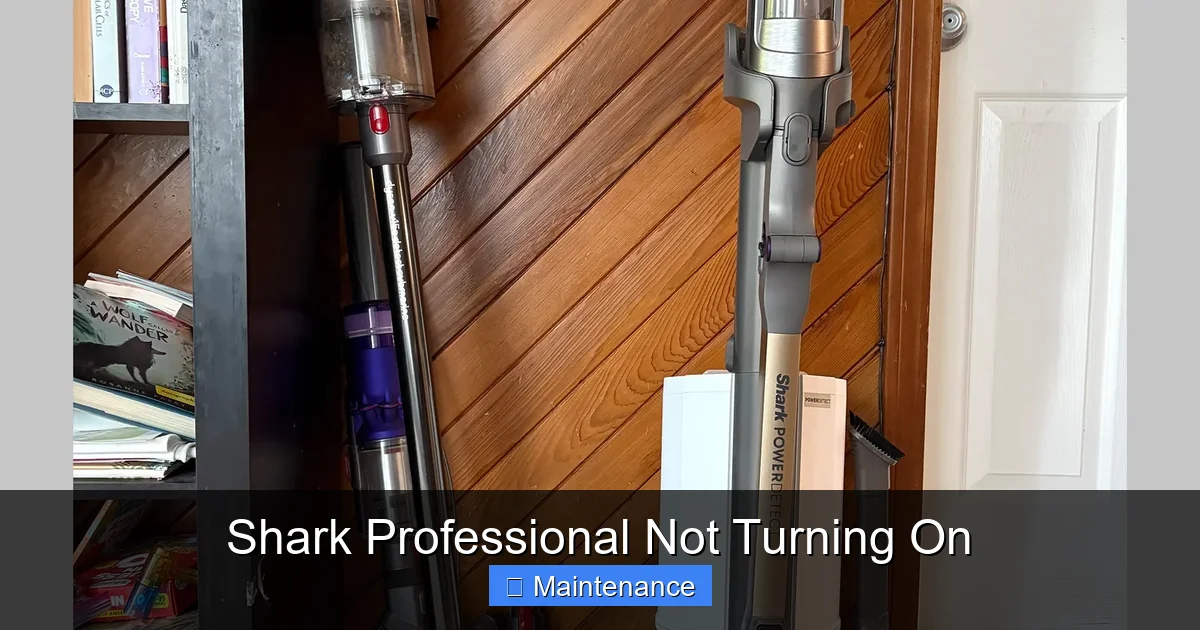
Consult your user manual first. The reset button is typically a small, red, circular button located on the motor housing, often near the power cord entry or on the back of the canister. It may be recessed. With the vacuum unplugged, press and hold this button for 5-10 seconds. You may hear a faint click. Plug the vacuum back in and try to power it on. If the button pops back out immediately when you try to start it, a serious fault still exists.
The 60-Second Full Power Cycle
Regardless of whether you find a reset button, perform this universal reset. Unplug the vacuum from the wall outlet. This is non-negotiable. Leave it unplugged for a full 60 seconds. This clears the internal memory of any electronic control boards (on newer models) and ensures all stored electrical charge dissipates. During this minute, double-check your filters and hoses for any remaining blockages. After 60 seconds, plug it back in firmly and try to power it on. This simple step resolves many transient electronic glitches.
Understanding Thermal Protection
It’s important to understand why the reset might fail. If the thermal fuse tripped because the vacuum was running while severely clogged, simply resetting it without fixing the clog will cause it to trip again, often within seconds. The fuse is doing its job. You must address the root cause—the blockage—first, then attempt the reset. If the vacuum runs for a few minutes after a reset and then shuts off again, the blockage is likely partial or the thermal sensor itself may be faulty.
4. Cordless Conundrums: Battery and Charging Deep Dive
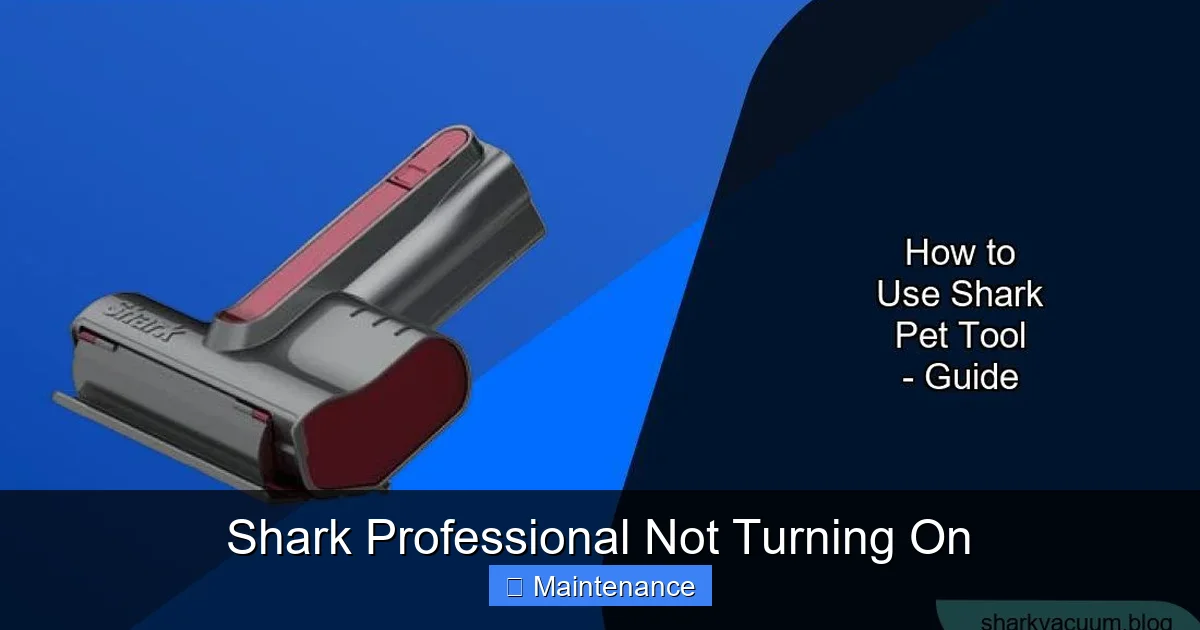
If you have a Shark Professional cordless model (like the Vertex or IZ series), the “not turning on” problem has a different set of primary suspects: the battery and charging system. These models rely entirely on Lithium-ion battery packs.
Visual guide about Shark Professional Not Turning On
Image source: sharkvacuum.blog
Is the Battery Simply Depleted?
The first step is to ensure the battery is actually charged. A completely depleted battery may take several minutes on the charger before the indicator lights activate. Place the vacuum on the charging dock or plug the charger directly into the vacuum, ensuring a secure connection. Look for charging indicator lights. No lights? The issue could be the charger, the battery, or the vacuum’s charging port.
Testing the Charger and Charging Port
Try to charge the battery in a different, known-working outlet. Inspect the charger’s cable and connector for damage. If your model has a removable battery, try charging that battery in a different compatible Shark vacuum (if possible), or try a known-good battery in your vacuum. This swap test isolates the problem. Also, check the charging contacts on both the battery and the vacuum. Are they clean? Dust and debris can prevent a connection. Wipe them gently with a dry, lint-free cloth.
Battery Health and Environmental Factors
Lithium-ion batteries degrade over time. If your cordless Shark is a few years old and the runtime has significantly decreased, the battery may be at the end of its life and no longer hold a charge. Extreme temperatures are a battery killer. Do not charge or store the vacuum in a freezing garage or a hot car. If the battery was exposed to extreme cold, it may need to be brought to room temperature for several hours before it will accept a charge. A swollen battery is a serious safety hazard—do not use or charge it. Dispose of it properly and replace it.
5. When DIY Isn’t Enough: Recognizing Professional Repair Needs
You’ve checked the outlet, cleared every conceivable clog, washed and dried filters, performed the reset ritual, and for cordless models, verified the battery and charger. Your Shark Professional is still a paperweight. Now what? It’s time to consider professional intervention, but there’s a right way to do it.
Diagnosing Internal Component Failure
If all external factors are ruled out, the failure is internal. Common internal culprits include a failed motor, a faulty on/off switch (which can wear out), a damaged power switch PCB (printed circuit board), or a permanently tripped thermal fuse that needs replacement. Diagnosing these requires a multimeter and technical knowledge of the vacuum’s wiring diagram. Unless you are experienced with appliance repair, this is not a safe DIY project due to the risk of electric shock and the potential to cause further damage.
The Warranty is Your Best Friend
Before you open any screws or take the vacuum apart, check your warranty status. Shark vacuums typically come with a limited warranty (often 5-7 years for the motor). If your vacuum is still under warranty, contacting Shark Customer Support is your single best move. They will provide authorized service options. Opening the vacuum yourself will almost certainly void the warranty. Have your model number and serial number ready (usually on a label on the back or bottom of the vacuum). Support may guide you through additional troubleshooting or arrange for a mail-in repair or replacement.
Finding a Qualified Appliance Repair Technician
If the vacuum is out of warranty, seek a reputable small appliance repair shop. Look for shops that specifically mention vacuum cleaner repair. A general “handyman” might not have the specific parts or knowledge for Shark models. When you call, describe the symptoms in detail: “It doesn’t turn on at all. I’ve checked the outlet, cleaned all filters and hoses, and performed the reset.” This shows you’ve done basic troubleshooting and helps them diagnose more efficiently. Get an estimate before authorizing any work; on an older vacuum, the repair cost may approach the price of a new one.
6. Prevention: Keeping Your Shark Professional Alive and Well
The best fix is the one you never need. Incorporating a few simple habits into your cleaning routine will drastically reduce the chances of your Shark Professional developing a power failure.
Establish a Filter Cleaning Schedule
Don’t wait for a drop in suction or a power issue. Make filter maintenance routine. For the primary foam/felt filter, clean it after every 3-5 uses if you have pets or allergies, or at least once a month for average use. The post-motor filter (often a pleated paper or foam filter) can usually be tapped out and should be replaced per the manual’s timeline (often every 3-6 months). Always, always ensure filters are 100% bone-dry before reinstalling.
Empty the Dust Cup After Every Single Use
This is non-negotiable. A full dust cup restricts airflow instantly. Get in the habit of emptying it into the trash every time you finish vacuuming, even if it doesn’t look full. This prevents fine dust from caking and maintains optimal suction and airflow from the very start of your next clean.
Regularly Inspect and Clear the Brush Roll
Once a month, flip your vacuum over and inspect the brush roll. Use a seam ripper or scissors to carefully cut away any hair or string wound around the bristles and bearings. A jammed brush roll is a leading cause of motor strain and thermal shutdowns.
Store Properly and Avoid Trauma
Don’t yank the power cord from the wall by the cord itself; pull from the plug. Don’t run the vacuum over the cord. Store the vacuum in a cool, dry place away from direct sunlight or freezing temperatures. For cordless models, store it on the charging dock or in a closet with a moderate charge (around 50%) if you won’t use it for an extended period.
Frequently Asked Questions
My Shark Professional has power (lights come on) but the motor won’t start. What’s wrong?
This typically points to a severe airflow blockage that has tripped a thermal protector, or a faulty motor brush. First, thoroughly clean all filters, the hose, and the brush roll housing. Let the vacuum cool completely for an hour, then try again. If it still hums but doesn’t spin, the motor brushes may be worn out, requiring a professional repair.
My cordless Shark Professional charges but won’t turn on. Why?
If it charges but remains dead, the battery is likely at the end of its life and can no longer hold a charge, even if it shows a full indicator. Try a known-good battery if possible. Also, check the battery’s connection to the vacuum—dirty or bent pins can prevent power transfer. A swollen battery must be replaced immediately.
What does it mean if my Shark Professional turns on for a second, makes a noise, and shuts off?
This is the classic signature of a thermal fuse trip, almost always caused by a significant blockage in the airflow path (dust cup, filter, hose, or brush roll). The vacuum turns on, the motor strains against the blockage, overheats, and the safety fuse cuts power. Clear all clogs, clean filters, let it cool for 60 minutes, then try again.
Can a dirty filter really stop my Shark from turning on?
Absolutely. A filter clogged with fine dust acts like a cork in a bottle. The motor can’t pull air through it, causing immediate overheating. The thermal fuse will trip, rendering the vacuum powerless. A damp filter from improper washing will have a similar blocking effect and can cause electrical shorts.
How often should I deep clean my Shark Professional to prevent power issues?
For optimal health, perform a full deep clean monthly if you use your vacuum regularly. This includes: emptying the dust cup, washing the primary filter (and letting it dry 24hrs), checking/clearing the hose and wand, removing hair from the brush roll, and tapping out the exhaust filter. This routine prevents 90% of common power and suction failures.
Is it worth repairing an older Shark Professional that won’t turn on?
It depends on the model and age. Shark motors are known for longevity. If your vacuum is less than 5-7 years old and was a mid-to-high-end model, a motor or switch repair ($80-$150) is often worthwhile. If it’s an older, basic model, the repair cost may exceed the value. Always check warranty status first, and get a firm repair estimate before deciding.