If your Shark Navigator Professional isn’t picking up hair, the culprit is almost always a preventable maintenance issue. The most common cause is a brush roll jammed with wrapped hair, which stops it from agitating carpet fibers. Secondary causes include clogged filters, a blocked hose or wand, or a full dust cup. Addressing these through regular, simple cleaning routines will restore your vacuum’s powerful suction and hair-lifting ability.
You bought the Shark Navigator Professional with confidence. Its reputation for powerful suction, especially on pet hair, is legendary. So when you push it across the floor and it just… glides… leaving a trail of hair and lint behind, it’s incredibly frustrating. The vacuum sounds like it’s working, but it’s not picking up hair. Before you panic and think about replacing it or calling for an expensive service, take a deep breath. In the vast majority of cases, this is not a “broken” vacuum. It’s a maintenance issue. This guide will walk you through every single reason your Shark Navigator Professional might not be picking up hair, and more importantly, give you the exact, step-by-step fixes to get it back to its former, hair-devouring glory.
We’ll approach this systematically. Think of your vacuum as a simple machine: an engine (motor) creates suction (airflow) through a tube (hose/wand) that ends at a rotating brush (brush roll) that stirs up debris, which is then trapped in a cup (dust cup). If any part of that system is blocked, dirty, or broken, performance fails. Hair is the ultimate nemesis because it wraps, tangles, clogs, and packs down. Let’s start with the most common offender.
Key Takeaways
- Brush Roll Jam is Priority #1: Hair wrapping tightly around the brush roll is the #1 reason for suction loss. It must be inspected and cleaned frequently, especially with pets.
- Filters Are Critical: Both the pre-motor foam/felt filter and the post-motor HEPA filter must be clean. A dirty filter chokes suction and can damage the motor.
- Check the Entire Air Path: A clog can form anywhere from the brush roll housing, through the wand, into the hose, or at the exhaust port. Systematically inspect each segment.
- Dust Cup Fullness Matters: An overfilled dust cup, especially with fine hair and dander, creates a barrier that prevents debris from entering. Empty it before it’s completely full.
- Maintenance is Preventative: A quick 5-minute brush roll clean after every few uses and monthly filter washes prevent 90% of “not picking up” problems.
- Seals and Belts Can Fail: Worn or broken seals on the brush roll housing or a snapped drive belt will eliminate agitation and pickup, requiring part replacement.
- Motor Issues Are Last Resort: If all airways are clear and filters are clean but suction is still weak, a failing motor or internal leak is possible, needing professional service.
📑 Table of Contents
The Usual Suspect: A Brush Roll Choked with Hair
If your Shark Navigator Professional is not picking up hair, especially from carpets, the brush roll is the first place to look. This spinning cylinder with bristles is designed to agitate carpet fibers, flinging dirt and hair into the suction path. When hair (especially long human or pet hair) wraps around the axles and bristles, it creates a solid, felt-like barrier. The brush roll can’t spin freely, or at all, and agitation stops. Without agitation, deep-down hair in carpets won’t be loosened. The vacuum might still suck air, but it’s not pulling the debris it needs to.
Why Hair Wraps So Effectively
Hair has a natural tendency to wrap around rotating objects. The Shark Navigator’s brush roll spins at high speed. As it rakes through carpet, hair snags on the bristles and gets wound tighter and tighter with each rotation. Over time, this wrap becomes a dense, matted sleeve. This is particularly problematic if you have a dog or cat that sheds. A single pass can start the process; a week of regular use can create a full clog.
How to Inspect and Clean the Brush Roll
This is the most important skill you can learn for maintaining this vacuum. Here’s exactly how:
- Lay the Vacuum Flat: Tip the vacuum onto its side or lay it completely flat on the floor for easy access to the brush roll housing on the underside.
- Remove the Brush Roll Housing Cover: On the Navigator Professional, there’s usually a lever or clip on the housing. Press it and the plastic cover will pop off, revealing the brush roll.
- Extract the Brush Roll: Pull the brush roll straight out. It may have a belt attached (if your model has a belt-driven brush roll). You can leave the belt on or slide it off for easier cleaning.
- Cut and Remove the Hair: This is the key step. Do not just try to pull the hair off. It’s compressed. Use a pair of scissors (scissor tips down for safety) to carefully slice through the hair wrap lengthwise, along the brush roll. Then, you can pull the large chunks off. Use a seam ripper, a dedicated brush roll cleaning tool, or even a butter knife to scrape hair from between the bristles and from the rubber end caps. Be meticulous. Even a small remaining wrap will quickly rebuild.
- Check for Debris: While you have it out, look for small objects, string, or carpet fibers wound around the axles.
- Reassemble: Slide the clean brush roll back into its housing, ensuring it seats properly. Snap the cover back on. If you removed the belt, stretch it over the motor pulley and brush roll pulley.
Pro Tip: Do this every 2-3 uses if you have pets. It takes 3 minutes and saves immense hassle. For long-haired users, consider using a “no-wrap” or “anti-hair” brush roll (available as an accessory from Shark) which has a different bristle design that resists hair entanglement.
Clogged Filters: The Silent Suction Killer
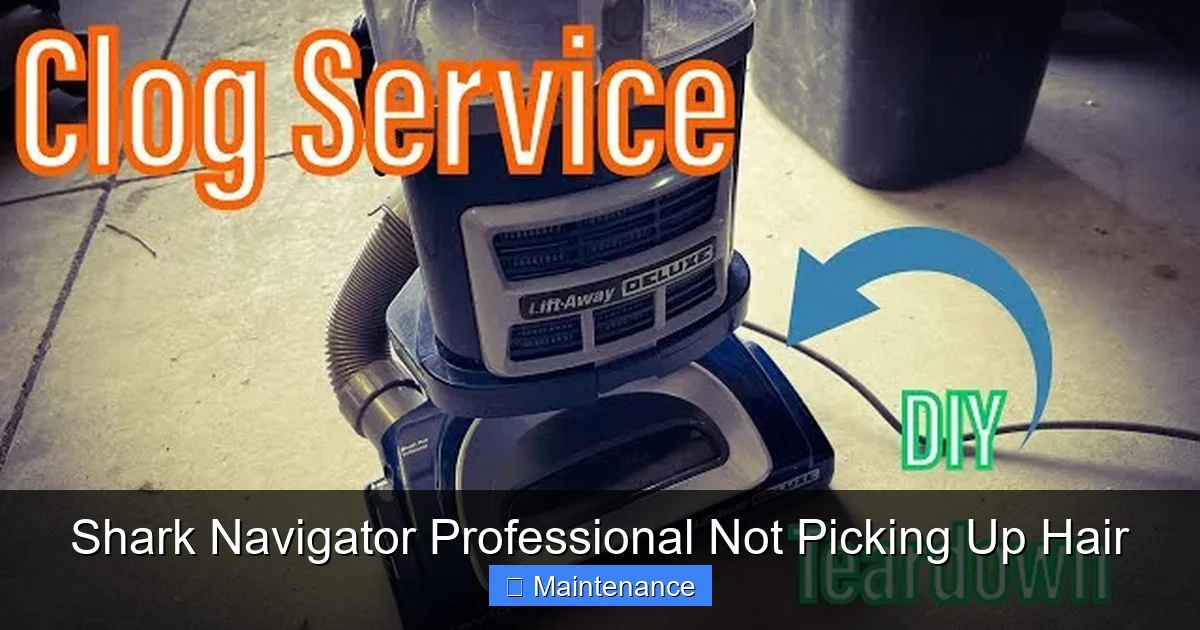
Your Shark Navigator Professional has a multi-stage filtration system. Air passes through at least two filters before being exhausted. The pre-motor filter (usually foam or felt) catches large particles to protect the motor. The post-motor HEPA filter catches fine dust and allergens. When these filters become clogged with dust, dander, and microscopic hair particles, airflow is severely restricted. The motor strains, and the vacuum’s ability to pull air through the hose drops dramatically. You’ll notice a significant drop in suction at the wand tip, even if the brush roll is clean.
Visual guide about Shark Navigator Professional Not Picking Up Hair
Image source: i.ytimg.com
Identifying and Accessing Your Filters
Consult your user manual, but typically:
- The pre-motor filter is located behind a release panel on the back or top of the vacuum body, just before the motor. It’s often a rectangular foam piece.
- The post-motor HEPA filter is usually at the exhaust port on the back or top of the canister. It’s a pleated, paper-like cartridge.
Some models also have a pre-filter on the front of the dust cup. Know your model’s layout.
Cleaning and Replacement Schedule
Pre-Motor Foam/Felt Filter: This is washable. Remove it, rinse it under cold water (no soap!), squeeze out excess water, and let it air dry completely for 24-48 hours. Never operate the vacuum with a wet filter. Clean this every 1-2 months with normal use, monthly with pets.
Post-Motor HEPA Filter: This is not washable. It is a replaceable filter. Tap it gently to dislodge loose debris, but it will eventually need replacement. Shark recommends replacing it every 6-12 months depending on use. A visibly dirty or discolored HEPA filter is overdue. Keep a spare on hand.
Critical: Never run the vacuum without any filter in place. This will send dust directly into the motor, causing catastrophic failure.
Hose, Wand, and Attachment Clogs
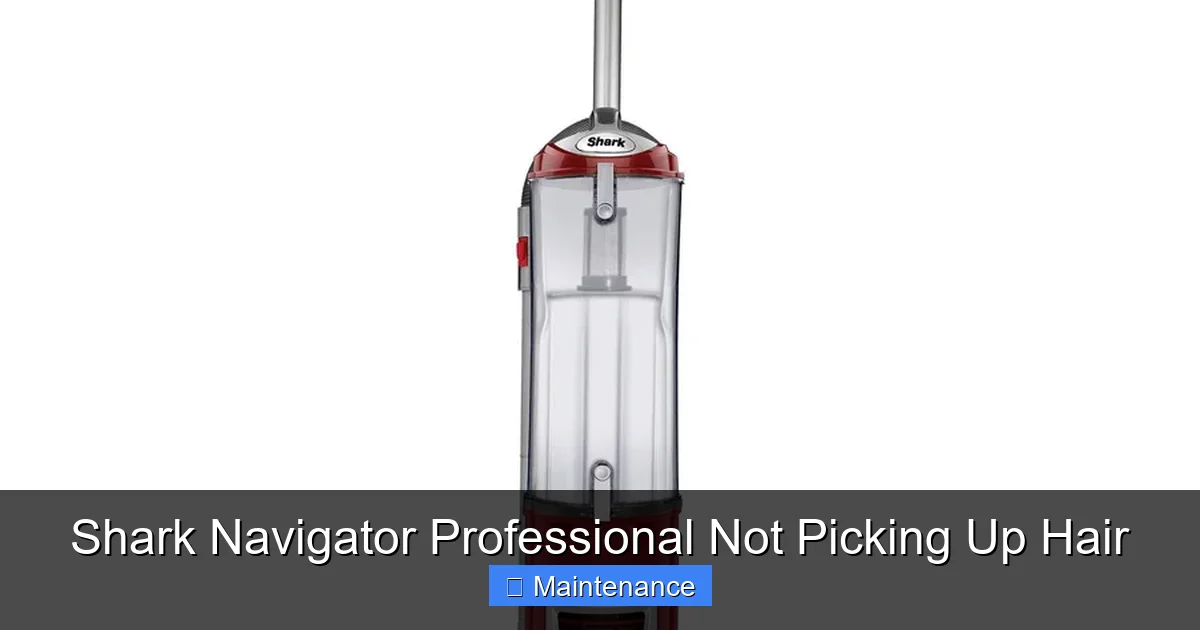
Airflow is a continuous path. If the brush roll and filters are clean but suction is weak at the wand tip, the clog is downstream. Hair and debris can pack into the narrow bends of the wand, the flexible hose, or even the suction port on the vacuum body itself.
Visual guide about Shark Navigator Professional Not Picking Up Hair
Image source: static-data2.manualslib.com
Systematic Clog Hunting
Start at the source and work your way out.
- Detach the Hose: Remove the hose from both the vacuum body and the wand/handle assembly.
- Check the Vacuum Intake: Look into the hole on the vacuum body where the hose connects. Use a flashlight. If you see debris, reach in with a long tool (like a bent coat hanger—use carefully) or use the handle end of a broom to push it out.
- Inspect the Hose: Straighten the hose and look through it. You’ll often see a dense plug of hair. Use a long, flexible brush (a coat hanger with a rag tied on the end can work) to push it out. For tough clogs, try the “compression” method: detach one end, seal your mouth over it, and blow hard (wear a mask!).
- Check the Wand and Handle: Look through the telescoping wand and the main handle. Clogs love the tight bend where the wand meets the handle.
- Check Attachments: The crevice tool and dusting brush are common clog spots. Poke a thin rod or use compressed air to clear them.
The “Paper Test” for Airflow
To confirm a clog exists, do this simple test: With the vacuum powered on and the hose detached from the body, hold a small piece of tissue or paper up to the vacuum’s intake port. It should be sucked in instantly and held firmly. If it flutters weakly or not at all, the problem is before the hose (filters or internal vacuum body leak). If the tissue is sucked strongly at the body but weakly at the wand tip, the clog is in the hose or wand.
Dust Cup and Exhaust Port: The Overlooked Blockage
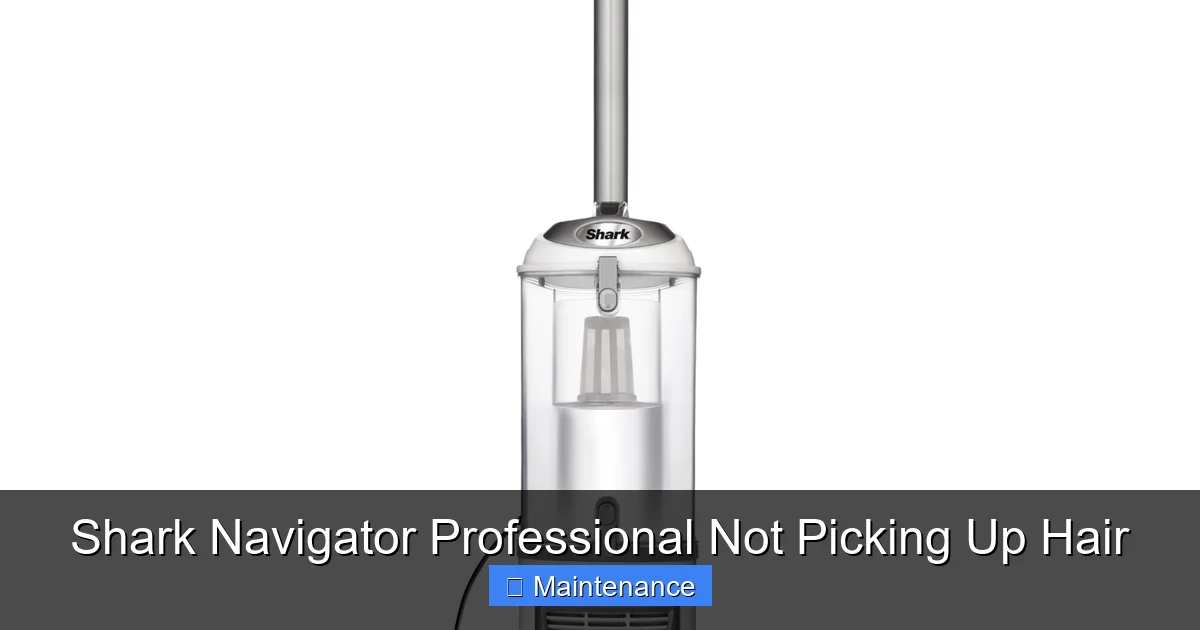
The dust cup is not just a bin; it’s part of the airflow pathway. Fine hair and dust can pack into the mesh screen or the very bottom of the cup, creating a barrier. Additionally, the exhaust port—where air leaves the vacuum—can get covered in debris, especially if you frequently vacuum dusty areas or have heavy pet dander.
Visual guide about Shark Navigator Professional Not Picking Up Hair
Image source: m.media-amazon.com
Deep Cleaning the Dust Cup
Don’t just tap it out. After emptying:
- Remove the dust cup entirely from the vacuum (usually a release button).
- Take it apart if your model allows. Many Navigator cups have a separate bottom lid and a mesh screen filter inside.
- Rinse the cup and the mesh screen with cold water. Use a bottle brush to scrub the interior and the screen. Hair loves to tangle in the screen’s mesh.
- Ensure all components are 100% dry before reassembly. Moisture in the cup can lead to mold and odors, and water in the motor is disastrous.
Inspecting the Exhaust
Locate the exhaust port (usually on the top or back of the canister). Visually inspect it and use a flashlight. Use a thin, long tool to gently dislodge any packed debris. Ensure nothing is obstructing the vent slots.
Beyond Clogs: Other Mechanical Culprits
If you have meticulously cleaned the brush roll, filters, hoses, and dust cup and the vacuum still isn’t picking up hair, the problem may be mechanical.
Worn or Missing Seals
The brush roll housing has a rubber seal or gasket that creates a tight connection between the housing and the vacuum body. If this seal is torn, missing, or has debris under it, air will leak around the brush roll instead of being sucked through it. This drastically reduces agitation effectiveness. Inspect the seal for damage and clean the channel it sits in.
Broken or Slipping Drive Belt
Some Shark Navigator Professional models use a belt to transfer rotation from the motor to the brush roll. If this belt is broken, stretched, or has slipped off, the brush roll will not spin. You’ll hear the motor running but see the brush roll stationary. Replace the belt. Even if it’s not broken, a glazed or loose belt can slip under load, causing the brush roll to stop when it meets carpet resistance.
Failing Motor or Internal Leak
This is rare but possible. A motor that is losing power will create weak suction throughout. An internal crack or leak in the vacuum body or hose (not visible from the outside) will also cause a major drop in suction. If all external components are perfect and suction is still pitifully weak, it may be time for a professional diagnosis or to consider replacement, depending on the vacuum’s age and warranty status.
Building a Bulletproof Maintenance Routine
The goal is to make these checks habitual so you never experience a “sudden” loss of performance. Here is a simple, effective schedule for a Shark Navigator Professional in a home with pets.
After Every 2-3 Uses (5 Minutes)
- Check & Clean Brush Roll: Lay it flat, remove the housing, and use scissors to cut any hair wrapped around the brush roll. This is non-negotiable for pet owners.
- Empty the Dust Cup: Don’t wait for the “full” line. Empty it after each major cleaning session to prevent packed debris.
Monthly (15 Minutes)
- Deep Clean Brush Roll: Fully remove it and do a thorough hair/scrape cleaning.
- Wash Pre-Motor Filter: Rinse with cold water, dry completely.
- Inspect Hose and Wand: Visually check for clogs, run a brush through them.
- Clean Dust Cup Internally: Disassemble (if possible), rinse screen and interior.
Every 3-6 Months
- Replace Post-Motor HEPA Filter: Even if it looks okay, replace it on schedule for optimal performance and air quality.
- Full System Check: Perform the paper suction test at multiple points to ensure no hidden leaks or clogs.
- Check Seals and Belts: Visually inspect the brush roll housing seal and the drive belt (if applicable) for wear.
Storage Tip
Always store your vacuum with the dust cup empty and the brush roll clean. Never store it with a clogged brush roll, as the hair will compact and become even harder to remove. Store it in a dry place.
By integrating these quick habits, your Shark Navigator Professional will maintain its powerful, hair-picking performance for years. Remember, this machine is a workhorse, but it needs you to be its mechanic. A little consistent care prevents 95% of the “it’s not picking up” headaches. Now, go check that brush roll—you’ll likely find the culprit right there.
Frequently Asked Questions
Why is my Shark Navigator Professional pushing hair around instead of picking it up?
This is almost always due to a brush roll that is jammed with wrapped hair and cannot spin. When the brush roll is immobilized, it cannot agitate carpet fibers to loosen hair. The first and most important step is to remove the brush roll and cut all hair from it and its axles.
How often should I clean the brush roll on my Shark Navigator if I have pets?
For homes with dogs or cats that shed, you should inspect and manually remove hair from the brush roll after every 2-3 uses. A quick 2-minute scissor cut prevents a major jam. A full removal and deep clean should be done at least once a month.
Can washing the filters fix suction problems?
Yes, a clogged pre-motor foam filter is a very common cause of weak suction. Remove it, rinse it with cold water (no soap), and let it air dry completely for 24 hours before reinstalling. However, a clogged non-washable HEPA filter must be replaced, not washed.
What if the suction is strong at the vacuum but weak at the wand?
This indicates a clog is located somewhere between the vacuum body and the wand tip. Check the hose for blockages, inspect the interior of the wand and handle assembly, and ensure all attachments are clear. The “paper test” can help you pinpoint the exact location of the restriction.
Is it normal for the Shark Navigator to lose suction when the dust cup is full?
Yes. The dust cup is part of the airflow pathway. When it’s completely full, especially with fine hair and dust, it creates a barrier. You should empty the dust cup before it reaches the “full” indicator line to maintain optimal suction.
My brush roll spins but the vacuum still isn’t picking up hair from carpets. Why?
If the brush roll spins freely but pickup is poor, check for a worn or missing seal around the brush roll housing. This seal ensures suction is directed through the housing. If it’s damaged, air leaks around it instead of through it. Also, double-check for any hidden clogs in the hose or a severely clogged filter that still allows some airflow.