Regularly changing your Shark vacuum’s air filter is non-negotiable for maintaining suction power, air quality, and machine longevity. This comprehensive guide walks you through identifying your filter type, gathering simple tools, and executing the replacement process safely for every major Shark model series. Master this quick 5-minute task to breathe easier and keep your vacuum running like new.
Let’s be honest: when was the last time you really thought about the air filter in your Shark vacuum? It’s easy to forget this small, hidden component, but neglecting it is one of the fastest ways to turn your powerful cleaning machine into a weak, wheezing disappointment. A clogged or damaged filter doesn’t just reduce suction—it forces your vacuum’s motor to work harder (shortening its life), can blow dust and allergens back into your home, and even causes that awful burnt smell. The good news? Changing a Shark air filter is one of the simplest, most empowering DIY maintenance tasks you can do. It takes less time than making a cup of coffee and costs a fraction of a service call. In this ultimate guide, we’ll demystify everything. We’ll help you identify exactly which filter your Shark model uses, walk you through the precise steps for every major series, and share pro-tips to keep your vacuum breathing easy for years. Get ready to restore that powerful, clean-carpet feeling.
Key Takeaways
- Safety First: Always unplug your Shark vacuum and work on a stable surface before touching any internal components.
- Know Your Filter: Shark vacuums use either foam pre-motor filters, HEPA post-motor filters, or a combination—identify yours correctly before purchasing a replacement.
- Timing is Key: Change foam filters every 3 months and HEPA filters every 6-12 months, or immediately if damaged, discolored, or odorous.
- Tools Are Simple: You typically need only your hands and maybe a flat-head screwdriver; no special tools are required for most Shark models.
- Model-Specific Paths: The exact steps vary significantly between Shark Navigator, Rotator, Vertex, and IZBERG series—always consult your specific model’s manual first.
- Maintenance Matters: Many foam filters are washable and reusable; proper cleaning (air-dry only) extends life and saves money.
- Reset the Indicator: After replacement, locate and press the filter reset button (if equipped) to clear the maintenance light on your vacuum.
📑 Table of Contents
- Why Changing Your Shark Air Filter is Critical
- Step-by-Step: How to Change Your Shark Air Filter (By Model Series)
- Essential Tools and Pre-Replacement Checklist
- Pro Maintenance Tips & Common Mistakes to Avoid
- Signs It’s Time to Change Your Filter (Beyond the Schedule)
- Conclusion: A Simple Habit for a Powerful Clean
Why Changing Your Shark Air Filter is Critical
Think of your Shark vacuum’s air filter as its lungs. Just like you, it needs to draw in air, trap harmful particles, and expel clean air. When the filter gets clogged with fine dust, hair, and debris, the entire respiratory system of the vacuum struggles. The immediate symptom is a noticeable drop in suction power—you might have to go over the same spot multiple times. More insidiously, a blocked filter makes the motor work overtime, generating excess heat and wear that can lead to premature motor failure. Repairing or replacing a motor is a costly endeavor, often approaching the price of a new vacuum. Furthermore, a filter in distress can’t effectively trap the microscopic allergens, dust mites, and pet dander that you bought a Shark to remove. Instead of being captured, these particles can be ejected back into your living space through the exhaust, undermining your entire cleaning purpose. For households with allergy sufferers or pets, a pristine filter isn’t just about performance—it’s about health. Finally, a severely clogged filter is a common culprit behind that distinctive electrical burning smell during operation, a clear sign to stop immediately and check the filter.
The Two Main Types of Shark Air Filters
Understanding which filter you have is the first step. Shark primarily uses two types, and many models use both:
- Foam Pre-Motor Filter: This is the workhorse, usually located right after the dirt cup. Its job is to catch the big stuff—larger dust particles, hair, and debris—before the air reaches the more sensitive motor. It’s typically a thick, porous, gray or black foam rectangle. The great news? Most Shark foam filters are washable and reusable. You rinse them with cool water, squeeze out excess (don’t wring!), and let them air-dry completely for 24-48 hours before reinserting. They are designed for regular maintenance.
- HEPA Post-Motor Filter: Found after the motor, this is your fine-detail specialist. Made of dense, pleated paper or fabric, its job is to capture 99.97% of particles as small as 0.3 microns—the really nasty allergens and microscopic dust. It’s usually a smaller, rectangular cartridge. This filter is almost always disposable and not washable. Attempting to clean it will destroy its microscopic structure and render it useless. Its replacement schedule is longer, but it’s a critical component for true HEPA-level filtration.
Some newer Shark models, like certain Vertex series, may combine these into a single, larger cartridge system. Your user manual is the ultimate authority, but visually, the foam is squishy and the HEPA is stiff and papery.
Step-by-Step: How to Change Your Shark Air Filter (By Model Series)
The process varies by model family. Below are the most common pathways. Always have your specific model number (found on the back plate or battery) handy and consult your manual first.
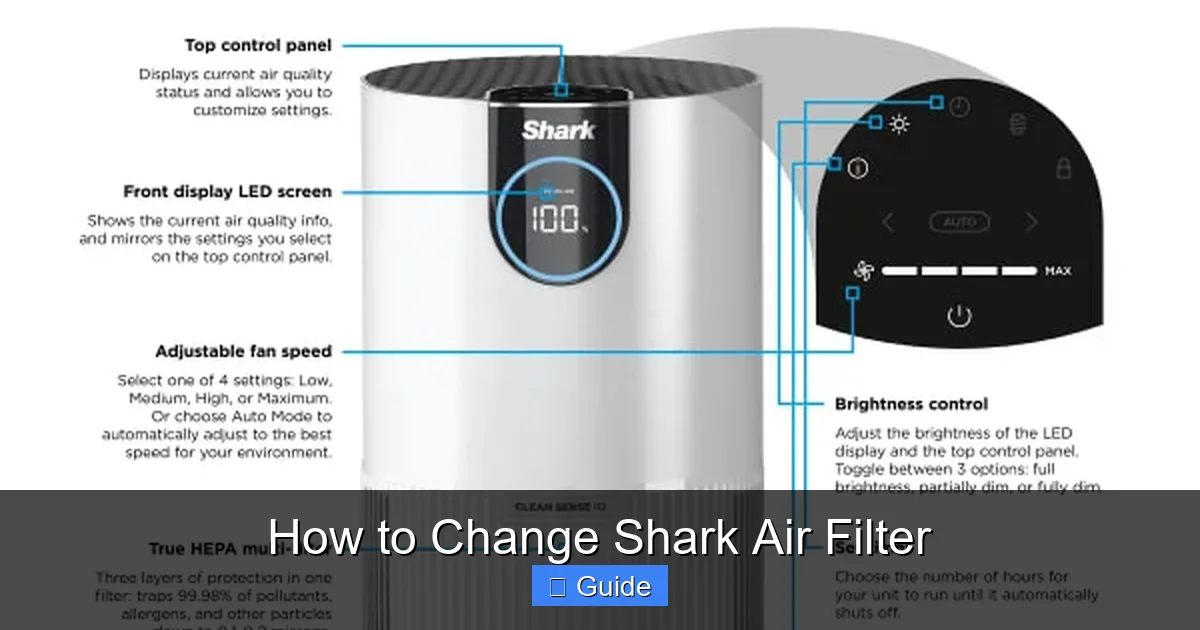
Visual guide about How to Change Shark Air Filter
Image source: homeunderstandable.com
For Shark Navigator & Lift-Away Series (NV350, NV356, etc.)
This classic design is straightforward. The foam filter is inside the dirt cup assembly.
- Unplug & Prep: Ensure the vacuum is unplugged. Lay it on its side or back for easier access to the bottom.
- Remove Dirt Cup: Press the release button on the dirt cup and lift it straight off. Take it to a trash can and press the bottom release to empty it.
- Access Filter: On the underside of the dirt cup, you’ll see a circular or rectangular plastic cover. It’s usually held by one or two clips or a single screw. Release the clips or unscrew it.
- Extract Old Filter: The foam filter sits inside a plastic cage or frame. Pull the entire assembly out. The old foam will likely be discolored (gray/brown) and may feel stiff.
- Clean the Housing: This is the perfect time to wipe out the inside of the dirt cup and the filter cavity with a damp cloth. Let it dry completely.
- Insert New Filter: If your foam is washable, ensure it is 100% bone-dry. Place the clean (or new) foam filter back into its plastic frame/cage exactly as it came out. Reinsert the assembly into the dirt cup cavity.
- Reassemble: Snap or screw the cover back onto the dirt cup. Reattach the dirt cup to the vacuum until it clicks. For models with a separate HEPA filter (often located near the motor or handle), access it by removing the motor hood screws and replace it similarly.
For Shark Rotator & Professional Series (NV500, NV600, etc.)
The Rotator’s “swivel” design changes the access point slightly. The foam filter is still in the dirt cup, but the HEPA filter is often in the upper handle or motor housing.
- Dirt Cup Foam Filter: Follow steps 1-6 from the Navigator guide. The release mechanism for the dirt cup cover on Rotators is often a large central dial you twist.
- Locating the HEPA Filter: For the post-motor HEPA filter, you’ll need to access the upper body. On most Rotators, lay the vacuum flat. On the top of the motor housing (just behind the handle), you’ll see a rectangular or square plastic cover secured by 2-4 screws. Use a Phillips-head screwdriver to remove them.
- Replace HEPA: Gently pull the cover off. The HEPA filter cartridge will be inside. Pull it straight out. Discard the old one. Place the new HEPA filter in the same orientation (note any arrows for airflow direction). Snap the cover back on and re-screw it.
- Reset Button: After replacing either filter, locate the small circular “Filter Reset” button, usually on the vacuum’s upper body near the power cord or on the motor housing. Press it firmly with a pen tip until you hear a click. This resets the maintenance indicator light.
For Shark Vertex & IZBERG Series (AZ6002, IZ400, etc.)
These newer, often cordless models have a more integrated, sealed system. They frequently use a single, combined filter cartridge.
- Access the Filter Chamber: On Vertex stick vacs, turn the vacuum over. You’ll find a large, round filter cover on the back of the motor unit, often with a locking ring or tabs. On IZBERG models, the filter is usually behind a panel on the side of the main body.
- Release the Cover: For a locking ring, turn it counter-clockwise. For tabs, press them inward and pull the cover off.
- Remove the Cartridge: You’ll see a single, larger filter cartridge that combines foam and HEPA media. Grasp the plastic tab and pull the entire cartridge straight out.
- Dispose & Install: Discard the old cartridge. Before inserting the new one, check for any dust or debris in the chamber and wipe it clean with a dry microfiber cloth. Do not use liquids. Align the tabs/notches on the new cartridge with the slots in the chamber and push it in firmly until it seats.
- Secure the Cover: Reattach the cover and lock the ring or tabs. For cordless models, ensure the battery is fully seated before first use.
Essential Tools and Pre-Replacement Checklist
You don’t need a mechanic’s toolbox. In fact, for 90% of Shark models, your hands are the only tool required. However, a few items make the job cleaner and easier.
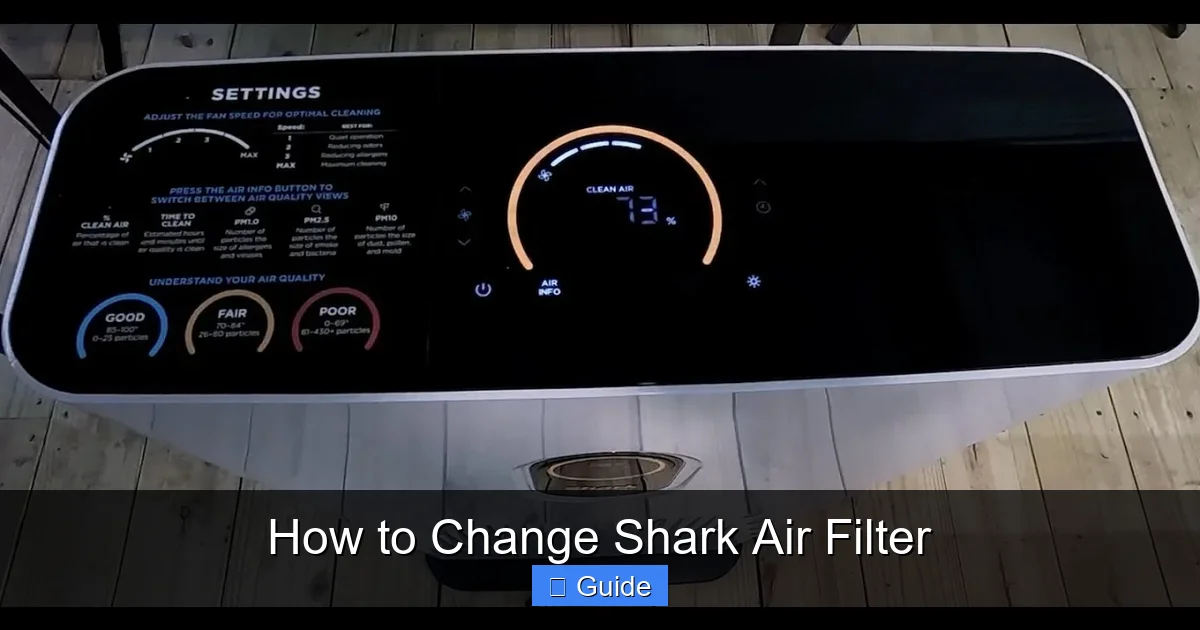
Visual guide about How to Change Shark Air Filter
Image source: i.ytimg.com
- Flat-Head Screwdriver: Helpful for prying open stubborn plastic clips on dirt cup covers without damaging them.
- Phillips-Head Screwdriver: Necessary for removing the motor housing screws on Rotator and some Navigator models to access the HEPA filter.
- Microfiber Cloths: For wiping down the inside of the dirt cup and filter housing. Avoid paper towels, which can leave lint.
- Cool Water & Towel: For washing reusable foam filters. Never use hot water, soap, or a washing machine.
- Replacement Filter: Have this on hand before you start. You can find the exact filter part number (e.g., “Shark Filter Kit #VF4” for many Navigators) on your old filter’s frame, in your manual, or by searching your model number online. Genuine Shark filters are recommended for fit and performance.
- Flashlight: Optional, but useful for seeing into dark filter housings.
Before You Begin Checklist:
- Vacuum is unplugged from the wall outlet or battery is removed.
- Work area is clean and well-lit.
- Dirt cup is empty.
- You have identified your model and have the correct replacement filter(s) nearby.
- You have allowed any previously washed foam filter to air-dry for at least 24 hours.
Pro Maintenance Tips & Common Mistakes to Avoid
Doing the filter change correctly is half the battle. These tips ensure maximum benefit and longevity.
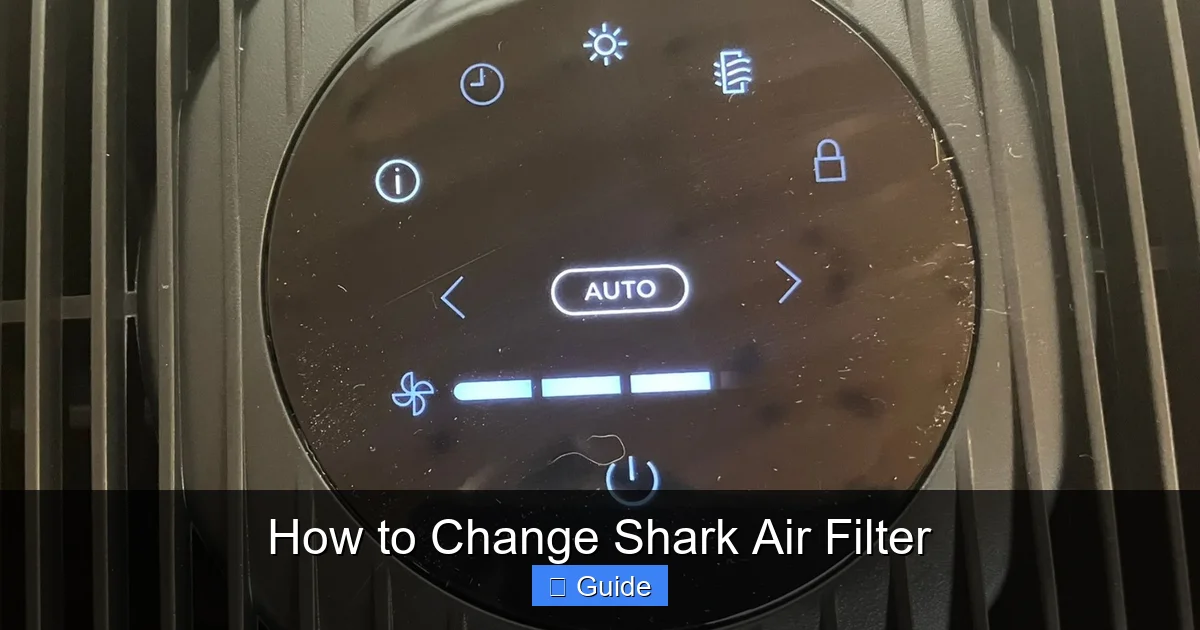
Visual guide about How to Change Shark Air Filter
Image source: cdn.mos.cms.futurecdn.net
Washing Foam Filters: The Right Way
If your foam filter is marked as washable, follow this ritual: Submerge it in a bowl of cool water. Gently agitate and squeeze it to dislodge dirt. You’ll see the water turn murky. Change the water and repeat until it runs relatively clear. Do not use detergent, soap, or vinegar. These residues can degrade the foam and potentially be sucked into the motor. Rinse thoroughly under cool running water until completely soap-free. The most critical step: squeeze out excess water and then let it air-dry for a full 48 hours. Place it in a warm, dry spot with good airflow. Never use a hair dryer, radiator, or direct sunlight to speed drying, as heat can damage the foam’s cellular structure. Patience is key—a damp filter is worse than a dirty one, as it can promote mold and clog instantly.
pitfalls That Can Wreck Your Vacuum
- Forgetting to Reset: After replacing a filter, the maintenance indicator light will stay on until you manually press the reset button. This doesn’t just annoy you; it means your vacuum’s internal computer thinks the filter is still dirty and may limit performance.
- Installing Backwards: Filters have a specific airflow direction, usually indicated by an arrow on the frame. Installing it backward starves the motor of air. The arrow should point away from the motor and toward the exhaust.
- Using Non-Genuine Filters: Third-party filters may not seal properly, allowing dust to bypass them, or may be made of inferior materials that shed fibers or restrict airflow. For a machine engineered to specific tolerances, genuine Shark filters are a safe bet.
- Neglecting the Pre-Filter Screen: Some models have a fine mesh screen in front of the foam filter. If this is clogged, it restricts airflow to the foam. Clean this screen with a dry brush when you change the filter.
- Reusing Disposable Filters: If your HEPA filter feels brittle, discolored, or has a persistent odor after cleaning attempts, it’s done. Trying to extend its life compromises your air quality and vacuum performance.
Signs It’s Time to Change Your Filter (Beyond the Schedule)
Don’t wait for the calendar if your vacuum is showing these symptoms:
- Significant Suction Loss: The #1 sign. If it feels like the vacuum is struggling on bare floor, the filter is the first suspect.
- The “Check Filter” or Maintenance Light Is On: Shark’s intelligent monitoring system uses airflow sensors. A persistent light means reduced airflow, almost always due to a clogged filter.
- Visible Dirt & Damage: Remove the filter. If it’s blackened, caked with dust, has tears, or is misshapen from moisture, replace it immediately.
- Strange Odors: A musty smell indicates a damp, moldy filter. A burnt electrical smell could mean the motor is overheating from restricted airflow—stop using it and check the filter.
- Allergy Symptoms Flare Up: If you notice more sneezing or dust settling quickly after vacuuming, a failing filter is likely re-releasing trapped particles.
Conclusion: A Simple Habit for a Powerful Clean
Changing your Shark air filter isn’t a chore; it’s an act of care for your investment and your home’s environment. By understanding your model, keeping the right filters on hand, and following these clear, model-specific steps, you take control of your vacuum’s health. This 5-minute, cost-effective habit preserves powerful suction, protects the motor from costly damage, and ensures the air in your home is truly being cleaned, not recirculated. Bookmark this guide, check your filter’s condition every few months, and embrace the satisfaction of a machine that performs at its peak. Your floors—and your lungs—will thank you.
Frequently Asked Questions
How often should I change the air filter in my Shark vacuum?
For washable foam pre-motor filters, clean them every 1-2 months and replace them every 6-12 months depending on use. For non-washable HEPA post-motor filters, replace them every 6-12 months. If you have pets, allergies, or vacuum frequently, shorten these intervals.
Can I wash a HEPA filter from my Shark vacuum?
No. Shark HEPA filters are made of delicate, pleated media designed for single use. Washing, vacuuming, or blowing them out will destroy their microscopic structure, rendering them ineffective. Always replace a HEPA filter with a new, genuine part.
What happens if I don’t change my Shark vacuum filter?
Neglecting filter changes leads to severe suction loss, forces the motor to overheat and wear out prematurely (potentially causing expensive failure), and can cause the vacuum to blow dust and allergens back into your home instead of trapping them.
Do I need special tools to change a Shark air filter?
For the foam filter in the dirt cup, you typically need no tools—just your fingers to release clips. For the HEPA filter in the motor housing on Rotator/Professional models, you’ll need a Phillips-head screwdriver to remove the cover screws.
How do I reset the filter maintenance light on my Shark vacuum?
After replacing the filter(s), locate the small circular “Filter Reset” button, usually on the upper body near the power cord or on the motor housing. Press and hold it firmly for 2-3 seconds until you hear a click or the light blinks off.
Where can I find the correct replacement filter for my Shark model?
The filter’s part number is printed on the plastic frame of your old filter. You can also find it in your user manual or by searching your exact Shark model number (e.g., “Shark NV356”) on the Shark website or at authorized retailers. Always verify compatibility before purchasing.