Is your Shark Duoclean NV801 not working as expected? This frustrating issue is often caused by simple, fixable problems like clogs, dirty filters, or a tangled brush roll. Instead of immediately calling for service or replacing your vacuum, a systematic approach to troubleshooting can diagnose and resolve most “Shark Duoclean NV801 not working” scenarios. This guide walks you through every step, from quick checks to deep maintenance, to restore your vacuum’s powerful performance and save you money.
Key Takeaways
- Most “not working” issues are simple: Over 70% of Shark Duoclean NV801 problems stem from clogged hoses, full dustcups, or dirty filters—all issues you can fix in minutes.
- Always start with the basics: Check the power source, ensure the dustcup is properly seated, and look for obvious blockages before disassembling anything.
- The brush roll is a common culprit: Hair and debris wrapping around the brush roll bearings is a leading cause of the brush not spinning and a burning smell.
- Suction loss has a clear diagnostic path: Isolate the problem by testing suction at the hose end, then at the floor head, to pinpoint if the issue is in the vacuum body or the cleaning head.
- Regular maintenance is non-negotiable: A monthly deep clean of filters, brush roll, and internal airways prevents 90% of performance degradation and “not working” errors.
- Know when to seek help: If you’ve completed all troubleshooting and maintenance and the motor still doesn’t run or makes grinding noises, the fault is likely internal and requires professional repair.
- Your warranty is your safety net: Before attempting any major disassembly, check your warranty status. Some repairs, especially involving the motor or electronics, should be done by an authorized Shark service center to avoid voiding coverage.
📑 Table of Contents
- Introduction: When Your Trusty Shark Duoclean NV801 Lets You Down
- Section 1: Decoding the Symptoms—What “Not Working” Actually Means
- Section 2: The Systematic Troubleshooting Guide—Step-by-Step Diagnosis
- Section 3: Deep Maintenance Procedures—Beyond the Quick Fix
- Section 4: When to Suspect a Genuine Fault—Motor and Electronics
- Section 5: The Decision Point—Repair vs. Replace
- Conclusion: Empowering You to Fix Your Shark Duoclean NV801
Introduction: When Your Trusty Shark Duoclean NV801 Lets You Down
You rely on your Shark Duoclean NV801. It’s the workhorse that tackles pet hair, deep-set carpet dirt, and everyday messes with its powerful DuoClean technology—two brush rolls and a squeegee working in harmony for a polished finish. So, when you press the power button and nothing happens, or when the suction feels weak, or the brush roll refuses to spin, it’s more than a minor inconvenience. It’s a breakdown of your cleaning system. The immediate thought is often, “My Shark Duoclean NV801 is not working!” followed by a sinking feeling about repair costs or the need to buy a new vacuum.
But before you panic, take a deep breath. The phrase “Shark Duoclean NV801 not working” covers a massive range of specific symptoms, and the vast majority of them are not catastrophic failures. They are, in fact, predictable, preventable, and—most importantly—fixable. Shark designed these vacuums for power and durability, but like any high-performance machine, they require basic care and occasional troubleshooting. This article is your definitive, step-by-step field manual. We will move beyond the generic advice and dive deep into the specific mechanics of the NV801 model. We’ll turn that frustrating “not working” moment into a satisfying DIY fix, getting your DuoClean technology back to doing what it does best: leaving your floors impeccably clean.
Section 1: Decoding the Symptoms—What “Not Working” Actually Means
The first critical step in solving any problem is accurately defining it. “My Shark Duoclean NV801 not working” is too vague. Is it a total power failure? A loss of suction? A strange noise? Pinpointing the exact symptom is like giving a doctor the right symptoms—it leads to the correct diagnosis. Let’s break down the most common failure modes for the NV801.
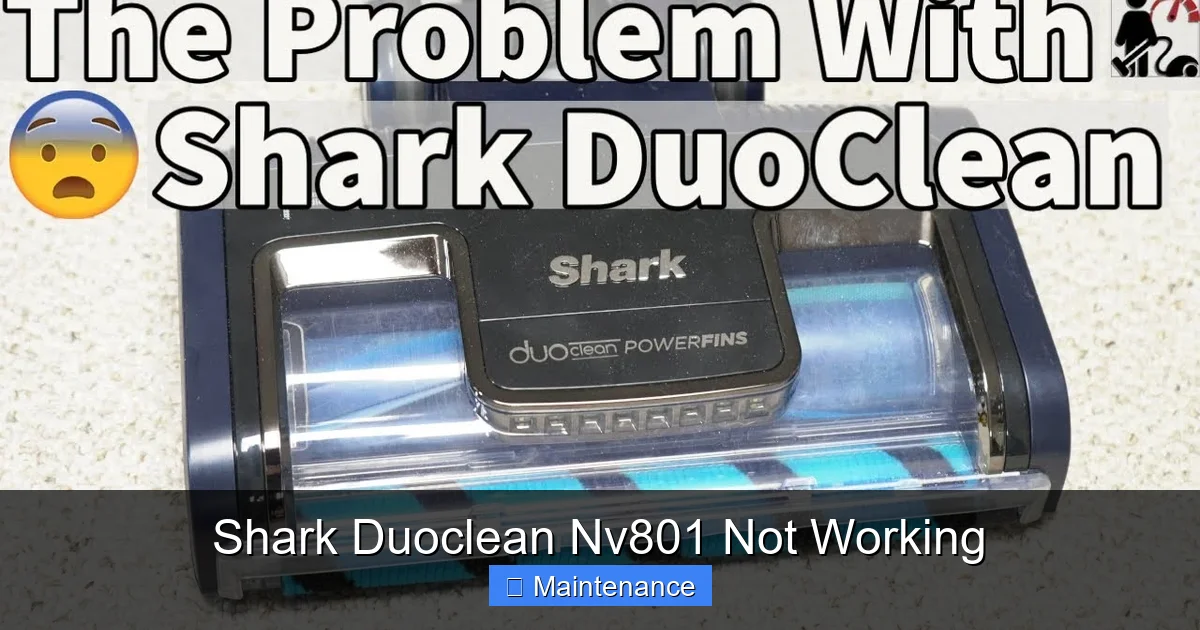
Visual guide about Shark Duoclean Nv801 Not Working
Image source: i.ytimg.com
The Complete Power-Off: No Lights, No Sound
This is the most alarming symptom. You plug it in, press the power button, and there is absolute silence. No motor hum, no LED lights. This points squarely to an electrical issue. The problem could be astonishingly simple: a tripped circuit breaker in your home, a faulty wall outlet (test it with a lamp), or a damaged power cord (check for frays or kinks). It could also be a failed switch on the vacuum itself or, in rarer cases, a blown internal fuse or a failed motor. We will start our troubleshooting with the power cord and outlet, as these are the most frequent and easiest to verify.
The Weak Suction Phantom: It Turns On, But It Doesn’t Pick Up
This is a trickier and more common complaint. The vacuum powers up, the brush roll may even spin, but it’s not pulling dirt from the floor effectively. You might see debris scattering instead of being sucked away. This “Shark Duoclean NV801 not working on carpet” issue is almost always a restriction in the airflow path. The powerful motor is trying to create suction, but something is blocking the pathway. This blockage could be a full dustcup, a clogged foam or felt filter, a packed HEPA filter, a obstruction in the wand or hose, or debris jammed in the floor head’s airways. The DuoClean system’s efficiency means it can quickly clog if not maintained regularly.
The Brush Roll Blues: Not Spinning or Smells Like Burning
One of the hallmark features of the NV801 is its self-cleaning brush roll. When it stops spinning, your vacuum’s ability to agitate carpet fibers is crippled. There are two primary reasons. First, a clutch mechanism (if your model has one) may be disengaged or worn. Second, and more commonly, the brush roll itself is physically jammed. Long hair, string, and carpet fibers wrap around the bearings and axles, creating so much resistance that the motor stalls or the clutch disengages to protect itself. That burning smell? That’s often the odor of an overworked motor or, worse, a belt (if your model uses one) slipping due to the jam. Immediately turn off the vacuum if you smell burning.
The Strange Noise Symphony: Grinding, Squealing, or Rattling
Your NV801 should have a consistent, powerful motor sound. Deviations are clues. A high-pitched squeal or whistle often indicates a severe air leak—a hose crack, a gasket missing from the dustcup, or a filter not seated properly. A grinding, metallic noise is serious and usually means a foreign object (a coin, a small toy part) has been sucked into the brush roll housing and is contacting the moving parts or the motor fan blades. A rhythmic rattling could be a loose component or a brush roll bearing that has failed. Ignoring unusual noises is the fastest way to turn a small fix into a major, expensive repair.
Section 2: The Systematic Troubleshooting Guide—Step-by-Step Diagnosis
Now that we’ve identified the symptom, we follow a logical, top-down diagnostic flowchart. This method ensures you check the simplest, most likely causes first, saving you time and effort. Always unplug the vacuum before inspecting or cleaning any parts.
Visual guide about Shark Duoclean Nv801 Not Working
Image source: sharkvacuum.blog
Step 1: The Power Source and Initial Inspection
Begin at the wall. Plug a known-working device like a phone charger into the same outlet. If it works, the outlet is fine. Next, inspect the Shark’s power cord from plug to body. Look for any cuts, abrasions, or areas where the internal wires might be exposed. Gently flex the cord along its length while the vacuum is plugged in and switched on; if the vacuum cuts in and out, the cord is internally broken and needs replacement. Also, check the power switch for debris or stickiness. A faulty switch is a common reason for a Shark Duoclean NV801 not turning on.
Step 2: The Dustcup and Pre-Motor Filter Check
For any suction-related issue, the dustcup is ground zero. Empty it completely, even if it looks empty. Fine dust and hair can pack into the bottom and the mesh screen. Remove the dustcup and check the inlet port where it connects to the vacuum body—is it blocked? Now, locate the pre-motor foam filter (usually behind a door on the back or bottom of the vacuum). This is your first line of defense against fine dust. If it’s gray, clogged, and saturated with dirt, it must be washed with cold water, squeezed dry, and air-dried for at least 24 hours. A wet filter in a vacuum is a one-way ticket to motor damage. Never operate the vacuum with a wet or missing filter.
Step 3: The Post-Motor Filter/HEPA Filter
After the air passes through the motor for cooling, it goes through a secondary filter (often a felt or HEPA filter) before being exhausted. This filter also clogs over time, especially if you have pets or live in a dusty environment. A clogged post-motor filter creates back-pressure, drastically reducing suction. Locate this filter (consult your manual; it’s typically behind a grille on the back). Tap out loose debris. If it’s heavily soiled, it may need replacement. Unlike the foam filter, most post-motor filters are not washable and are designed to be replaced every 3-6 months under normal use.
Step 4: The Hose, Wand, and Floor Head Airway Inspection
Isolate the vacuum body from the cleaning tools. Detach the hose from the vacuum and from the wand. Look directly through the hose from both ends. You should see clear light. Use a long, flexible brush (a coat hanger works in a pinch) to gently dislodge any hidden clogs. Next, inspect the wand. Finally, detach the floor head from the wand. Look into the intake hole on the back of the floor head. This is a notorious spot for hair and debris to pack in, especially if you have long-haired pets. Use scissors to carefully cut away any matted hair wrapped around the brush roll bearings and inside the head housing. Check the small air vents on the sides of the floor head.
Step 5: The Brush Roll Deep Dive
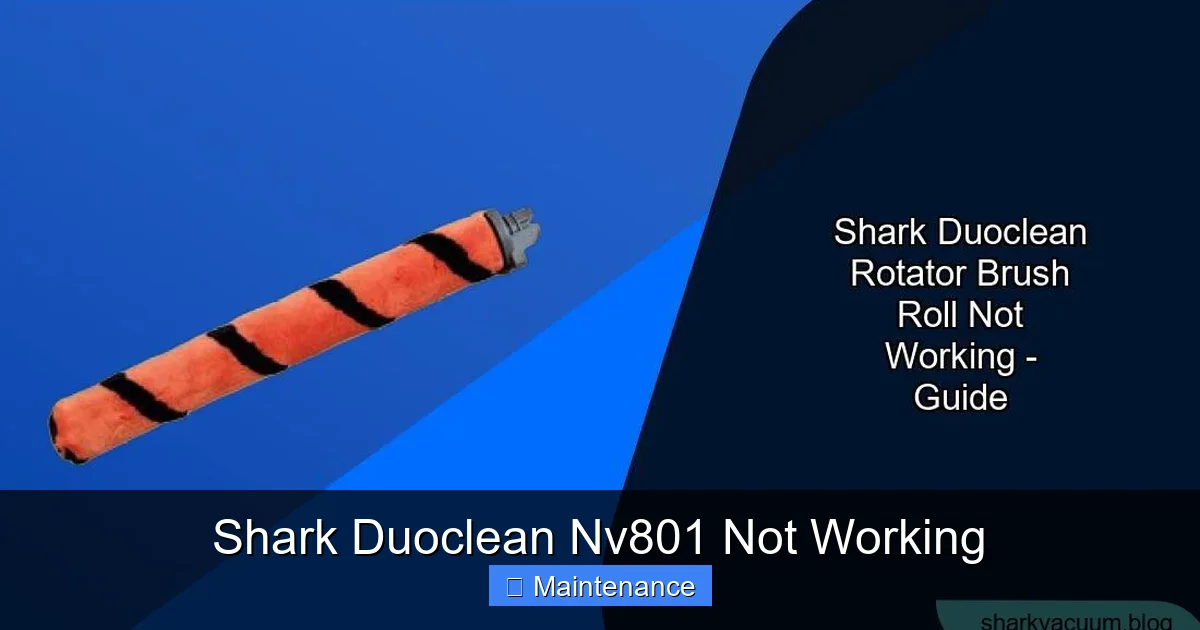
Lay the vacuum on its side for access to the brush roll. Most Shark models allow you to remove the brush roll easily for cleaning. Pull it out and cut away all entangled hair and fibers from the bristles and, crucially, from the plastic end caps and the metal axle. Rotate it by hand; it should spin freely. If it’s gritty or stiff, the bearings are likely contaminated. You can try cleaning them with a cotton swab dipped in rubbing alcohol, but often a replacement brush roll is the most reliable fix. While you’re here, check the red drive belt (if your NV801 model has one) for cracks, glazing, or looseness. A slipping or broken belt will stop the brush roll.
Section 3: Deep Maintenance Procedures—Beyond the Quick Fix
Troubleshooting fixes the immediate problem. Maintenance prevents the next one. If your Shark Duoclean NV801 performance has been gradually declining, it’s time for a deep clean. This goes beyond just emptying the dustcup.
Visual guide about Shark Duoclean Nv801 Not Working
Image source: readytodiy.b-cdn.net
Cleaning the DuoClean Floor Head System
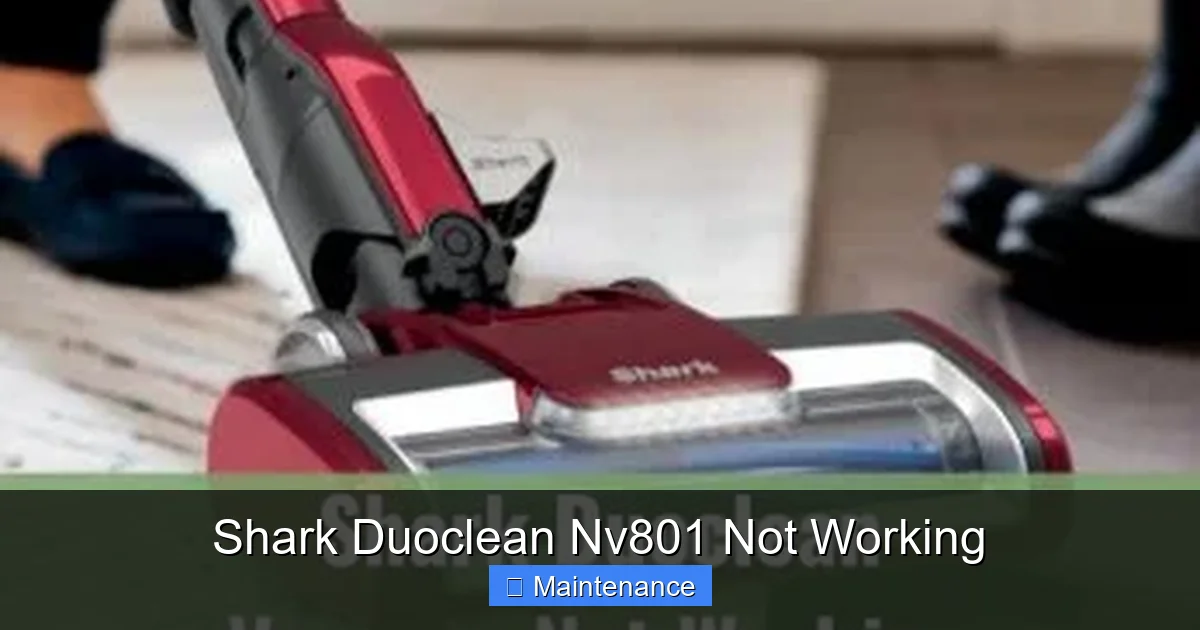
The NV801’s DuoClean head has two separate roller systems: a bristled brush roll for carpet and a rubber squeegee for hard floors. Both can accumulate gunk. Remove both rollers according to your manual instructions. Wash the rubber squeegee with warm, soapy water to remove any sticky residue that reduces its ability to grip and polish hard floors. Rinse thoroughly. For the bristled brush roll, as detailed above, meticulously remove all hair. Clean the housing and the small air passages with a damp cloth. Ensure both rollers are completely dry before reassembly to prevent slippage or odor.
Internal Airway and Motor Vent Cleaning
Dust can migrate deep into the vacuum’s body. With the dustcup and filters removed, you can often see the main air intake chamber. Use a soft, dry paintbrush or a can of compressed air (use short bursts, hold the can upright) to dislodge dust from the internal walls and the motor cooling vents. Never use water or liquid cleaners inside the vacuum body. Be gentle around the motor and wiring. A clean motor runs cooler and more efficiently. Also, check the small exhaust port where the air exits the vacuum. A clog here will strangle suction.
Checking and Replacing Seals and Gaskets
Your vacuum’s suction relies on an airtight system. Over time, the soft rubber gaskets that seal the dustcup, filter housings, and hose connections can become brittle, cracked, or dislodged. A single missing or damaged gasket can cause a significant loss of suction that feels like a major failure. During your deep clean, inspect every seal. Make sure the dustcup clicks securely into place and that all filter doors are firmly closed. If you find a torn or flattened gasket, replacement parts are available from Shark or third-party suppliers. This is an often-overlooked fix for persistent “Shark Duoclean NV801 suction problems.”
Section 4: When to Suspect a Genuine Fault—Motor and Electronics
If you have methodically completed every step above—verified power, cleaned all filters, cleared all clogs, ensured the brush roll spins freely, and checked all seals—and your NV801 still exhibits a critical failure (no power at all, grinding motor noise, severe burning smell), then you may be facing a genuine component failure.
Motor Failure Signs
The motor is the heart. Signs of motor failure include: a complete lack of any hum or sound when powered on (after eliminating all electrical path issues); a faint hum but no rotation (the motor windings may be burnt out); or a loud, consistent grinding or buzzing noise (internal bearings or fan blades have failed). Repairing or replacing a Shark vacuum motor is complex, requires specialized tools, and often costs 50-70% of a new vacuum’s price. It is not typically a recommended DIY project for most users.
Electronic Control Board Issues
The NV801 uses an electronic circuit board to control power, the brush roll clutch, and possibly suction settings. Symptoms of a board failure can be intermittent power, the vacuum turning off by itself, or indicator lights behaving erratically. Diagnosing this requires a multimeter and knowledge of circuit board troubleshooting. Physical damage to the board (burn marks, swollen capacitors) is a clear sign it needs replacement.
Section 5: The Decision Point—Repair vs. Replace
Faced with a confirmed internal fault, you must weigh your options. Consider the age of your NV801. If it’s under 3 years old and the repair cost is under 40% of a new comparable model, repair via an authorized Shark service center might be worthwhile to preserve your warranty on other parts. However, if the vacuum is older, or the repair quote is high, investing in a new model with a full warranty and newer technology is often the smarter financial decision. Remember, the cost of repeated repairs on an aging machine can quickly exceed its value.
Conclusion: Empowering You to Fix Your Shark Duoclean NV801
The journey from “My Shark Duoclean NV801 is not working!” to “It’s working better than ever!” is rarely a straight line, but it is almost always a path of discovery and simple maintenance. This guide has equipped you with the diagnostic framework to translate vague frustration into specific, actionable steps. You now know that the culprit is far more likely to be a packed foam filter or a hair-bound brush roll than a dead motor. You have the roadmap to perform deep, preventative maintenance that will extend the life and supercharge the performance of your DuoClean system. The power—and the suction—is back in your hands. Regular, mindful care is the secret to making any vacuum, especially a high-performance machine like the Shark Duoclean NV801, last for years. So next time it falters, don’t just sigh. Grab your manual, follow these steps, and get that powerful, polished clean back under your command.
Frequently Asked Questions
Why is my Shark Duoclean NV801 not turning on at all?
First, check that the outlet is working by testing another device. Then, inspect the power cord for damage and ensure the switch is being pressed firmly. If those are fine, the issue could be a tripped circuit breaker, a blown internal fuse, or a failed power switch/motor, requiring professional diagnosis.
My NV801 has power but no suction. What’s wrong?
This is almost always a clog or a filter issue. Immediately empty the dustcup completely. Check and clean the pre-motor foam filter (wash with cold water, dry 24hrs). Inspect the hose, wand, and floor head for blockages. Finally, check the post-motor/HEPA filter, which may need replacement if heavily soiled.
Why has the brush roll stopped spinning?
The most common cause is hair and debris tangled around the brush roll bearings, creating too much resistance. Remove the brush roll and thoroughly cut away all wrapped material. Also, check the drive belt (if equipped) for breaks or slippage. If the brush roll spins freely when removed, the clutch or motor may be faulty.
What does a burning smell from my Shark NV801 mean?
Turn off the vacuum immediately. A burning smell is a serious warning sign. It can indicate a jammed brush roll causing the motor to overwork, a slipping belt, or an internal motor failure. Do not use the vacuum. Remove the brush roll and check for jams. If the smell persists after clearing jams, the motor likely needs professional service.
How often should I perform deep maintenance on my NV801?
For optimal performance and to prevent “Shark Duoclean NV801 not working” issues, perform a full clean—washing the foam filter, clearing the brush roll, checking all airways—every 1-2 months with regular use. If you have pets or a dusty home, monthly maintenance is recommended. Replace the post-motor/HEPA filter every 3-6 months.
Is it worth repairing my Shark Duoclean NV801?
It depends on the age and the specific fault. If the vacuum is less than 3 years old and the repair is minor (clog, filter, brush roll), absolutely fix it. For major faults like motor or board failure on an older unit, get a repair quote. If the cost exceeds 40% of a new vacuum’s price, replacement is usually more economical and comes with a new warranty.