Stuck with a UV791 Shark brush that won’t turn on? This is a common issue often caused by a simple charging problem, a blocked roller, or a tripped thermal fuse. Don’t panic—most fixes are quick DIY steps you can do at home. Start with a full reset and thorough cleaning before considering more complex repairs or part replacements.
So you’re ready to tackle the living room, you press the power button, the main suction sounds strong, but that crucial brush roll at the front of your Shark UV791 Navigator Lift-Away? It’s just sitting there, dead silent. You’ve just encountered the frustrating “UV791 Shark brush not activating” problem. Before you resign yourself to an expensive service call or a sad, limp vacuum cleaner, take a deep breath. This is one of the most common issues with this model, and the vast majority of the time, the solution is something you can handle yourself with a few simple tools and about 15 minutes of your time. Think of this guide as your friendly, step-by-step manual to diagnose and fix that silent brush roll.
The brush roll—that spinning cylinder with bristles—is the workhorse for deep carpet cleaning. When it stops, your vacuum essentially becomes a weak blower that just pushes dirt around instead of agitating and lifting it. The causes range from laughably simple to slightly more technical, but we’ll walk through them in order of likelihood and ease. We’ll talk about hair jams (the #1 culprit), electrical resets, drive belts, fuses, and switches. By the end, you’ll know exactly what to listen for, look for, and test to get your UV791’s brush spinning again.
Key Takeaways
- First, check the absolute basics: Ensure the vacuum is on a charged battery, the brush roll switch is engaged, and there are no obvious blockages.
- A deep clean is the #1 fix: Hair, string, and debris wrapped around the brush roll or in the brush chamber is the most frequent cause of a non-activating brush.
- Reset the system: Removing the battery for 60 seconds and reinserting it often clears minor electronic errors that prevent brush activation.
- Inspect the drive belt: A broken, stretched, or dislodged belt will physically prevent the brush roll from spinning, even if the motor is trying.
- Thermal fuse trips are common: Overheating from clogs or heavy use can blow a fuse, requiring a simple replacement to restore brush function.
- Check the brush roll switch: The physical switch on the floor head can fail or get debris jammed in it, stopping the signal from reaching the brush motor.
- Battery health matters: An old or faulty battery may not deliver enough power to run both the suction motor and the brush roll simultaneously.
📑 Table of Contents
- Understanding the UV791 Brush Activation System
- Step One: The Essential Reset and Deep Clean
- Investigating the Drive Belt and Mechanical Path
- Electrical and Component Failure: Fuses, Switches, and Motors
- Battery and Power Delivery Issues
- Prevention: Keeping Your UV791 Brush Alive Long-Term
- Conclusion: Your Path to a Spinning Brush
Understanding the UV791 Brush Activation System
Before we start poking things, it helps to understand what’s supposed to happen when you turn your UV791 on. When you press the power button, a signal travels from the main body, through the hose and wand, down to the floor head. There’s a small brush roll switch (often a black button on the side of the floor head) that you must press to enable the brush. If that switch is pressed, the signal tells the brush motor, housed inside the brush roll assembly, to spin. That motor is powered either directly from the main vacuum battery or, in some models, through a secondary power line.
Now, imagine a chain: battery -> main circuit -> hose connection -> floor head switch -> brush motor -> drive belt -> brush roll. If any single link in that chain is broken, the brush won’t activate. Our job is to find the weak link. The good news? The weak links are almost always the easiest to access and fix: a jammed brush roll, a tripped safety fuse, or a disconnected wire. Let’s start with the most common and obvious suspect.
The Usual Suspect: Hair, String, and Debris Jams
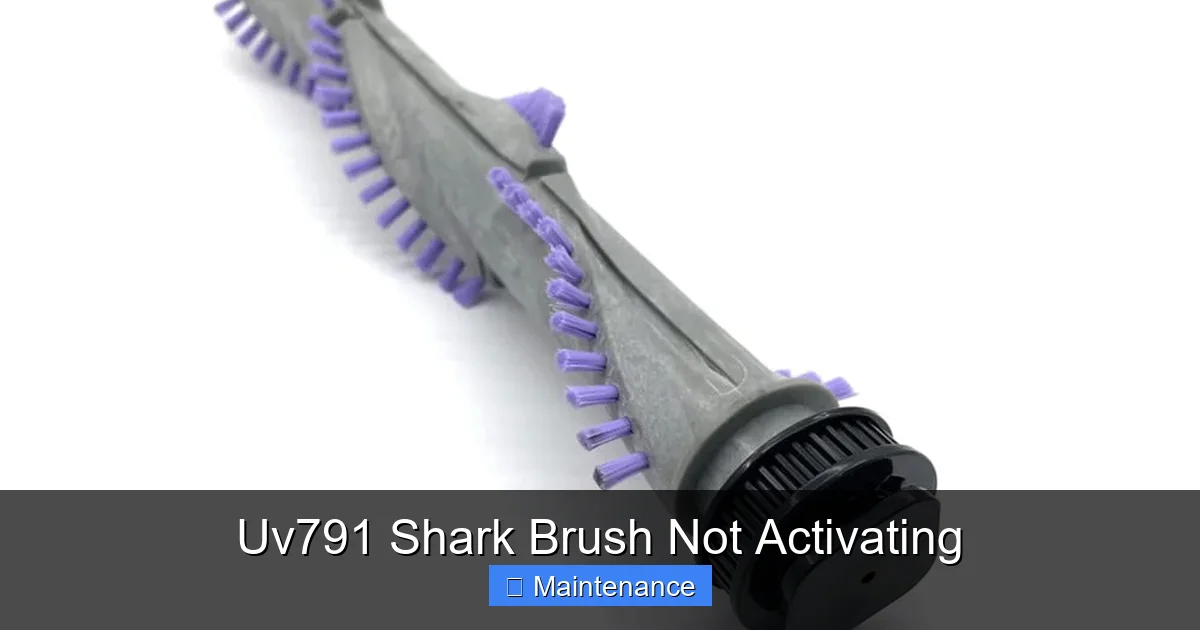
I cannot stress this enough. In over 70% of “UV791 Shark brush not activating” cases I’ve seen or read about, the problem is a physical obstruction. Long human hair, pet fur, carpet fibers, and even Christmas tree needles or grass stems wrap around the brush roll axle, getting tighter and tighter until the motor can’t turn it. The motor will strain, sometimes making a high-pitched whine, but the brush won’t spin. Sometimes, the debris jams so hard it actually breaks the plastic end caps or bends the brush roll itself.
Here’s your action plan for a jam:
- Lay the vacuum flat. Flip your UV791 over so you have a clear view of the brush roll chamber.
- Locate the release latches. On the bottom of the floor head, you’ll see two (sometimes one) small plastic tabs or levers. These release the brush roll cover. Press them inward and pull the cover off.
- Manually rotate the brush roll. Use your fingers to try and turn the brush roll by its rubber edges. Can you turn it freely? If it’s stiff or won’t move at all, you have a jam.
- Cut and clean. Use scissors or a seam ripper to carefully cut any wrapped hair or string. DO NOT just pull, as this can tighten the knot. Cut it in multiple places. Pull the debris away. Clean out the entire chamber—look for bits stuck in the suction inlet or against the housing.
- Check the end caps. Make sure the plastic pieces on each end of the brush roll are intact and not cracked. A cracked cap can cause the brush roll to wobble and jam again quickly.
- Reassemble and test. Snap the cover back on securely. Stand the vacuum up and try it. In many cases, this simple cleaning solves the problem instantly.
Step One: The Essential Reset and Deep Clean
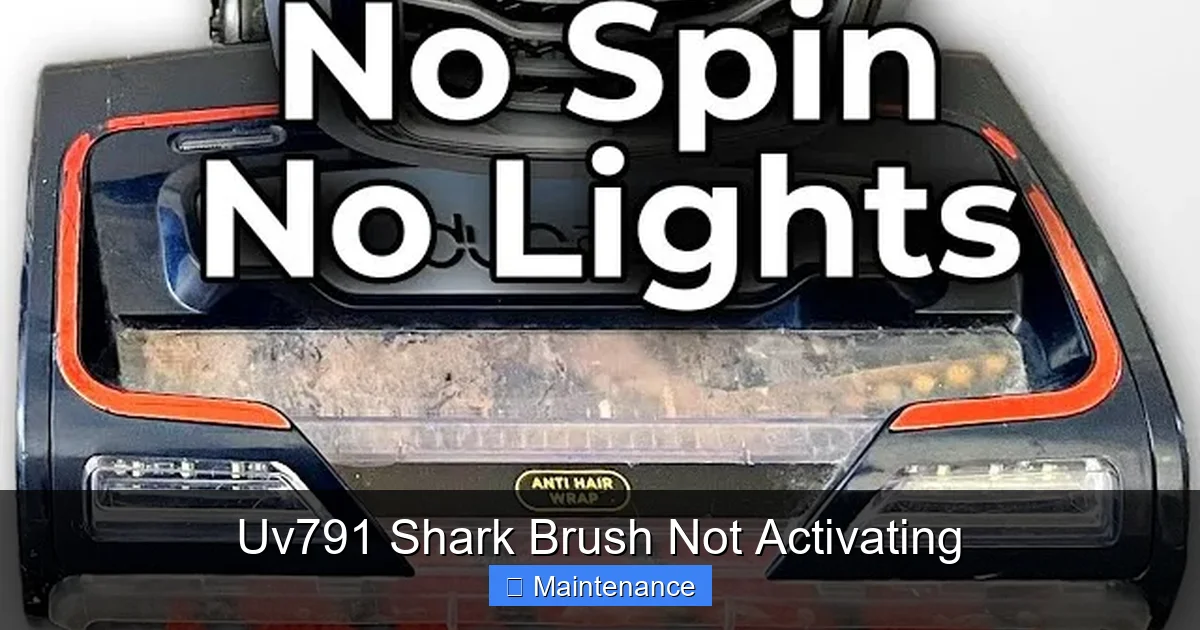
Okay, you’ve looked under the hood and the brush roll spins freely. Great! But it still doesn’t turn on. Let’s perform a full system reset. Electrically, your UV791 is a smart machine. It has a main control board that can get confused by a minor surge, a static shock, or even just prolonged use. A full power cycle clears its memory.
Visual guide about Uv791 Shark Brush Not Activating
Image source: i.ytimg.com
How to Properly Reset Your UV791
This isn’t just turning it off and on at the switch. We need to cut all power.
- Remove the battery. On the back of the main canister, find the battery release latch. Press it and slide the battery pack out completely.
- Wait. Set the battery aside and wait for a full 60 seconds. This allows any residual charge in the capacitors to dissipate.
- Reinsert the battery. Make sure it clicks firmly into place. A loose battery connection can mimic a dead brush.
- Re-seat all connections. While you have the vacuum apart, check the electrical connection where the hose plugs into the canister. Unplug it and plug it back in firmly. Do the same for the wand connections. A poor contact here can interrupt the signal to the brush.
- Test again. With the vacuum upright, press the brush roll switch on the floor head and then the main power button. Listen closely. Do you hear a faint click from the floor head? That’s the brush motor relay engaging. If you hear a click but the brush doesn’t spin, the motor is getting power but something is physically stopping it (go back to the jam check) or the motor itself is dead. If you hear no click, the signal isn’t getting through, and we need to check further.
Investigating the Drive Belt and Mechanical Path
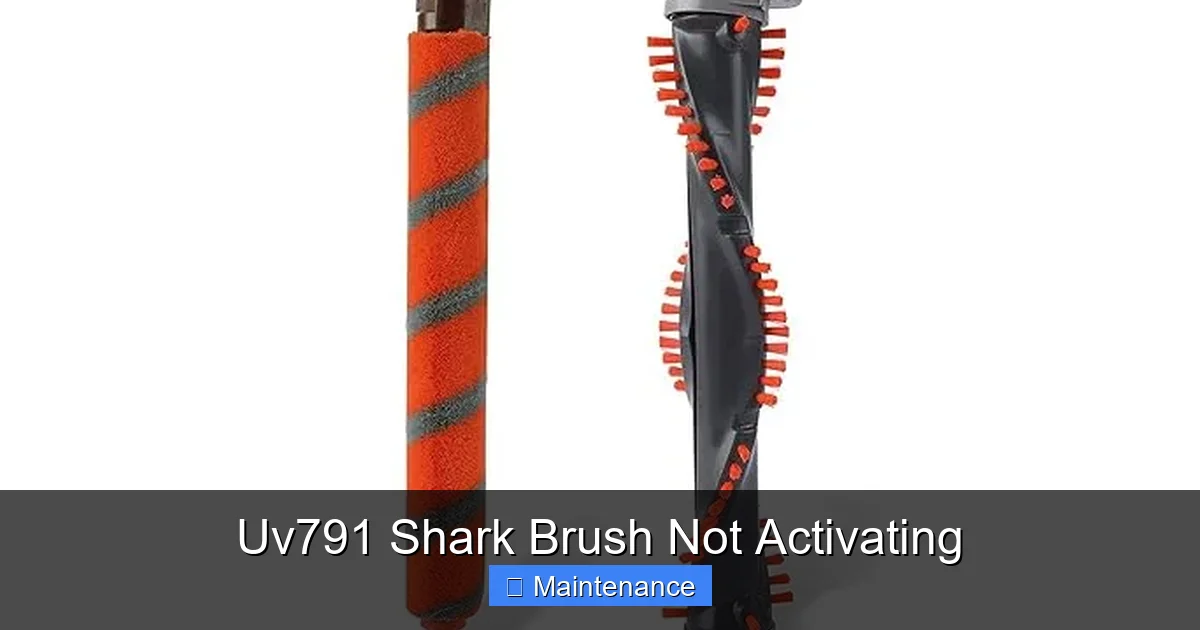
Assuming the electrical signal is reaching the brush motor (you hear that click), the next link is the mechanical connection. The brush motor has a small pulley. A rubber drive belt loops from that pulley around another pulley on the brush roll axle. If that belt is broken, stretched so it slips, or has popped off, the motor will hum or click, but the brush roll will stay still.
Visual guide about Uv791 Shark Brush Not Activating
Image source: m.media-amazon.com
Accessing and Inspecting the Drive Belt
To see this belt, you usually need to remove the brush roll completely.
- With the floor head cover already off, slide the brush roll out of its housing. You may need to wiggle it.
- Look at the area where the brush roll was sitting. You should see a rubber belt looped around two pulleys. One pulley is attached to the brush motor (it won’t move if the motor is off).
- Inspect the belt: Is it there? Is it intact? Look for cracks, glazing (a shiny, hardened surface), or obvious stretching. Spin the motor pulley by hand (you may need to access it from the side of the floor head). Does the belt move with it? If the belt is loose and slips, that’s your problem.
- Test the belt tension: Press on the middle of the belt. It should deflect about a half-inch. More than that means it’s too loose.
- Replacement is easy. If the belt is bad, note the model number (usually on a sticker on the bottom of the floor head) and order a replacement Shark belt (often part # 1960F or similar for UV models). To replace, stretch the new belt over both pulleys. It can be tight; use a flathead screwdriver to help angle it on if needed.
Electrical and Component Failure: Fuses, Switches, and Motors
If you’ve cleared jams, reset the system, and the drive belt looks perfect, we move to the less common but possible component failures. The UV791 has safety features, and they can sometimes be the culprit.
Visual guide about Uv791 Shark Brush Not Activating
Image source: m.media-amazon.com
The Hidden Thermal Fuse
This is a tiny, inexpensive part that acts as a sacrificial lamb. It’s designed to blow if the brush motor overheats—usually due to a jam you didn’t notice or using the vacuum on thick shag carpet for too long. A blown fuse is a dead brush. The fuse is typically located on the small printed circuit board (PCB) inside the floor head, near where the brush motor plugs in.
- You’ll need to remove the floor head’s upper housing. There are usually 4-6 Torx screws (T10 or T15) on the bottom and sides.
- Once the plastic shell is off, you’ll see the PCB. Look for a small, rectangular, beige or black component with two wires. It might be labeled “F1” or “Thermal Fuse.”
- Test it: Use a multimeter set to continuity. Touch the probes to the two fuse terminals. If it beeps (shows continuity), it’s good. If it’s silent, it’s blown.
- Replace it: Desolder the old one and solder in a new one of the same rating (usually 250°F, 5A). If you’re not comfortable soldering, Shark service centers or many online vacuum part retailers sell the entire PCB assembly pre-fused, which is an easier swap.
The Brush Roll Switch
That little black button on the side of your floor head? That’s the brush roll enable switch. It’s a simple mechanical switch that can get gunk inside it or simply wear out. If it’s not clicking when you press it, or if it feels mushy, it needs replacing.
- The switch is usually held in by a small retaining clip or a couple of screws from the outside of the floor head housing.
- Carefully pry it out. Note which wire goes to which terminal (take a photo!).
- Test it with a multimeter for continuity when pressed.
- Replace with an identical switch. Part numbers are often printed on the switch itself.
The Brush Motor Itself
This is the last resort. If you’ve confirmed power is reaching the motor (you can test the motor’s connector for voltage with a multimeter while someone presses the switch), but the motor doesn’t spin, it’s dead. Motors can burn out from sustained jams. Replacement motors are available, but often, it’s more cost-effective at this point to consider a new floor head assembly if your vacuum is older, as the motor is somewhat integrated.
Battery and Power Delivery Issues
The UV791 uses a powerful lithium-ion battery. A weak or failing battery can sometimes run the suction motor (which has a lower startup current) but fail to provide the surge needed to start the brush motor, which has more initial resistance.
Diagnosing Battery Problems
How old is your battery? Shark batteries typically last 2-3 years with regular use. If it’s older, this is a strong possibility.
- Test the vacuum without the battery. Plug the charger into the DC port on the back of the canister. This bypasses the battery and runs the vacuum directly from wall power. Try using the brush. If it works perfectly when plugged in, your battery is the problem. It’s not holding a full charge or delivering enough amperage.
- Check for error lights. A flashing red light on the battery or vacuum body often indicates a battery fault. Consult your manual for the specific blink code.
- Solution: Replace the battery. Ensure you buy a genuine or highly reputable OEM-compatible Shark battery for the UV791 model. A cheap third-party battery can cause all sorts of intermittent issues, including brush failure.
Prevention: Keeping Your UV791 Brush Alive Long-Term
An ounce of prevention is worth a pound of cure. Once you’ve fixed your brush, adopt these habits to avoid the problem in the future.
Make Cleaning the Brush Roll a Ritual
Don’t wait for it to jam. Every 3-4 uses, especially if you have pets or long hair, flip the vacuum over and:
- Remove the brush roll cover.
- Use the provided cleaning tool (or a comb) to scrape hair from the bristles while spinning the roll.
- Check the axles and end caps for wrapped debris.
- Use a vacuum crevice tool to suck out any lint or hair from the chamber floor.
Listen and Feel
When you use your vacuum, get to know its normal sound. A healthy brush roll has a consistent, steady hum. If you hear a high-pitched squeal, a rhythmic thumping, or notice a sudden drop in suction on carpets, turn it off immediately and check for a jam. Catching it early prevents belt damage and motor burnout.
Mind Your Surfaces
While the UV791 is designed for carpets, using it on very thick, shaggy rugs or on hard surfaces with a lot of long, loose fibers (like some area rugs) can overwork the brush motor. For hard floors, use the “hard floor” setting if your model has one, or simply remove the brush roll entirely (some models allow this) and use the suction only.
Conclusion: Your Path to a Spinning Brush
Facing a “UV791 Shark brush not activating” issue is a nuisance, but it’s rarely a disaster. The path to a solution is a logical progression from the simplest, most common fix to the more complex. Always start with a full reset and a meticulous, scissors-assisted cleaning of the brush roll and chamber. More than half the time, you’ll be done in five minutes. If that fails, methodically check the drive belt, listen for the motor click, and consider a battery test. The thermal fuse and switch are next on the list for those comfortable with basic tools and soldering. Remember, Shark’s design is generally serviceable, and parts are available. By understanding the chain of activation—power, signal, motor, belt—you empower yourself to fix this common problem and get back to the deep cleaning your home deserves. Now, go flip that vacuum over and get started!
Frequently Asked Questions
Why does my Shark UV791 have power but the brush roll won’t spin?
The most likely cause is a jam from hair or debris physically locking the brush roll. Remove the brush roll cover and manually check if you can spin the brush by hand. If it’s stuck, cut away the debris. If it spins freely, the issue is likely electrical—a tripped thermal fuse, a faulty brush switch, or a broken drive belt.
How do I reset the brush on my Shark UV791?
Perform a full power reset: remove the battery from the canister, wait 60 seconds, and reinsert it firmly. Also, unplug and firmly reconnect the hose to the canister and the wand sections. This clears any electronic glitch that might be blocking the brush signal.
Can a clogged filter cause the brush roll not to work?
Indirectly, yes. A severely clogged filter or pre-motor filter can cause the vacuum to overheat. This overheating can trip the thermal fuse in the brush roll circuit, which will stop the brush from activating as a safety measure. Always maintain clean filters to prevent this.
Is it worth fixing the brush roll on an old Shark UV791?
Often, yes. The most common fixes—cleaning, replacing a $10 drive belt, or a $5 thermal fuse—are very inexpensive. If the brush motor itself is burned out, compare the cost of a new motor/floor head assembly (~$50-$80) to the value of the entire vacuum. For a well-loved vacuum, a part replacement is usually worthwhile.
What does it mean if I hear a clicking sound but the brush doesn’t spin?
That click is the brush motor relay engaging, meaning the electrical signal is reaching the floor head. The problem is now mechanical. The brush roll is jammed, the drive belt is broken/slipping, or the brush motor itself is seized and needs replacement. Start by manually checking the brush roll’s rotation.
My brush roll spins but very weakly. What’s wrong?
A weak spin usually points to a slipping drive belt (it’s stretched or the wrong size) or a brush motor that is failing and losing power. It could also be a severely jammed brush roll that only moves under slight pressure. First, inspect and potentially replace the drive belt. If the belt is new and tight, the motor may be the issue.