If your Shark Robot vacuum is not picking up debris, the issue is usually a simple fix related to clogs, dirty filters, or tangled brushes. Start by emptying the dustbin and checking the suction path for blockages. Cleaning or replacing the filters and inspecting the brush roll for hair wraps are critical next steps. Most suction loss problems can be resolved at home with regular maintenance, saving you from costly service calls.
Key Takeaways
- Regular Cleaning is Non-Negotiable: A full dustbin, clogged filters, or a tangled brush roll are the top three reasons for suction loss and must be addressed after every few runs.
- Check the Entire Airway Path: Suction loss can occur anywhere from the brush roll to the exhaust port. Systematically check the bin, hose, filters, and internal channels for obstructions.
- Filters Have a Limited Lifespan: Shark’s foam and felt filters degrade over time. Even if they look clean, they need replacing every 3-6 months for optimal performance.
- Brush Roll Health is Everything: A brush roll that doesn’t spin freely due to hair or debris wraps will drastically reduce pickup and can burn out the motor.
- Sensors and Wheels Impact Navigation, Not Suction: While a dirty cliff sensor won’t affect suction power directly, it can cause the robot to get stuck or miss areas, making it *seem* like it’s not cleaning well.
- Battery Health Affects Motor Power: A failing battery may not provide enough voltage to the suction motor, leading to noticeably weaker pickup, especially on carpets.
- Know When to Call for Help: If you’ve performed all basic maintenance and the robot still has no suction, an internal motor or fan failure likely requires professional repair.
📑 Table of Contents
- Why Is My Shark Robot Not Picking Up? The Frustration is Real
- The Usual Suspects: Pinpointing the Source of Suction Loss
- Step-by-Step Troubleshooting Guide: From Quick Fix to Deep Dive
- Essential Maintenance for Peak Performance: A Weekly & Monthly Routine
- Beyond Suction: Navigation and Sensor Issues That Affect Cleaning
- When Maintenance Isn’t Enough: Identifying Internal Failures
- Warranty, Repairs, and Replacement: Making the Right Call
Why Is My Shark Robot Not Picking Up? The Frustration is Real
You set your trusty Shark Robot vacuum to clean while you’re out, expecting to come home to spotless floors. Instead, you find a trail of dust bunnies, scattered crumbs, and a robot that seems to be merely pushing debris around. The phrase “Shark Robot not picking up” becomes a source of major frustration. Before you panic and assume the worst—a broken machine or an expensive repair—take a deep breath. In the vast majority of cases, the problem is not a catastrophic failure but a result of normal wear and tear that is easily addressed with some straightforward maintenance.
Shark’s robot vacuums, like the IQ, AI Ultra, and Ion series, are engineering marvels of compact cleaning power. However, their small form factor means they work hard and can quickly succumb to the very dirt they are designed to collect. Hair, dust, and fine particles are the primary culprits that clog, bind, and degrade the system’s ability to generate strong suction. This guide will walk you through every possible reason your Shark Robot might be underperforming, from the simplest fix you can do in two minutes to more in-depth diagnostic steps. We’ll talk in plain language, no technical jargon, because getting your floors clean shouldn’t require an engineering degree.
The Usual Suspects: Pinpointing the Source of Suction Loss
Think of your Shark Robot’s cleaning system as a chain: the brush roll agitates debris, the suction motor creates airflow, and the filters and dustbin capture it all. If any single link in that chain is weakened or broken, the entire system fails. The key to solving “Shark Robot not picking up” is methodically checking each link. Let’s break down the most common offenders.
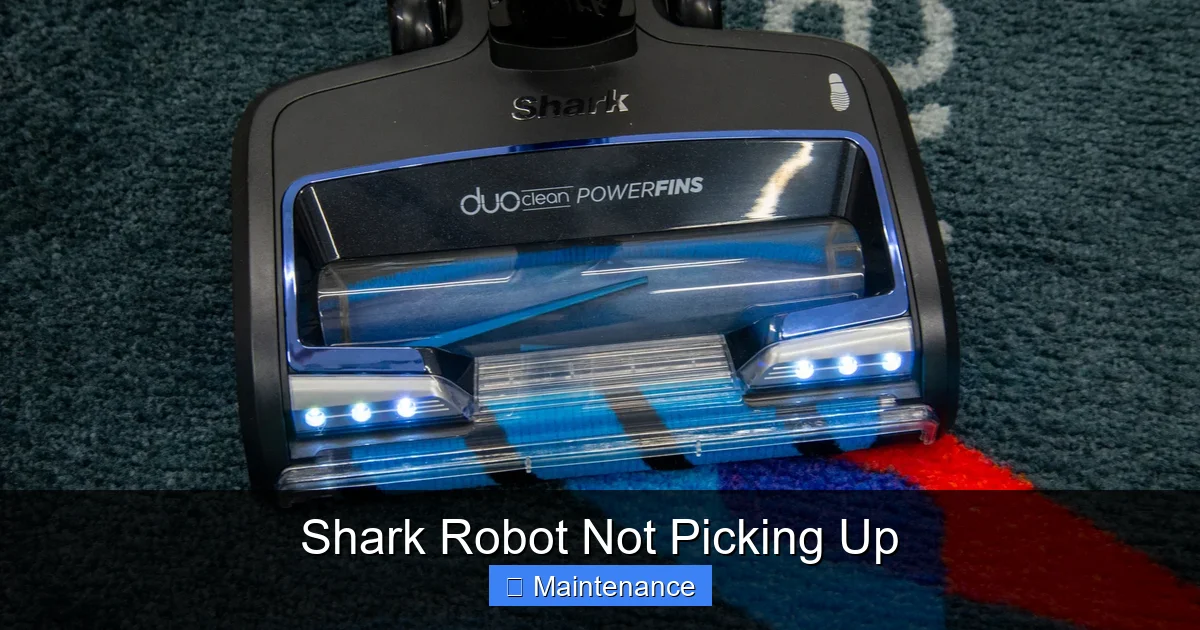
Visual guide about Shark Robot Not Picking Up
Image source: easyhomeimprovement.co.uk
1. The Obvious: A Full or Improperly Seated Dustbin
This is the first thing you should check, and it’s the cause of more than 30% of suction complaints. When the dustbin reaches capacity, a physical barrier prevents airflow, and the suction motor essentially blows air into a full bag. The result is zero pickup. But it’s not just about being full.
- The Lid: Ensure the dustbin lid is clicked securely into place. A misaligned or unlatched lid breaks the seal, allowing air to leak in instead of being forced through the filter.
- The Filter Seal: The foam filter must sit perfectly in its housing. If it’s askew or damaged, unfiltered air will bypass the collection system.
- The Bin Itself: Check for cracks or deformities, especially in the plastic housing where it connects to the robot body.
Action Step: After every 2-3 cleaning cycles, empty the dustbin over a trash can, tap it out, and use the included cleaning tool to scrape debris from the mesh screen. Always ensure the lid clicks firmly.
2. The Silent Killer: Clogged Filters
Shark Robots typically use a two-stage filtration system: a foam pre-motor filter and a felt or HEPA post-motor filter. These filters trap fine dust and allergens, but they become clogged over time. A clogged filter is like trying to breathe through a thick blanket—the motor strains, airflow plummets, and pickup power vanishes. This is a gradual process, so you might not notice it happening until performance is severely degraded.
- Foam Filter: This is washable. If it’s dirty, it must be rinsed with lukewarm water, squeezed dry (do not wring), and air-dried completely for 24 hours before reinserting. A damp filter will not function properly.
- Felt/HEPA Filter: This is not washable. It must be gently tapped out and replaced. Even if it looks okay, microscopic particles embed deep within the fibers, reducing airflow. The manufacturer recommends replacement every 3-6 months depending on usage.
Action Step: Remove both filters. Visually inspect them. Hold the foam filter up to a light; if you can’t see light passing through easily, it needs a wash. If the felt filter is discolored gray or black, replace it. Never operate the robot without both filters correctly installed.
3. The Tangled Nightmare: Brush Roll Obstructions
The brush roll (or roller brush) is the workhorse that sweeps debris from hard floors and agitates carpet fibers. Long hair, string, carpet fibers, and pet fur wrap around the axles and bristles, creating a tight bond that prevents the brush from spinning freely. When the brush can’t spin, it stops agitating debris, and the suction intake can become blocked right at the source.
Signs of a brush roll issue include:
- A grinding or whining noise from the motor (it’s struggling to turn the jammed brush).
- Debris being pushed to the sides of the robot instead of being sucked in.
- Visible long hairs or fibers wrapped around the ends of the brush roll.
- The robot may even stop and alert you with a “Clean Roller” error.
Action Step: Use the included cleaning tool (often a small blade) to carefully cut and remove all wrapped hair and debris from the brush roll and its end caps. Rotate the brush by hand to ensure it spins freely with no resistance. If the bristles are melted or frayed, it’s time for a replacement brush roll.
4. The Hidden Highway: Internal Airway Clogs
Debris doesn’t just disappear into the dustbin. It travels through a series of internal channels. A large object—a sock, a piece of paper, a dense hairball—can lodge itself in the narrow hose that connects the brush roll housing to the dustbin, or in the exhaust port. This completely chokes the airflow path.
Action Step: With the dustbin removed, use a flashlight to look down into the suction intake opening where the brush roll sits. You should see straight through to the fan. If you see a blockage, use long-nose pliers or a straightened wire hook to gently dislodge it. Also, check the exhaust port on the back or bottom of the robot for obstructions.
Step-by-Step Troubleshooting Guide: From Quick Fix to Deep Dive
Now that you know the common causes, let’s create a systematic action plan. Follow these steps in order. 90% of “Shark Robot not picking up” issues are resolved by Steps 1-3.
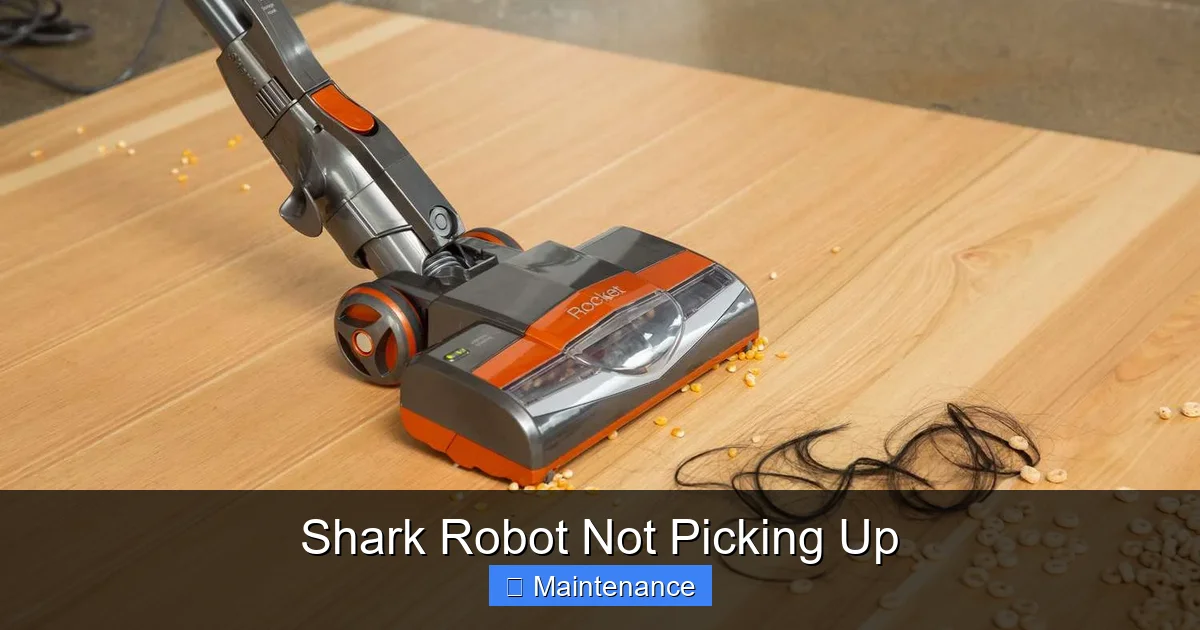
Visual guide about Shark Robot Not Picking Up
Image source: storables.com
Step 1: The 2-Minute Power Reset and Basic Clean
Sometimes, the robot’s internal logic or a minor sensor glitch can cause it to operate in a reduced-power mode. A full reset can clear this.
- Turn off the robot using the power button.
- Remove the dustbin and empty it completely. Clean the bin and the mesh screen.
- Remove both filters. Tap out the felt filter. If the foam filter is dirty, wash it now (remember to dry it completely later).
- Flip the robot over. Manually rotate the brush roll. If it doesn’t spin freely, immediately address the tangles.
- Check the wheels for wrapped hair or debris that might impede movement.
- Reassemble everything, ensuring all parts click securely.
- Place the robot on its charging base and perform a full reboot by holding the power button for 10 seconds until you hear a tone, then release.
Run a test cleaning in a small, visible area. If performance is restored, you’ve solved it! If not, proceed.
Step 2: The Deep Filter and Airway Inspection
If the quick reset didn’t work, the clog is deeper.
- Filter Replacement: If you haven’t replaced the felt/HEPA filter in the last 6 months, do it now. Always use genuine Shark filters, as third-party filters often have different filtration densities that can restrict airflow.
- Airway Blowout: With the dustbin and filters removed, use a can of compressed air (like for electronics) to blow air forcefully into the suction intake. This can dislodge clogs further down the hose. Do this outdoors or in a well-ventilated area, wearing safety glasses.
- Suction Test: A simple test to confirm suction power is to place your hand over the suction intake (with the brush roll removed) while the robot is on. You should feel a strong, steady pull. Weak or intermittent suction indicates a motor or severe internal clog issue.
Step 3: Brush Roll and Motor Health Check
A jammed brush roll puts extra strain on the motor. A failing motor will also lose power.
- Brush Roll Removal: Consult your manual to remove the brush roll completely. Inspect it for damage. Spin it by hand. It should rotate smoothly and silently. Any grinding means its bearings are shot, and it needs replacement.
- Motor Brushes (Advanced): Some Shark models have brush-style motors where carbon brushes wear out. This is a more advanced repair. If you’re comfortable, you can access the motor compartment (usually by removing the bottom plate) and check the brushes for wear (they should be at least 1/4 inch long). Worn brushes cause weak motor performance.
Essential Maintenance for Peak Performance: A Weekly & Monthly Routine
Prevention is always better than cure. Adopting a simple maintenance schedule will keep your Shark Robot performing like new and drastically reduce the chance of it “not picking up.”
The Weekly 5-Minute Once-Over
Every 1-2 runs, spend five minutes on these tasks:
- Empty the Dustbin: Don’t wait for the “bin full” indicator. Tap it out after each use.
- Quick Brush Check: Flip the robot and glance at the brush roll. If you see hair starting to wrap, cut it off immediately before it becomes a solid bond.
- Wipe Sensors: Use a dry microfiber cloth to gently wipe the cliff sensors (on the underside) and the bumper sensors (on the front). Dust on these can cause navigation errors that lead to missed spots.
- Check Wheels: Pick off any hair or fibers wrapped around the wheel axles.
The Monthly Deep Clean
Once a month, or more often if you have pets, perform a more thorough service:
- Wash the Foam Filter: Remove, rinse, and dry as described.
- Tap Out the Felt Filter: Do this over a trash can. Do not wash it.
- Remove and Clean the Brush Roll: Take it out fully. Use a small brush (like a toothbrush) and soapy water to clean between the bristles. Rinse and dry completely before reinserting.
- Clean the Charging Contacts: Wipe the metal charging pins on both the robot and the base with a dry cloth. Dirty contacts can lead to poor charging and weak battery power.
- Inspect the Main Brush Housing: Look for debris lodged in the cavity where the brush roll sits. Remove any buildup with a tool.
Seasonal Replacement Schedule
Mark your calendar for these part replacements:
- Felt/HEPA Filter: Every 3-6 months.
- Foam Filter: Every 6-12 months, or if it becomes brittle or torn after washing.
- Brush Roll: Every 6-12 months, or sooner if bristles are damaged or worn.
- Side Brushes: These small spinning brushes wear down quickly. Check them monthly and replace when the bristles are shorter than 1/4 inch or become bent.
Beyond Suction: Navigation and Sensor Issues That Affect Cleaning
Sometimes, the robot is picking up perfectly fine, but it’s simply not *going* to the dirty areas. This mimics a suction problem. If your Shark Robot is missing spots, running in circles, or getting stuck, the issue is likely navigation-based.
Cleaning the Critical Sensors
Your robot uses a suite of optical and bumper sensors to navigate. A smudge on a sensor can cause major confusion.
- Cliff Sensors: These are the black windows on the underside. Wipe them with a dry microfiber cloth. Never use liquids or sprays directly on them.
- Bump Sensors: The rubber bump strip on the front. Wipe it down to remove dust that might inhibit its ability to detect collisions.
- Camera/Lidar (if applicable): On models with vSLAM or LiDAR, the transparent window on top must be impeccably clean. Use a lens-safe wipe for glasses or cameras.
Environmental Factors
Your home’s layout can challenge a robot.
- Dark/Reflective Surfaces: Very dark carpets or shiny floors can confuse cliff sensors. Use the “No-Go” lines in the app to block these areas if the robot refuses to cross them.
- Thresholds and Rugs: High thresholds or thick, shaggy rugs can stop the robot or cause it to get stuck. Use ramp accessories or lift the rug edges.
- Cables and clutter: Always do a quick pre-clean pickup of cords, socks, and large objects. They are the #1 cause of robot “jams.”
When Maintenance Isn’t Enough: Identifying Internal Failures
You’ve emptied the bin, washed the filters, cleaned the brush until it gleams, and blown out every airway. The robot runs, but the suction is weak or non-existent. Now it’s time to consider internal component failure.
Suction Motor Failure
The suction motor is a small, high-speed fan. It can burn out due to age, overheating from constant clogs, or voltage issues from a bad battery. Symptoms include:
- No sound of suction (the familiar whoosh) when you hold the intake.
- A faint, high-pitched whine instead of a robust motor sound.
- The robot may still move and navigate normally, it just doesn’t suck.
Diagnosis: This requires multimeter testing of the motor’s continuity, which is beyond most users. If all else is ruled out, this is the likely culprit.
Fan Blade Damage or Obstruction
The motor spins a fan blade. If a small object like a broken piece of plastic or a large staple gets sucked in, it can chip, bend, or jam the blade. This drastically reduces airflow efficiency.
Diagnosis: This requires disassembling the motor housing to visually inspect the fan. If the blades are damaged, the entire motor assembly must be replaced.
Battery Degradation
A weak battery doesn’t just shorten run time; it can also reduce the power supplied to the suction motor, especially under load (like on carpet). If your robot seems weaker on carpets than on hard floors and the runtime has significantly dropped, the battery is a suspect.
Action: Shark sells official replacement batteries. For models over 2-3 years old, a battery replacement is a cost-effective way to restore full performance, including suction power.
Warranty, Repairs, and Replacement: Making the Right Call
Shark offers a limited warranty (typically 1-5 years depending on the model and region). Before you spend money on a repair, check your warranty status.
Using Your Warranty
- Proof of Purchase: Have your receipt or order number ready.
- Contact Shark Support: Go through official channels. They will troubleshoot with you and, if the issue is covered, provide a shipping label for you to send the robot in for repair or replacement.
- Warranty Exclusions: Normal wear and tear parts (filters, brush rolls, side brushes, batteries) and damage from misuse or negligence are not covered.
Weighing Repair vs. Replacement
If your robot is out of warranty, consider the cost of the most likely repair (a new suction motor or battery) versus the price of a new, current-model Shark Robot. A motor replacement can cost 40-60% of a new robot’s price. If your model is more than 4-5 years old, technology has improved significantly, and a new model might offer better suction, navigation, and features for a similar cost. However, if you love your current model and the repair is under $100, fixing it is often the most sustainable choice.
Frequently Asked Questions
Why is my Shark Robot pushing debris around instead of picking it up?
This is the classic sign of a complete loss of suction, most commonly caused by a full dustbin, a clogged filter, or a severely tangled brush roll that is physically blocking the intake. Start by emptying the bin and checking the brush roll for hair wraps.
My Shark Robot has a ‘Clean Roller’ error. What does that mean?
This error specifically means the robot has detected that the brush roll is not spinning freely. It’s almost always due to hair, string, or carpet fibers tightly wrapped around the brush axles or bearings. You must remove the brush roll and thoroughly clean it to resolve this.
How often should I really clean or replace the filters?
The washable foam filter should be rinsed with water and dried completely every 2-4 weeks with regular use. The non-washable felt/HEPA filter should be tapped out monthly and replaced every 3-6 months. Never run the robot without both filters installed.
Can using third-party filters or parts cause suction loss?
Yes. Non-genuine filters are often made with lower-quality materials that restrict airflow more than Shark’s engineered filters. This can lead to reduced suction and may even void your warranty. Always use Shark-certified replacement parts for optimal performance and safety.
Could a dirty wheel or caster wheel cause poor pickup?
Indirectly, yes. If wheels are clogged with hair, the robot can’t move properly and may skid or get stuck, preventing it from making proper contact with the floor. This reduces the effectiveness of the brush roll and suction. Clean wheel axles regularly.
Is a weak battery capable of causing the Shark Robot to not pick up well?
Absolutely. A degraded battery can’t supply consistent voltage to the suction motor, especially when the motor is under load (e.g., on carpet). If your robot’s runtime has dropped significantly and suction feels weak, particularly on carpet, a battery replacement is a likely solution.