A non-spinning carpet brush on your Shark vacuum is a common issue, usually caused by a simple jam, a broken or stretched belt, or a tripped reset button. The good news is that most fixes are quick, inexpensive, and can be done at home with basic tools. Always unplug the vacuum first, then systematically check for obstructions, inspect the belt, and reset the motor. Regular maintenance, like cleaning the brush roll monthly, prevents this frustrating problem.
You’re in the middle of vacuuming your living room, and you notice something’s off. The suction feels strong, but your carpet isn’t getting that deep-down, agitated clean it usually does. You tilt the vacuum and look. There it is: the tell-tale sign. The iconic Shark brush roll—that spinning cylinder of bristles—is completely still. It’s not turning. That frustrating moment when your Shark vacuum’s carpet brush stops spinning is a very common headache for owners, but it’s almost always a fixable one. Don’t panic and don’t rush to buy a new vacuum. In this complete guide, we’ll walk through every possible cause, from the simplest jam to more complex internal issues, and give you the step-by-step knowledge to diagnose and repair it yourself. We’ll talk like friends, breaking down the technical stuff into plain language. Let’s get that brush roll spinning again.
Key Takeaways
- Unplug First: Always disconnect your Shark vacuum from the wall outlet before inspecting or attempting any repair to prevent electric shock or injury.
- Check for Jams: Hair, string, carpet fibers, and small objects are the #1 cause of a stuck brush roll. A thorough cleaning often resolves the issue instantly.
- Inspect the Drive Belt: A broken, stretched, or slipped rubber belt connecting the motor to the brush roll is a very frequent culprit. Look for cracks, fraying, or a belt that’s come off its track.
- Locate the Reset Button: Many Shark models have a thermal reset switch on the motor housing. If the motor overheated, this button may have tripped and needs to be pressed.
- Brush Roll Can Wear Out: Over time, the bristles on the brush roll can become hard, brittle, or fall out, or the plastic end caps can crack, causing binding or failure.
- Motor Failure is Rare: A faulty motor is the least common cause. Diagnose all other simpler issues (jams, belt, reset) before assuming the motor itself has failed.
- Prevention is Key: A monthly maintenance routine of removing debris from the brush roll and checking the belt’s condition will drastically reduce the chance of this problem recurring.
📑 Table of Contents
- Understanding Your Shark’s Brush Roll System
- Step One: The Immediate Safety & Initial Inspection
- Diagnosing the Drive Belt: The Most Common Culprit
- The Reset Button: Your Vacuum’s “Circuit Breaker”
- When the Brush Roll or Housing Itself is Faulty
- Advanced Troubleshooting: Motor and Internal Issues
- Conclusion: Prevention and Long-Term Care
Understanding Your Shark’s Brush Roll System
Before we start taking things apart, it helps to understand the basic anatomy of what makes the brush roll spin. Think of it as a simple, elegant chain of power. When you plug in and turn on your Shark vacuum, electricity flows to the main motor. This motor creates the powerful suction you feel through the hose. But a separate, smaller motor (or sometimes a belt-driven pulley from the main motor) provides the rotational force for the brush roll. This force is transferred via a rubber drive belt. The brush roll itself is a cylinder with stiff bristles, mounted on bearings inside a housing at each end. If any single link in this chain is broken or blocked, the brush roll stops. Our job is to find the weak link.
The Role of the Drive Belt
The drive belt is the most common point of failure. It’s a rubber band, essentially, that connects a shaft on the motor to the center of the brush roll. Over time, this belt can stretch, crack, dry out, or even snap completely. If it’s loose or broken, the motor might hum, but no power reaches the brush roll. Sometimes, the belt can simply slip off its track if the brush roll gets jammed forcefully. We’ll show you exactly how to find and inspect this belt in a moment.
The Brush Roll Housing & Bearings
The brush roll spins inside a plastic housing. At each end, there is a bearing or bushing that allows it to rotate smoothly. If these bearings get clogged with packed-in hair and debris, or if the plastic housing cracks, the brush roll can bind up and refuse to turn. You might feel a grating resistance if you try to spin it by hand. A severely worn or broken brush roll (where the plastic core is cracked) will also seize.
The Motor and Reset Mechanism
The motor that spins the brush roll has a safety feature: a thermal reset switch. If the motor gets too hot—often because it was struggling against a bad jam or a seized brush roll—this switch will trip and cut power to protect the motor from burning out. This is a good thing! It means your motor is likely fine, but it needs to be manually reset. We’ll show you where to find this little button.
Step One: The Immediate Safety & Initial Inspection
This is the most critical rule. Always unplug your Shark vacuum from the wall outlet before performing any inspection or repair. This seems obvious, but it’s a non-negotiable safety step. The moving parts and electrical components inside pose a risk if the vacuum is powered.
Visual guide about Shark Vacuum Carpet Brush Not Spinning
Image source: sharkvacuum.blog
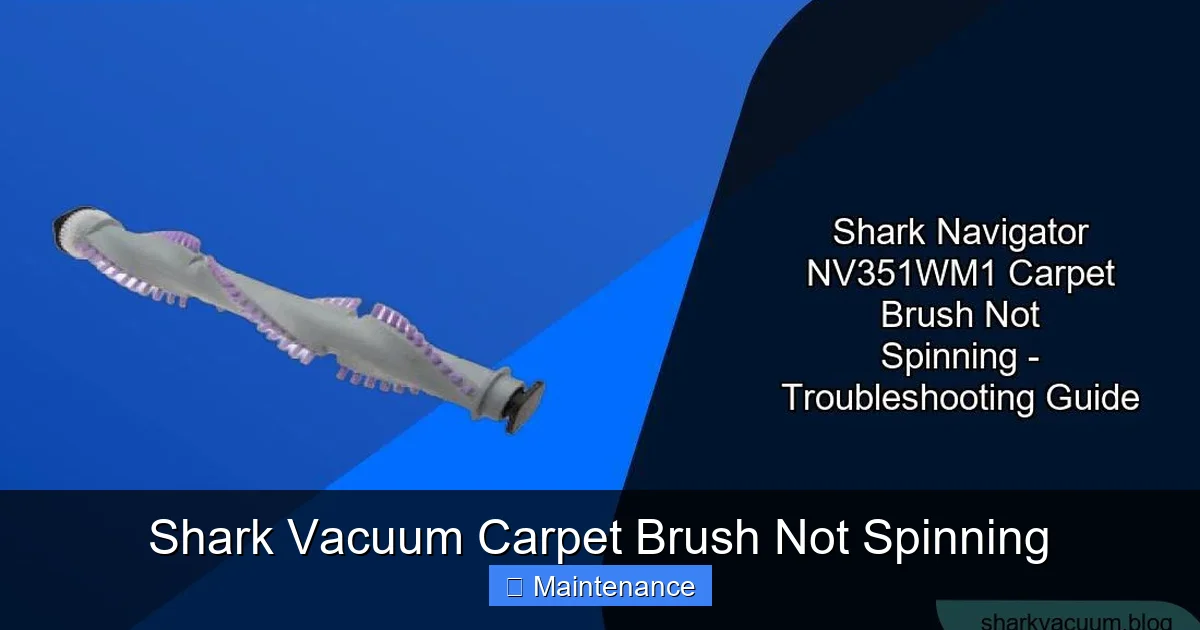
Once unplugged, turn the vacuum over and locate the brush roll housing on the soleplate (the bottom plate). On most Shark models, you’ll need to release the soleplate to access the brush roll. Look for release latches, screws, or a lever. Commonly, there are two red release buttons on the top or back of the brush roll housing. Press them and the housing will pop down or off. Gently lay the vacuum on its side or back to work comfortably. Now, you have your first visual look at the brush roll and belt. Before you touch anything, do a visual scan for obvious problems: large clumps of hair wrapped tightly around the brush roll, a belt that is visibly missing or hanging loose, or a cracked plastic housing.
How to Safely Remove Debris
If you see hair or string wrapped around the bristles, this is likely your problem. Use a pair of scissors or a seam ripper to carefully cut the debris. Never use your bare hands to pull hair from a stationary brush roll. The bristles can be sharp, and you might accidentally reactivate the vacuum if it’s not unplugged. Cut the material into sections and pull them away. You might be shocked at how much can accumulate and bind the roll. For stubborn, packed-in debris at the ends near the bearings, use an old toothbrush or a small, stiff brush to dislodge it.
The Hand-Spin Test
With the vacuum unplugged and the soleplate removed, try to rotate the brush roll by hand. It should spin freely with little resistance. If it doesn’t spin at all, or if it grinds and feels gritty, the problem is either a severe jam inside the bearings, a broken brush roll, or a seized bearing housing. If it spins freely, the issue is likely with the belt, motor, or reset switch. This simple test tells you which direction to head next.
Diagnosing the Drive Belt: The Most Common Culprit
If the brush roll spins freely by hand but doesn’t move when the vacuum is on, the drive belt is the prime suspect. On SharkNavigator, Rotator, and Vertex models, accessing the belt is straightforward once the soleplate is off. You’ll see a black rubber loop running from a small pulley on the motor (usually near the back of the vacuum head) to the center of the brush roll.
Visual guide about Shark Vacuum Carpet Brush Not Spinning
Image source: carpetgurus.com
What to Look For
Examine the belt closely. Is it intact? A good belt is a continuous loop. If it’s broken, you’ll see two separate pieces. Is it stretched? A belt that has lost its elasticity will be loose and may slip off the pulleys. Does it have cracks, glazing (a shiny, hardened surface), or pieces missing? Any of these signs mean the belt needs replacement. Also, check if the belt is simply sitting on the brush roll pulley but not engaged with the motor pulley. Sometimes a jam can force it off its track.
How to Replace a Shark Vacuum Belt
Replacing the belt is a simple DIY task. You do not need to remove the brush roll from the housing in most models. First, remove the old belt. Stretch it over the motor pulley and off the brush roll pulley. Note how it sits in the groove on the brush roll. Take the old belt with you to an appliance parts store or order online using your Shark model number (found on a label on the back or bottom of the vacuum). Search for “Shark [Your Model] drive belt.” To install the new belt, stretch it over the motor pulley first, then roll it onto the brush roll pulley, ensuring it sits properly in the groove. Reassemble the soleplate, plug in, and test. The brush roll should now spin. Pro Tip: While you have it open, this is the perfect time to clean out any hidden hair in the belt channel and around the motor pulley.
The Reset Button: Your Vacuum’s “Circuit Breaker”
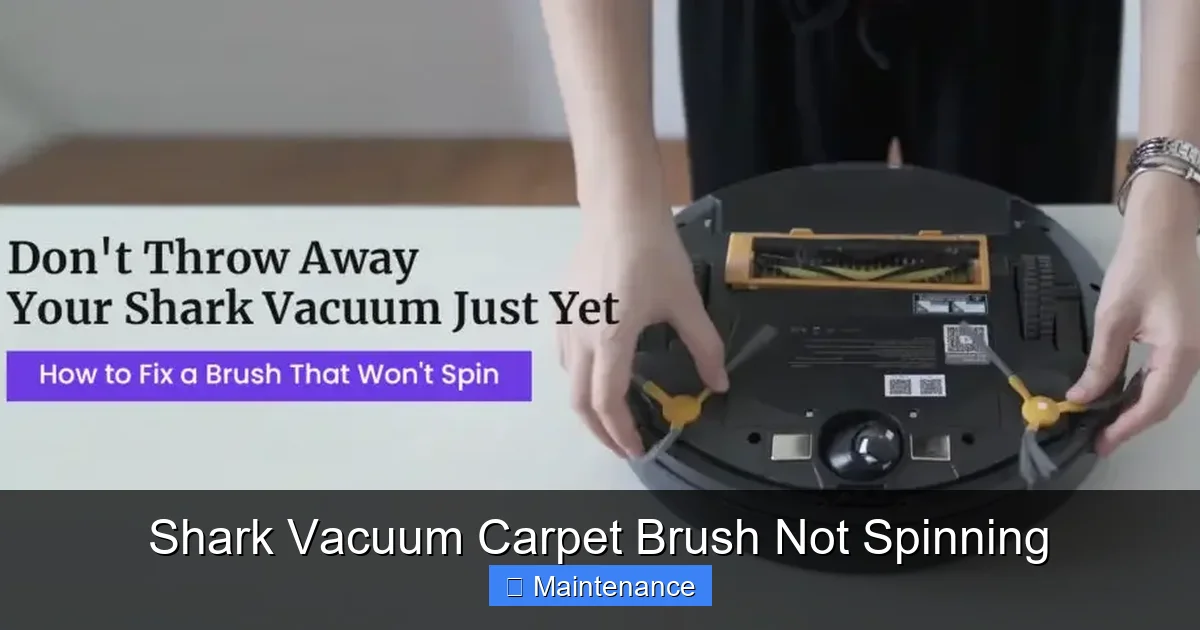
If the belt looks perfect and the brush roll spins freely, but it still doesn’t move when powered on, the motor’s thermal reset switch may have tripped. Shark vacuums are designed with this safety feature. If the brush roll was jammed for a while, the motor could overheat and shut down. The vacuum will still suction, but the brush roll motor will be dead until reset.
Visual guide about Shark Vacuum Carpet Brush Not Spinning
Image source: sharkrobovacuum.com
Finding the Reset Button
The location varies by model. On many Shark Navigator and Rotator models, it’s a small, red, circular button on the back of the vacuum’s main body, near the motor or the power cord entry. On some stick vacs, it might be on the side of the motor housing. You’ll often need a flashlight to see it. It’s usually recessed. Use a pen cap or a small screwdriver to press it in firmly. You should feel and hear a click. Once reset, plug the vacuum back in and try the brush roll again. If it works, great! But remember, the reset tripped for a reason. You must find and fix the underlying jam or resistance that caused the overheating, or it will trip again.
When the Brush Roll or Housing Itself is Faulty
Sometimes, the problem isn’t external but internal to the brush roll assembly. After you’ve cleared all debris and confirmed the belt is good, if the brush roll still won’t spin freely by hand, the roll or its housing is damaged.
Worn or Broken Brush Roll
The plastic core of the brush roll can develop cracks, especially around the ends where it connects to the bearings. A cracked roll will bind. Also, if the bristles themselves are melted (from running over a hot object like a fireplace ember) or have become extremely brittle and are breaking off, the roll can become unbalanced and seize. Visually inspect the entire length of the cylinder. If you see any cracks, warping, or excessive bristle loss, the brush roll needs to be replaced. Replacement rolls are available by model number.
Damaged Bearings or Housing
The plastic end caps that hold the brush roll bearings can crack or warp. This misaligns the roll within the housing, causing it to bind against the sides. Carefully inspect the housing on your vacuum where the ends of the brush roll sit. Are there any cracks? Is there plastic debris inside? Spin the brush roll and listen. A grinding or crunching noise indicates a failed bearing. In many cases, it’s more cost-effective to replace the entire brush roll assembly (which includes the bearings and end caps) rather than trying to source individual bearings.
Advanced Troubleshooting: Motor and Internal Issues
If you’ve meticulously checked the belt (and replaced it), confirmed the brush roll spins freely, reset the button, and the problem persists, the fault may lie deeper. This is less common, but possible.
Isolating the Brush Roll Motor
Some Shark models have a separate, smaller motor just for the brush roll. On others, the main motor drives both suction and the brush roll via a clutch or belt system. If your model has a separate brush roll motor, it could have failed. Diagnosis at this stage is difficult without a multimeter and technical knowledge. You would need to test for power reaching the motor when the vacuum is on. For the average user, this is the point where professional repair becomes the most sensible option.
Clutch or Gearbox Failure
Certain Shark models (like some older uprights) use a clutch mechanism or gearbox instead of a simple belt. This complex assembly can wear out, strip its gears, or have its internal belt break. Symptoms include a humming sound from the brush roll area but no movement. Repairing these units is intricate and often requires replacing the entire clutch/gearbox assembly, which can be purchased as a part.
Conclusion: Prevention and Long-Term Care
Facing a Shark vacuum carpet brush not spinning is a nuisance, but it’s also an opportunity. By understanding the simple mechanics at play, you’ve gained the power to fix it yourself, save money, and extend the life of your trusted cleaning tool. Remember the golden rule: unplug first. Then, follow the diagnostic path: check for jams, inspect/replace the belt, hit the reset button, and finally, assess the brush roll and housing itself. The vast majority of these issues are resolved in the first two steps.
The real secret to avoiding this problem altogether is proactive maintenance. Make it a habit: every time you empty your vacuum’s dust cup, take 30 seconds to flip the machine over, remove any visible hair from the brush roll with scissors, and give the belt a quick glance for wear. Once a month, do a more thorough cleaning. This small routine keeps debris from building into a destructive jam, protects your belt from excessive strain, and ensures your Shark vacuum is always ready to tackle your carpets with full power. You’ve invested in a great machine; a little care keeps it performing like new for years. Now, go enjoy that freshly vacuumed, deeply cleaned carpet!
Frequently Asked Questions
Is it safe to use my Shark vacuum if the brush roll isn’t spinning?
Yes, but only on hard floors. The vacuum will still suction fine on tile, hardwood, or linoleum. However, you should never use it on carpet with a non-spinning brush roll. Without the agitation, you’re only removing surface debris, not deep-down dirt and allergens. More importantly, running the vacuum with a jammed brush roll can overheat and damage the motor or belt, turning a simple fix into a major repair.
Can I fix a broken Shark vacuum belt myself, or do I need a professional?
You can absolutely fix a broken belt yourself. It is one of the simplest and most common DIY vacuum repairs. You only need a screwdriver to remove the soleplate and a replacement belt specific to your model. The process takes 5-10 minutes. No professional training is required. Just be sure to order the correct belt using your vacuum’s model number.
How much does it typically cost to fix a non-spinning brush roll?
If it’s a jam or a belt replacement, the cost is just the price of the new belt, usually between $8 and $20. If the brush roll itself needs replacing, a new assembly is typically $25-$50. If a professional is called for a diagnosis and repair, labor can add $50-$100, making DIY far more economical for these common issues. A motor failure would be the most expensive repair, often approaching the cost of a new mid-range vacuum.
Are Shark vacuum belts and brush rolls universal across all models?
No. While many Shark models use similar belt designs, they are not universally interchangeable. The length, width, and thickness vary by model series and year. The brush roll assemblies are also model-specific due to different housing sizes and mounting mechanisms. Always use your vacuum’s exact model number (e.g., Shark Navigator Lift-Away Professional NV356, Shark Vertex AZ6002) to find the correct replacement parts.
How often should I clean my Shark vacuum’s brush roll to prevent problems?
For best results, perform a quick visual check and remove any wrapped hair or fibers every time you empty the dust cup. This takes seconds. Then, schedule a deep cleaning of the entire brush roll housing, bearings, and belt channel once a month if you have pets or long hair, or every 2-3 months for typical household use. This preventive maintenance is the single best way to avoid brush roll jams and belt wear.
Is a tripped reset button covered under the Shark warranty?
A tripped reset button is a symptom, not a failed part itself, so it isn’t “covered” as a warranty claim. However, the underlying cause that caused the reset (like a defective belt or a manufacturing flaw in the brush roll) might be covered if your vacuum is still within the warranty period. The warranty typically covers defects in materials and workmanship. Normal wear-and-tear items like belts and brush rolls are usually considered consumables and are not covered after the first year, but this varies by specific warranty terms. Always check your warranty documentation.