Is your Shark Navigator Deluxe vacuum’s brush roll suddenly stopped spinning? This is a very common issue, usually caused by a simple obstruction, a worn belt, or a tripped thermal cutoff. The good news is that in most cases, you can diagnose and fix the problem yourself with basic tools and a few minutes of time, saving you from an expensive service call. This guide walks you through every potential cause, from hair wraps to motor issues, with clear, step-by-step instructions to get your vacuum’s agitation back in action.
Key Takeaways
- The #1 Cause is Hair & Debris: The most frequent reason for a non-spinning brush is a thick wrap of hair, string, or carpet fibers jamming the brush roll bearings. Regular cleaning prevents this.
- Check the Drive Belt First: A broken, stretched, or slipped rubber drive belt is the second most common culprit. It’s an inexpensive and easy part to inspect and replace.
- Thermal Cutoff is a Safety Feature: If the motor overheated (from a clog or jam), a thermal fuse may have tripped, cutting power to the brush roll. Letting the vacuum cool often resets it.
- Inspect the Brush Roll Housing: Look for obstructions in the housing itself, like large debris or a damaged bearing that’s seized the brush roll in place.
- Motor or Wiring Issues are Rare: Problems with the brush roll motor itself or its wiring are uncommon. Always rule out belts, jams, and fuses first before suspecting a failed motor.
- Prevention is Key: A quick, 30-second brush roll cleaning after every few uses is the single best habit to avoid this frustrating problem altogether.
📑 Table of Contents
- Introduction: That Frustrating Silence Where Agitation Should Be
- The Usual Suspects: Why Your Brush Roll Has Thrown in the Towel
- Diagnosis & Step-by-Step Fixes: From Quick Check to Full Teardown
- Preventive Maintenance: Keeping the Spin Alive
- When to Say “Uncle”: Knowing When Professional Help is Needed
- Conclusion: Your Vacuum’s Heartbeat Can Be Restored
Introduction: That Frustrating Silence Where Agitation Should Be
You plug in your trusty Shark Navigator Deluxe, press the power button, and hear the familiar motor hum. But something’s off. The carpet isn’t getting that deep-clean agitation you’re used to. You look down, and there it is: the iconic brush roll, that cylindrical bar of bristles, is sitting perfectly still. No rotation. No sweeping motion. Just a silent, stationary piece of plastic where your vacuum’s cleaning power should be. If your Shark Navigator Deluxe brush is not spinning, you’re not alone. This is arguably the most common issue owners face with this popular, hardworking vacuum.
The brush roll, or agitator, is the heart of your vacuum’s carpet-cleaning ability. It’s what kicks up embedded dirt, agitates fibers, and sends debris into the suction path. When it stops, your vacuum degrades from a powerful deep-cleaner to little more than a weak shop vac on hard floors. The causes range from laughably simple to more complex, but the vast majority are fixable with pliers, a screwdriver, and a bit of patience. We’re going to dismantle this problem piece by piece, literally and figuratively. Let’s get that brush spinning again.
The Usual Suspects: Why Your Brush Roll Has Thrown in the Towel
Before you start taking things apart, it helps to understand the simple mechanics at play. Your Shark Navigator Deluxe uses a drive belt system. The main vacuum motor powers the suction. A separate, smaller motor (the brush roll motor) spins the brush roll. They are connected by a rubber belt. If any link in this chain is broken or blocked, the brush stops. Here are the primary failure points, in order of likelihood.
Visual guide about Shark Navigator Deluxe Brush Not Spinning
Image source: m.media-amazon.com
Obstruction: The Silent Killer of Brush Rotation
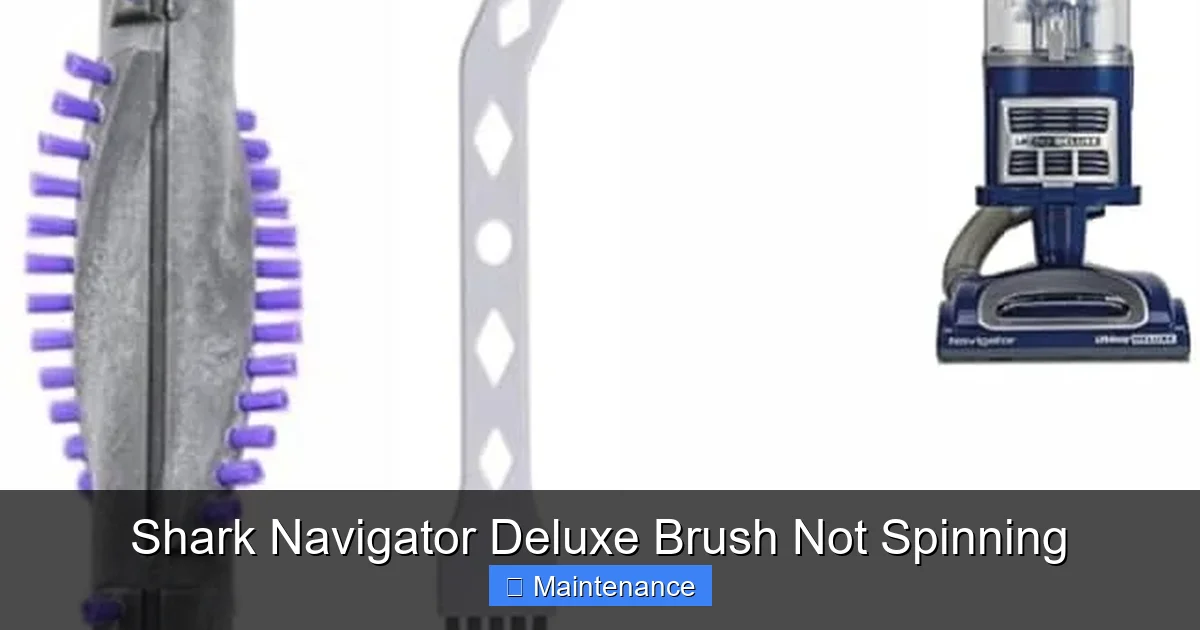
Think about what your vacuum encounters: pet hair, human hair, carpet fibers, string, thread, bits of clothing, and general ground-in gunk. This material doesn’t just get sucked away; it wraps around the ends of the brush roll, where the bearings are. Over time, this creates a thick, felt-like clog. This clog does two things: it physically prevents the brush roll from turning, and it creates immense friction that can burn through the drive belt or trigger the thermal fuse. It’s the number one reason for a Shark Navigator Deluxe brush not spinning.
The Drive Belt: The Critical Link
This rubber band-like component is what transfers the rotational force from the brush roll motor to the brush roll itself. Belts wear out. They can stretch, crack, become glazed, or, most commonly, snap entirely. They can also slip off the motor shaft or the brush roll pulley if they’re loose. If the belt is broken or missing, the brush roll has no power source, full stop.
The Thermal Cutoff: Your Vacuum’s Emergency Brake
Shark vacuums, like most modern appliances, have a safety feature called a thermal fuse or cutoff. If the brush roll motor or the main motor gets too hot—usually because of a severe clog or jam—this fuse “blows” and cuts power to the brush roll circuit to prevent fire or motor damage. This is a protective measure, not a permanent failure. Often, once the vacuum cools down completely (1-2 hours), the fuse will reset itself. If it doesn’t, it may need replacement, but the underlying cause (the clog) must be fixed first.
Brush Roll or Bearing Seizure
The brush roll itself has two plastic end caps with ball bearings inside. If these bearings corrode, get clogged with gunk, or simply wear out, the brush roll can seize solid. You won’t be able to spin it by hand. Similarly, the brush roll housing (the plastic tunnel it sits in) can get debris packed in it, creating so much resistance the motor can’t turn the brush.
Brush Roll Motor Failure (Rare)
The small motor that spins the brush roll can theoretically burn out. This is statistically rare compared to belts and clogs. Symptoms of a truly dead motor include a burning smell and no sound from the brush motor area (you might only hear the main suction motor). Before concluding this, you must eliminate all other possibilities.
Diagnosis & Step-by-Step Fixes: From Quick Check to Full Teardown
Now, let’s get our hands dirty. We’ll start with the fastest, easiest checks and move toward more involved repairs. Always, ALWAYS, unplug your vacuum before touching any internal components.

Visual guide about Shark Navigator Deluxe Brush Not Spinning
Image source: sharkvacuum.blog
Step 1: The Quick Flip & Visual Inspection
Lay your Shark Navigator Deluxe on its back so you can see the brush roll housing. Use a Phillips head screwdriver to remove the four screws that hold the bottom plate (the “foot”) in place. Gently set the screws aside. Lift the bottom plate away. This gives you your first clear view.
What you’re looking for:
- Hair & Fiber Wrap: Is the brush roll matted with hair, string, or carpet fibers, especially at the ends? Can you see the bristles? If it’s a solid clump, that’s your problem.
- Broken Belt: Look for a rubber belt. Is it there? Is it intact, or is it snapped, hanging loose, or missing entirely? A broken belt is obvious—it will be in pieces or sitting in the housing bottom.
- Obvious Obstructions: Look into the housing itself. Is there a large piece of debris, a sock fragment, or a toy part stuck in there, blocking the brush roll’s path?
Fix for Hair Wrap: Use a seam ripper, a pair of sharp scissors, or even a dedicated “vacuum pet hair removal tool.” Carefully cut and pull the hair away from the brush roll. Be meticulous and get it all from the bearings and the bristle roots. Spin the brush roll by hand—it should turn freely. Reassemble and test.
Step 2: The Belt Inspection & Replacement
If the belt is missing or visibly damaged, you need a new one. Shark Navigator Deluxe models typically use a specific, numbered belt (often a “Shark Belt # 081” or similar—check your manual or the old belt for the exact part number). You can find generic “Shark vacuum belts” online, but using the exact OEM part ensures proper fit and longevity.
How to Replace the Belt:
- With the bottom plate off, locate the belt. It loops around the brush roll’s plastic pulley and the motor shaft pulley.
- Stretch the belt and unhook it from the brush roll pulley first. The brush roll will now be free to lift out.
- Lift the brush roll straight up and out of the housing. Note its orientation so you can put it back the same way.
- Stretch the other end of the old belt off the motor shaft pulley. Discard the old belt.
- Take your new belt. Stretch one end over the motor shaft pulley. It should fit snugly.
- Now, the tricky part: stretch the other end of the belt over the brush roll pulley while simultaneously lowering the brush roll back into its slots in the housing. You may need to twist the brush roll slightly to get the belt to seat properly on the pulley. Ensure the belt is not twisted.
- Give the brush roll a few spins by hand. It should rotate smoothly with slight resistance from the belt. Reinstall the bottom plate, screw it in, and test.
Step 3: Checking for a Tripped Thermal Fuse
If you’ve cleared all obstructions and the belt is new and properly installed, but the brush still won’t spin, the thermal cutoff may have tripped. This fuse is usually located on the circuit board inside the vacuum’s main body (the canister), not near the brush roll.
How to Check/Reset:
- Unplug the vacuum and let it sit completely cool for at least 2 hours. This is often enough for the fuse to automatically reset.
- After cooling, reassemble everything and try again. If it works, you likely had a jam that caused overheating. Clean the brush roll thoroughly to prevent recurrence.
- If it still doesn’t work after cooling, the fuse may be permanently open and need replacement. Accessing it requires opening the main body of the vacuum, which involves more screws and careful disconnection of wiring harnesses. If you’re not comfortable with this, it’s time to consider a professional.
Step 4: The Brush Roll & Bearing Test
With the brush roll out of the vacuum, inspect it closely. Try to spin each end cap by hand. They should rotate smoothly and independently. If one or both are seized, the bearing inside is dead. You have two options:
- Replace the Brush Roll Assembly: This is often the simplest and most cost-effective solution. A new brush roll comes with new bearings and end caps. It’s a direct swap. Just ensure you get the correct model for your Navigator Deluxe.
- Attempt to Clean/Repair: You can try to remove the end caps and clean out packed gunk from the bearings with compressed air and a tiny brush, then apply a drop of light machine oil. This is a temporary fix at best and often not worth the effort compared to the ~$15-$25 cost of a new brush roll.
Step 5: Advanced Troubleshooting – Motor & Wiring
If you have a new belt on a freely spinning brush roll, the vacuum is reassembled correctly, and it’s been cooled for hours, the fault likely lies with the brush roll motor or its wiring.
- Listen: When you turn the vacuum on (with it upright), do you hear a separate, higher-pitched whirring sound from the brush motor area? If you hear nothing but the main suction motor, the brush motor isn’t getting power or has failed.
- Test for Power: This requires a multimeter and comfort with electronics. You would need to access the motor’s wiring harness and check for voltage when the vacuum is on and the brush roll switch is engaged. If there’s power but the motor doesn’t turn, the motor is bad. If there’s no power, the issue is in the switch or wiring.
- Conclusion: Motor and wiring diagnosis is beyond most DIYers. At this stage, calling Shark customer support for warranty status or seeking a qualified small appliance repair shop is the recommended path.
Preventive Maintenance: Keeping the Spin Alive
An ounce of prevention is worth a pound of cure. A few seconds of care after every few uses will save you from this headache indefinitely.
Visual guide about Shark Navigator Deluxe Brush Not Spinning
Image source: sharkvacuum.blog
The 30-Second Post-Vacuuming Ritual
Every time you finish vacuuming, especially if you have pets or long-haired humans, do this:
- Unplug the vacuum.
- Flip it over and look at the brush roll through the bottom plate holes. Can you see hair wrapped around it?
- If yes, use your scissors or a seam ripper to cut and pull it away. Don’t try to just pull; you’ll just tighten the wrap. Cut it first.
- Give the brush roll a few spins by hand to dislodge any loose bits.
This simple habit stops the hair wrap before it becomes a solid, destructive clog.
Deep Clean Monthly
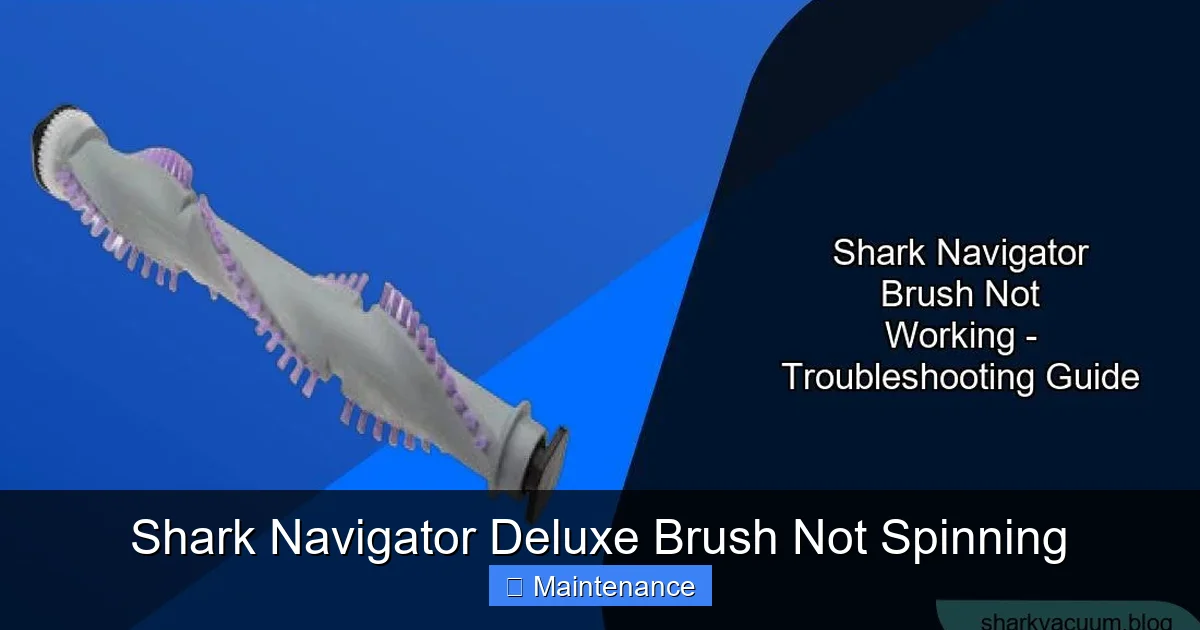
Once a month, do a full removal of the brush roll as described in the diagnosis steps. Take it to the sink. Use a utility brush and soapy water to scrub the bristles, the plastic body, and especially the bearing end caps. Rinse thoroughly and let it dry COMPLETELY (24 hours) before reinstalling. This removes fine dust and oily gunk that can degrade bearings and belt grip.
Inspect & Replace Belts Proactively
Belts are a wear item. Even if not broken, a belt that is stretched, glazed (shiny), or has cracks is inefficient and prone to breaking. Consider replacing your drive belt every 12-18 months as preventive maintenance. It’s cheap insurance.
Mind Your Surfaces
Your Shark Navigator Deluxe is designed for carpet and rugs. Be cautious on very thick, shag-style carpets. The long fibers can wrap the brush roll more aggressively. Also, never vacuum hard objects, large amounts of loose powder (like baking soda), or wet debris. These can instantly jam the brush roll or damage the motor.
When to Say “Uncle”: Knowing When Professional Help is Needed
You’ve followed all the steps. You have a new, correctly installed belt on a brush roll that spins freely by hand. The vacuum is cool. The brush roll motor doesn’t engage. At this point, the probability shifts to a failed motor, a faulty brush roll switch, or damaged wiring.
Consider professional repair if:
- You are uncomfortable opening the main canister body of the vacuum.
- Diagnosis points to the brush roll motor or internal wiring.
- Your vacuum is still under the manufacturer’s warranty. Opening it may void the warranty. Contact Shark first for authorized service options.
- The cost of a new vacuum is comparable to the estimated repair cost. Sometimes, especially with older models, replacement is more economical.
For a reputable small appliance repair shop, a brush motor replacement is a standard job. Call for an estimate before authorizing work.
Conclusion: Your Vacuum’s Heartbeat Can Be Restored
A Shark Navigator Deluxe brush not spinning feels like a death sentence for your vacuum, but it’s almost always a treatable condition. The vast majority of these issues stem from the humble, hardworking drive belt or the relentless accumulation of hair and fibers. By arming yourself with a screwdriver, a new belt, and the knowledge of how to perform a simple inspection and cleaning, you reclaim control. You transform from a frustrated user into a capable fixer. That satisfying whir of the brush roll spinning freely again, coupled with the renewed power of your vacuum on carpet, is a small but significant victory. Bookmark this guide, keep a spare belt on hand, and embrace the 30-second post-vacuuming ritual. Your Shark Navigator Deluxe is a workhorse. With a little maintenance, it will keep spinning—and cleaning—for years to come.
Frequently Asked Questions
Why is my Shark Navigator Deluxe’s brush roll spinning but the vacuum has no suction?
That’s a different issue! A spinning brush with no suction usually means a severe clog in the hose, wand, or main air pathway, or a full/dirty dust cup or filter. Check for blockages and clean all filters. The brush motor and suction motor are separate systems.
Can I use my Shark Navigator Deluxe on hard floors with the brush roll off?
Yes, you can. The vacuum will still pick up debris on hard floors via suction alone, though it’s less efficient on large debris. Some models have a “hard floor” setting that raises the brush roll. If yours doesn’t, just be aware you’re using it as a suction-only cleaner.
How do I know if my brush roll is installed correctly after cleaning?
The brush roll should sit flush in its housing, with the belt properly seated on its plastic pulley. The belt should not be twisted. When you spin the brush roll by hand, it should rotate smoothly in both directions. If it feels gritty or catches, it’s not installed right or the bearing is bad.
Is it normal for the brush roll to feel hot after use?
It can be warm, but it shouldn’t be too hot to touch. Excessive heat indicates too much friction, usually from a hair wrap clog, a tight bearing, or a belt that is too tight or worn. If it’s very hot, turn off the vacuum, unplug it, and check for obstructions immediately.
What if my vacuum smells like burning rubber?
This is a classic sign of a burning drive belt. The belt is likely slipping severely due to a clog (causing extreme friction) or the belt itself is old and deteriorating. Turn off the vacuum, unplug it, and immediately check the brush roll for hair wraps and the belt for signs of melting or breakage. Do not use until fixed.
My brush roll spins freely by hand but still doesn’t work in the vacuum. Why?
This points away from a mechanical jam and toward a power issue. The most likely causes are: 1) a broken or missing drive belt (double-check it’s actually connected to both pulleys), 2) a tripped thermal fuse that needs cooling/replacement, or 3) a failed brush roll motor or its switch/wiring.