A non-spinning brush roll on your Shark Nv55 Navigator is a common but fixable issue. It’s usually caused by a clog, a broken or slipped belt, a jammed brush roll, or a motor problem. Start with simple checks: remove the brush roll to clear hair and debris, inspect the drive belt, and ensure the brush roll spins freely. Most solutions are user-serviceable and don’t require a professional, saving you time and money on repairs.
You’re pushing your trusty Shark Nv55 Navigator across the floor, and you notice something’s wrong. The suction feels strong, but that vital rotating brush bar at the front—the one that agitates carpet fibers and lifts dirt—is stubbornly still. Panic sets in. Is it broken for good? Before you resign yourself to a costly repair or a new vacuum, take a deep breath. The “Shark Nv55 Navigator brush not spinning” issue is one of the most common problems owners face, and in the vast majority of cases, it’s a straightforward fix you can handle yourself in under 15 minutes with just a few basic tools. This guide will walk you through every possible cause, from the simplest hair clog to a more complex motor issue, with clear, step-by-step instructions.
Understanding why the brush stops is the first step to fixing it. The brush roll (or brush bar) is a separate mechanical system from the main suction motor. A dedicated smaller motor, located in the powerhead housing, spins the brush via a rubber drive belt. Something in this chain—the motor, the belt, or the brush roll itself—has failed. Our job is to find the weak link. We’ll start with the most likely suspects and work our way down. Remember, always unplug your Shark Nv55 Navigator from the wall outlet before tipping it over or touching any internal components. Safety always comes first.
Key Takeaways
- Clogs are the #1 culprit: Hair, string, and carpet fibers wrap around the brush roll bearings or in the intake, stopping rotation. Regular cleaning prevents this.
- The drive belt is a frequent failure point: It can stretch, slip off its pulleys, or break entirely, disconnecting motor power from the brush roll.
- The brush roll itself can seize: Bearings can wear out or get packed with gunk, or the plastic end caps can crack, causing a lock-up.
- Motor failure is rare but possible: If the brush motor has burned out, the brush won’t spin, but the suction motor may still work.
- Always disconnect power first: Safety is paramount. Unplug the vacuum before performing any inspection or repair.
- Preventive maintenance is key: A quick 2-minute brush roll cleaning after every few uses prevents 90% of “not spinning” problems.
- Many parts are inexpensive: Replacement belts and brush rolls are affordable, making DIY repair far cheaper than a service call.
📑 Table of Contents
- Understanding Your Shark Nv55 Navigator’s Brush Roll System
- Diagnosing the Problem: A Systematic Approach
- Step-by-Step Fixes for the Most Common Causes
- Advanced Troubleshooting: When the Basics Aren’t Enough
- Essential Maintenance: Preventing Future “Not Spinning” Disasters
- Conclusion: You’ve Got This
Understanding Your Shark Nv55 Navigator’s Brush Roll System
Before we diagnose, let’s quickly understand the anatomy. The brush roll is a cylindrical rod with bristles, housed in the powerhead at the front of the vacuum. It’s connected to a small electric motor by a single, narrow rubber belt. When you turn the vacuum on, this motor engages (you can usually hear a distinct change in sound), and the belt transfers that rotational force to the brush roll. If any part of this system is obstructed, disconnected, or broken, the brush will not spin. The good news? All these parts are designed to be user-accessible and replaceable. Shark engineers these vacuums with easy maintenance in mind.
The Three Core Components: Motor, Belt, and Brush Roll
- The Brush Roll Motor: A small, sturdy motor mounted inside the powerhead housing. It’s what provides the spinning power. If it fails electrically or mechanically, the belt won’t turn.
- The Drive Belt: A critical, often overlooked part. This rubber ring sits between a small pulley on the motor shaft and a larger pulley on the brush roll. It must be tight and intact to transfer power. Belts can stretch, slip off, or develop cracks and break over time.
- The Brush Roll Assembly: The physical brush bar itself, with plastic end caps that house bearings. These bearings allow it to spin smoothly. If they are packed with hair or are worn out, the brush roll will seize, putting immense strain on the belt and motor.
A problem with any one of these three components will result in a stationary brush. Our diagnostic process will systematically check each one.
Diagnosing the Problem: A Systematic Approach
Don’t just guess! Follow this logical sequence to pinpoint the exact cause. Start with the easiest, most common checks that require no tools.
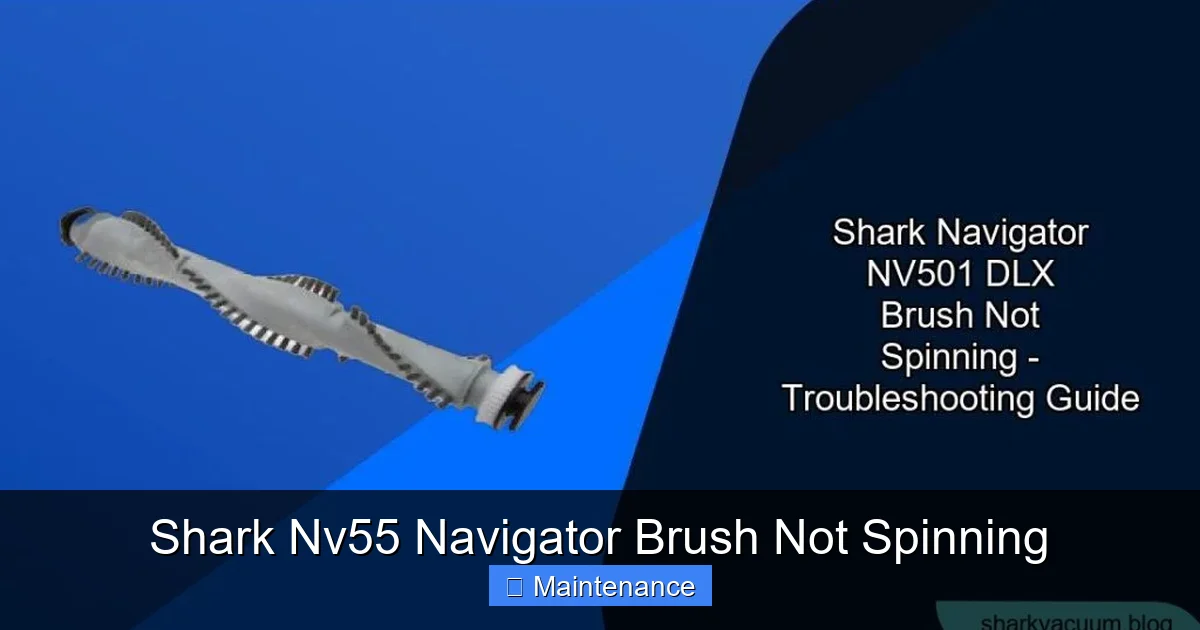
Visual guide about Shark Nv55 Navigator Brush Not Spinning
Image source: sharkvacuum.blog
Step 1: The Visual & Auditory Check
Lay your Shark Nv55 Navigator flat on its side on a well-lit surface. Turn it on. Look into the brush roll housing from the side. Can you see the brush roll? Is it completely still? Listen carefully. Do you hear the distinct whirring or clicking of the brush roll motor engaging? If you hear the motor trying to turn but the brush doesn’t move, the problem is almost certainly a mechanical failure between the motor and the brush—a broken belt, a seized brush, or a belt that has slipped off. If you hear nothing different from the normal suction motor sound, the brush roll motor itself may not be getting power or may have failed.
Step 2: The Easy Access Inspection (Remove the Brush Roll)
This is the most important diagnostic step. The Shark Nv55 Navigator is designed for tool-free brush roll removal. On the underside of the powerhead, you’ll find two red release levers or tabs (the exact design may vary slightly by model year). Flip them upward. The entire brush roll assembly will drop down and out. Pull it free. Now, inspect it closely.
- Look for Wrapping: Is hair, string, or carpet fiber wound tightly around the ends of the brush roll, near the bearings? This is the most common cause. This “hair wrap” jams the bearings, preventing the brush from spinning freely and putting so much strain on the belt that it can slip or break.
- Spin It Manually: Hold the brush roll by the plastic end caps and try to rotate it with your fingers. Does it spin smoothly and freely? Or is it stiff, gritty, or completely locked? If it doesn’t spin easily by hand, the bearings are the problem. They are either clogged or worn out.
- Inspect the Bristles: Are many bristles missing or broken off? A heavily damaged brush roll can become unbalanced and cause other issues, though it may still spin.
Step 3: The Belt Inspection
With the brush roll removed, you now have a clear view into the powerhead housing. Look for the black rubber belt. It should be looped around the motor pulley (small) and the brush roll pulley (larger).
- Is it there? Sometimes a broken belt snaps and falls into the housing. If there’s no belt, that’s your problem.
- Is it intact? Look for cracks, fraying, or a glazed, shiny surface. A worn belt will slip.
- Is it properly seated? Ensure it’s sitting squarely on both pulleys and not twisted.
- Is it loose? Press down on the belt. It should have some tension. A stretched belt will feel sloppy and may have jumped off a pulley.
Step 4: Check for Motor Engagement
Re-install the brush roll without the belt (just place it in its guides). Plug the vacuum in and turn it on to the carpet setting. You should hear and feel the brush roll motor engage—a distinct change in sound and a slight vibration in the powerhead. If you don’t, the issue could be a faulty switch, a broken wire to the brush motor, or a failed motor itself. This is a less common, more advanced electrical diagnosis.
Step-by-Step Fixes for the Most Common Causes
Armed with your diagnosis, let’s fix it. We’ll start with the solution for the problem you likely identified in the previous section.
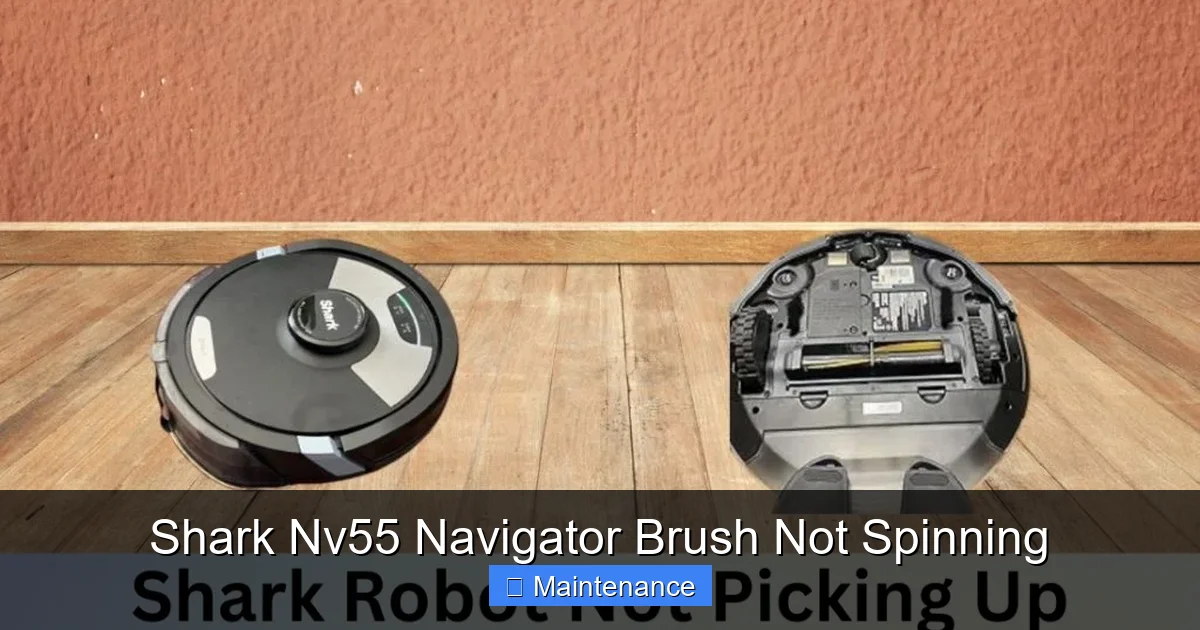
Visual guide about Shark Nv55 Navigator Brush Not Spinning
Image source: sharkvacuum.blog
Fix #1: De-Clogging and Cleaning the Brush Roll
Situation: Brush roll is jammed with hair/fiber, or bearings are gritty.
Solution: This is a satisfying, quick fix. You’ll need a pair of scissors or a sharp seam ripper and maybe a small screwdriver.
- Take the brush roll to a well-lit area.
- Use the scissors to carefully cut and unwind any hair or string wrapped around the core. Do not pull; cutting prevents you from pulling hair deeper into the bearing.
- For debris packed in the plastic end caps, use a small screwdriver or a bent paperclip to dig it out. Be gentle to avoid cracking the plastic.
- Once clear, spin the brush roll by hand. It should rotate smoothly for several seconds. If it’s still stiff, the bearings are likely permanently damaged, and the brush roll needs replacing.
- While you’re here, wipe down the brush roll housing and the belt pulleys with a dry cloth to remove any dust and debris.
- Reinstall the clean, freely-spinning brush roll and re-engage the belt.
Fix #2: Replacing or Re-seating the Drive Belt
Situation: Belt is broken, stretched, missing, or slipped off a pulley.
Solution: Shark Nv55 Navigator belts are cheap and easy to replace. The part number is usually printed on the old belt or in the manual (common part: Shark NV… Belt). You can buy generic “universal vacuum belts” that work, but an exact OEM replacement is best.
- With the brush roll removed, locate the belt. Stretch it gently to remove it from the motor pulley first.
- Then, slide it off the brush roll pulley.
- Take the new belt. Loop it around the brush roll pulley first. Then, stretch it and hook it onto the motor pulley. You may need to rotate the motor pulley slightly to get it on. Ensure it’s seated properly and not twisted.
- Pro Tip: Before putting the brush roll back, check that the belt is properly aligned on the brush roll pulley and isn’t pinched between the pulley and the housing.
- Reinstall the brush roll, making sure the belt is still on both pulleys. The red tabs should click securely into place.
- Test the vacuum. You should immediately hear and see the brush spinning. If the new belt immediately jumps off, the brush roll bearings are likely seized, causing too much resistance. Re-check the brush roll spin.
Fix #3: Replacing a Seized or Damaged Brush Roll
Situation: Brush roll does not spin freely by hand, even after cleaning. Bearings are worn out, or the plastic end caps are cracked.
Solution: Replacing the brush roll is the fix. It’s a single, inexpensive part (often sold as “Shark Navigator Brush Roll” or “Powerhead Brush Bar”).
- Remove the old brush roll as described (flip the red levers).
- Note its orientation—which end goes where. Usually, one end has a groove or a different shape that fits a guide pin.
- Take the new brush roll and simply slide it into the housing, ensuring it sits snugly in its guides.
- Loop the (new or existing) drive belt around the brush roll’s pulley and the motor pulley as described in Fix #2.
- Secure the red levers. Test the vacuum. The new brush roll should spin freely and vigorously.
Advanced Troubleshooting: When the Basics Aren’t Enough
If you’ve completed the steps above—cleaned the brush, installed a new belt and/or brush roll—and it still doesn’t spin, the issue lies deeper. Don’t worry, we’ll walk through it.
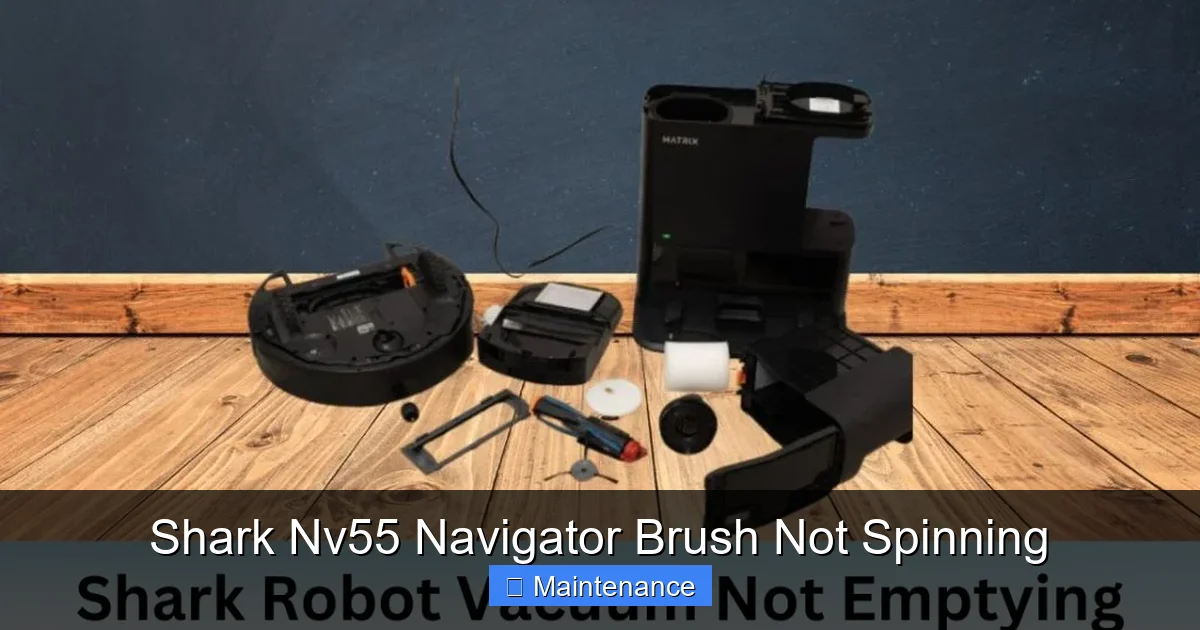
Visual guide about Shark Nv55 Navigator Brush Not Spinning
Image source: sharkvacuum.blog
Diagnosing a Faulty Brush Roll Motor
If you’ve confirmed a good, spinning brush roll and a new, correctly installed belt, but hear no motor engagement sound when you turn the vacuum on (carpet mode), the brush roll motor is the likely culprit. You can sometimes test it by removing the belt and turning the vacuum on. If the motor shaft does not spin, the motor is dead. Replacing the motor is possible but more involved, as it’s mounted inside the powerhead housing with screws. For most users, at this point, the cost of a new powerhead assembly (which includes the motor) is often comparable to the value of an older Nv55, making a new vacuum a more economical choice. However, if you’re comfortable with basic electronics, you can check for continuity with a multimeter, but this is beyond typical DIY.
Checking for Electrical Switch and Wiring Issues
The brush motor is controlled by a switch on the main body of the vacuum (the “carpet/hard floor” selector) and wiring that runs through the wand and hose to the powerhead. A broken wire (often at a hinge point in the wand) or a faulty selector switch can prevent power from reaching the brush motor. You would need a multimeter to test for voltage at the motor terminals when the vacuum is on in carpet mode. If you have no voltage at the motor but have it at the switch, the wire is broken. If you have no voltage at the switch, the switch is bad. These are repairable but require soldering skills or part replacement.
The Hidden Clog: Intake Path Obstruction
Sometimes, a severe clog not at the brush roll but further back in the air path can create such a strong vacuum seal that it physically prevents the brush roll from turning against the carpet. The motor is trying to spin it, but the resistance is too high. Ensure the entire air path is clear: check the hose for obstructions, the wand, and the main dirt cup. Empty the dirt cup completely and check the filter behind it. A completely clogged filter can also create extreme backpressure.
Essential Maintenance: Preventing Future “Not Spinning” Disasters
An ounce of prevention is worth a pound of cure. A few minutes of care after every few uses will keep your Shark Nv55 Navigator’s brush spinning strong for years.
The 60-Second Post-Use Brush Roll Clean
Get in the habit of this. After you finish vacuuming, especially on carpets:
- Turn the vacuum over and flip the two red release levers.
- Pull out the brush roll.
- Use your fingers or the provided cleaning tool (if you have it) to wipe away any lint, hair, or debris wrapped around the bristles and, most importantly, packed in the end caps.
- Spin the brush roll by hand to ensure it’s clear.
- Snap it back in. This 60-second ritual eliminates 90% of hair-wrap jams.
Regular Belt and Brush Roll Inspection
Every 3-6 months, perform a more thorough inspection. Remove the brush roll and check the belt for cracks, glazing, or stretching. Spin the brush roll—it should feel smooth and silent. Any grinding noise means bearing failure is imminent. Proactively replace a belt that looks worn before it breaks. A new belt costs less than $10 and takes 2 minutes to install.
Proper Storage and Use
Avoid running your Shark Nv55 over objects it shouldn’t—large Christmas tree needles, kids’ hair ties, rubber bands, or long curtain cords. These are the primary causes of catastrophic jams that can break belts or bend brush roll bearings. Also, don’t store the vacuum on its front or back for long periods, as this can put stress on the brush roll assembly. Store it upright on its base.
Conclusion: You’ve Got This
The “Shark Nv55 Navigator brush not spinning” problem is almost always a mechanical issue with a simple, inexpensive solution. By methodically checking the brush roll for hair wrap, inspecting the drive belt, and ensuring the brush spins freely, you will diagnose and fix the problem yourself 95% of the time. This saves you the hassle and expense of a service call or premature replacement. Remember, your vacuum is a machine with wear parts—the belt and brush roll are consumables designed to be replaced. Embrace the maintenance, and your Shark Nv55 Navigator will reward you with years of powerful, deep-cleaning performance. Now, go flip those red levers and get that brush spinning again!
Frequently Asked Questions
Why does my Shark Nv55 brush roll spin for a second then stop?
This classic symptom almost always means the brush roll bearings are seized due to a hair/clog wrap. The motor tries to turn it, the belt slips or the motor shuts off (some models have a jam protection), and it stops. Remove the brush roll and clean the end caps thoroughly.
How much does a replacement belt for the Shark Nv55 cost?
An OEM Shark replacement belt typically costs between $7 and $12. High-quality universal belts are often cheaper, around $5-$8. It’s one of the most cost-effective repairs you can make.
Can I use my Shark Nv55 without the brush roll spinning?
You can, but you shouldn’t. On hard floors, it’s less effective at picking up debris. On carpets, you’ll lose 90% of its deep-cleaning ability. The brush agitation is essential for lifting embedded dirt. It’s also hard on the vacuum, as suction alone isn’t designed to pull heavy debris from carpet pads.
How often should I clean my Shark Nv55 brush roll?
For optimal performance, do the quick 60-second wipe-down after every 2-3 uses, especially if vacuuming carpets with pets. Do a full removal and deep clean (checking bearings) at least once a month.
What if my brush roll spins but the vacuum doesn’t pick up dirt?
If the brush is spinning but cleaning poorly, the issue is likely suction-related. Check for clogs in the hose, wand, or dirt cup. Ensure the dirt cup is not overfilled and the filters (pre-motor and post-motor) are clean. A clogged filter drastically reduces suction.
Is a non-spinning brush roll covered under Shark warranty?
It depends on the cause and warranty age. Normal wear on belts and brush rolls is typically not covered. However, a defective motor or a brush roll that fails prematurely due to a manufacturing defect might be. Check your specific warranty terms. Damage from misuse (e.g., vacuuming wet items, large objects) is never covered.