Is your Shark Navigator Deluxe Nv42 vacuum’s brush roll suddenly stopped spinning? This is a common but frustrating issue, usually caused by clogs, tangled hair, or a worn belt. The good news is that in most cases, you can diagnose and fix the problem yourself with basic tools and a little patience. This guide walks you through every step, from simple checks to deep cleaning, helping you restore your vacuum’s powerful deep-cleaning action without a service call.
You’re in the middle of cleaning your living room. Your Shark Navigator Deluxe Nv42, that trusty workhorse, is gliding across the carpet. But something feels… off. The suction seems strong, but it’s not pulling up the pet hair and dirt like it usually does. You glance down and see the problem immediately: the iconic blue brush roll is sitting perfectly still. That powerful rotating action that agitates carpet fibers is gone. Panic sets in. Is it broken for good? Do you need to buy a new vacuum?
Take a deep breath. A Shark Navigator Deluxe Nv42 brush not moving is one of the most common issues with upright vacuums, and it’s almost always fixable. The problem is almost never a catastrophic failure. It’s usually a mechanical issue—a clog, a slipped belt, or a tangled brush roll—that you can handle yourself with some basic tools and this guide. We’re going to walk through the entire process, from the fastest 2-minute checks to a full deep clean, so you can get your vacuum back to its peak performance.
Key Takeaways
- Most Common Culprit: The #1 reason for a non-spinning brush roll is a severe clog of hair, carpet fibers, and debris in the brush roll housing or the intake path, which jams the mechanism.
- Belt Failure is Frequent: The rubber drive belt that connects the motor shaft to the brush roll can stretch, break, or slip off, especially after years of use or when large objects are sucked up.
- Start with Simple Checks: Always begin by checking for obvious blockages, ensuring the brush roll is properly seated, and verifying the vacuum is on the correct surface setting (carpet mode).
- Regular Maintenance is Prevention: Cleaning the brush roll and checking the belt every 2-3 months prevents the majority of “brush not moving” problems and extends your vacuum’s life.
- Motor Issues are Rare: A faulty brush roll motor is the least likely cause. Before assuming motor failure, exhaust all other possibilities like clogs, belt issues, and switch problems.
- DIY Saves Money: Most repairs take under 30 minutes and require only a screwdriver and possibly a new belt (around $10-$15), saving you significant service fees.
- Safety First: Always unplug the vacuum before performing any inspection or repair to avoid injury or electrical damage.
📑 Table of Contents
- Understanding the Shark Navigator Deluxe Nv42 Brush Roll System
- Diagnostic Steps: Finding the Root Cause
- Common Fixes: Unjamming and Replacing the Belt
- Advanced Troubleshooting: Beyond the Belt and Brush
- When to Call a Professional or Consider Replacement
- Preventive Maintenance: Keeping Your Brush Roll Spinning
- Conclusion: Getting Back to Clean
Understanding the Shark Navigator Deluxe Nv42 Brush Roll System
Before we start poking and prodding, it helps to understand what makes that brush roll spin. It’s a simple but effective mechanical system. The vacuum’s main motor creates suction. A smaller, separate motor (the brush roll motor) or a belt-driven system transfers power from the main motor to the brush roll. In the Nv42 model, it’s almost always a belt-driven system. A rubber belt loops around a pulley on the motor shaft and another on the brush roll. When the vacuum is on, the motor spins, turning the belt, which in turn spins the brush roll at high speed.
The Two-Part Power Transfer
Think of it like a bicycle chain. If the chain (the belt) is broken, slipped off, or jammed by a rock (a clog), the wheel (the brush roll) won’t turn, even if you’re pedaling hard (strong suction). Your first job is to figure out which part of this system has failed. The components we’ll investigate are:
- The Brush Roll Itself: The cylindrical brush with bristles. It can get jammed with hair and string.
- The Drive Belt: The rubber band that provides the rotational force.
- The Brush Roll Housing/Channel: The plastic tunnel the brush roll sits in. This is where clogs love to hide.
- The Brush Roll On/Off Switch: A separate switch on the vacuum head that can fail.
- The Brush Roll Motor/Pulley: The part that connects the belt to the motor. Less common to fail.
Diagnostic Steps: Finding the Root Cause
Do not skip the diagnostic steps! Jumping straight to taking the vacuum apart can be frustrating if the issue is something simple you could have checked in 30 seconds. Follow this logical sequence.
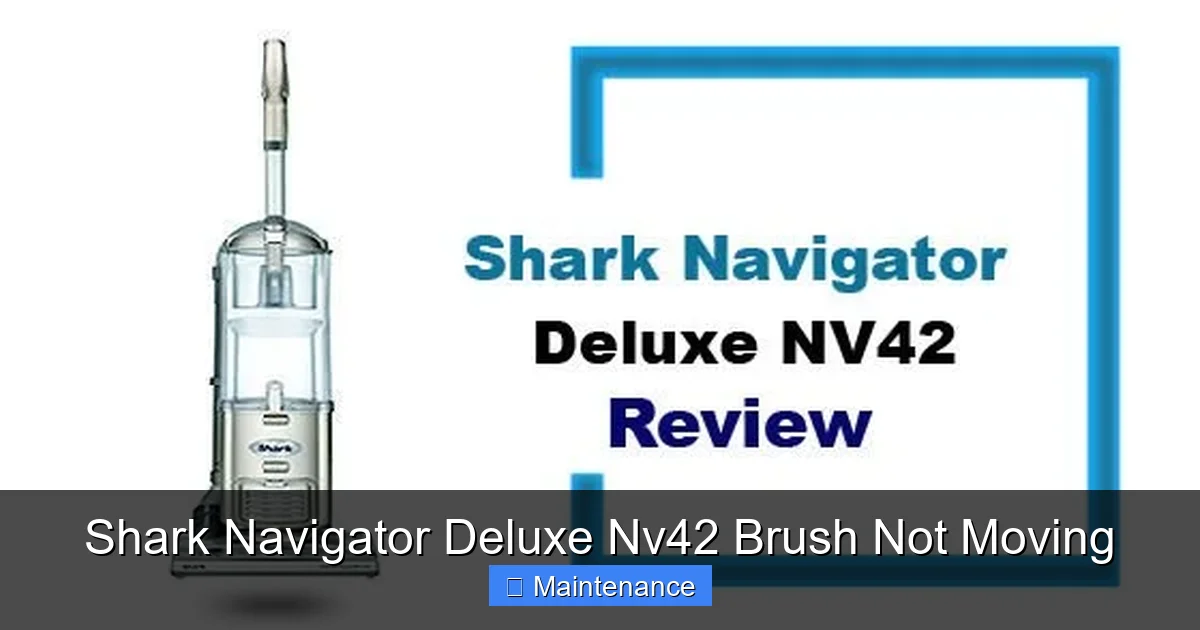
Visual guide about Shark Navigator Deluxe Nv42 Brush Not Moving
Image source: cleanerpicks.com
Step 1: The Surface Setting Check
The Shark Navigator Deluxe has a surface adjustment dial or lever on the vacuum head. If this is set to “Hard Floor” or the lowest setting, the brush roll is often automatically disengaged to prevent debris from being scattered. Ensure the dial is turned to the highest “Carpet” setting. You should hear a distinct click when the brush roll engages. Sometimes the mechanism that lowers the brush roll gets jammed with dirt.
Step 2: The Visual and Physical Jam Inspection
Lay the vacuum flat on its side so you can see the brush roll housing from underneath. Using a flashlight, look closely at the brush roll. Can you see it? Is it packed with a mat of hair, carpet fibers, and lint? Try to spin it by hand. Can you rotate it freely? If it’s locked solid, the jam is immediate and severe. If it spins freely when you push it, the problem is likely with the belt or power transfer, not a jam.
Step 3: The Suction Test
Place your hand over the vacuum’s exhaust port (usually on the back of the main body). Do you feel strong suction? If suction is weak or non-existent, you have a separate, primary system clog (likely in the hose or wand), and the brush roll issue might be secondary. Strong suction with a non-moving brush roll points directly to the brush roll system itself.
Step 4: Listen for the Motor
With the vacuum upright and plugged in, turn it on. Place your ear near the brush roll housing (be careful of moving parts). Do you hear a faint whirring or humming sound from the brush roll motor/pulley area? If you hear sound but the brush doesn’t move, the motor is trying to turn but the power isn’t reaching the brush roll—likely a broken or slipped belt. If you hear nothing at all from that area, the issue could be the brush roll switch, a tripped thermal fuse, or a dead motor.
Common Fixes: Unjamming and Replacing the Belt
Based on your diagnosis, here are the most likely solutions, in order of probability and ease.
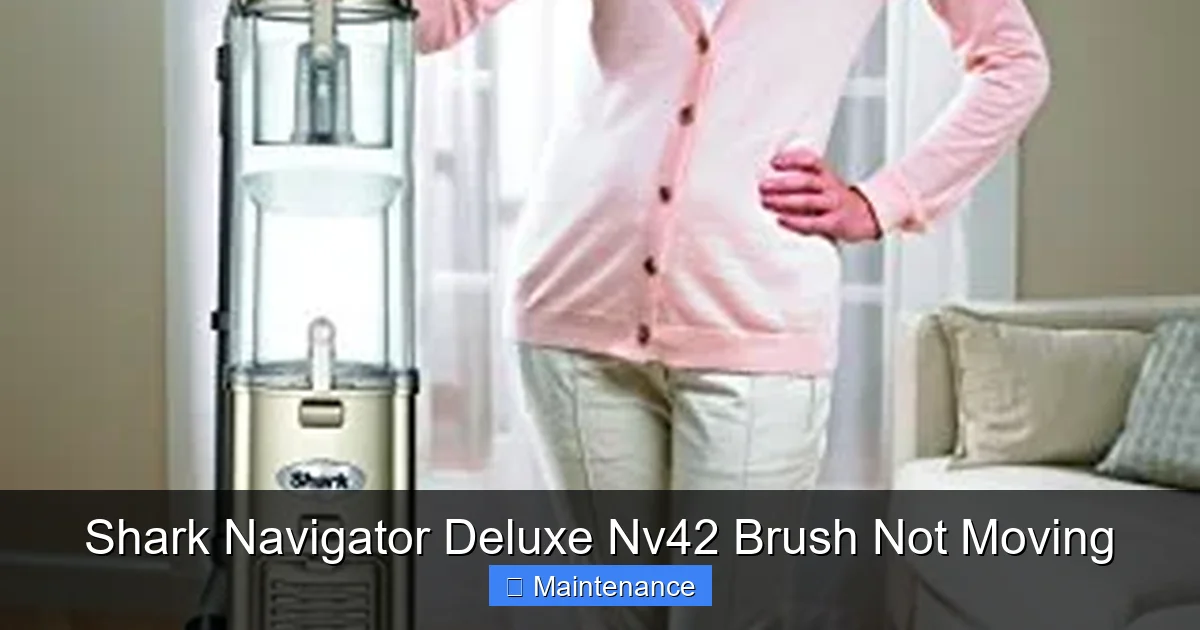
Visual guide about Shark Navigator Deluxe Nv42 Brush Not Moving
Image source: images-na.ssl-images-amazon.com
Fix #1: Deep Cleaning a Jammed Brush Roll
This is the fix for 70% of cases. Hair and string wrap around the brush roll axle and bearings, creating a solid mat that stops rotation.
- Lay the vacuum flat. Unplug it. Flip it over so you can access the brush roll housing.
- Remove the bottom plate. There are usually 4-6 screws (sometimes Torx/star bits). Keep them safe. The plastic cover will come off, exposing the brush roll.
- Cut and remove debris. Use scissors or a seam ripper to carefully cut through the hair/fiber mat wrapped around the brush roll. Pull it off. Do not pull on the bristles.
- Remove the brush roll. Note which side faces up. Slide it out of the housing. You’ll see the belt looped around one end.
- Clean the housing. With the brush roll out, use a damp cloth and your fingers to remove all built-up gunk from the plastic housing, especially around the belt pulley area and the intake hole.
- Reinstall. Loop the (existing) belt back onto the brush roll pulley, reinsert the brush roll, and screw the bottom plate back on. Test before fully tightening screws if needed.
Fix #2: Replacing a Broken or Slipped Drive Belt
If the brush roll spins freely when removed but doesn’t move when installed, the belt is the problem. Belts stretch and wear out.
- Access the brush roll as described above (remove bottom plate, take out brush roll).
- Inspect the belt. Look for it to be broken, stretched so it’s loose on the pulleys, or melted/fused to the motor pulley. A good belt should be snug.
- Remove the old belt. Stretch it off the motor shaft pulley (you may need to rotate the pulley slightly).
- Install the new belt. Shark Navigator belts are specific (often part # 113-0006 or similar). Loop the new belt around the motor shaft pulley first, then stretch and loop it over the brush roll pulley. Ensure it’s seated properly in the groove.
- Reinstall the brush roll. The tension of the belt will help hold it in place. Reattach the bottom plate.
Pro Tip: While you have it apart, check the motor pulley for smooth rotation and the brush roll bearings for smooth spin. Any grit or resistance here means those parts need cleaning or replacement.
Advanced Troubleshooting: Beyond the Belt and Brush
If the brush roll spins freely and the new belt is correctly installed but it still doesn’t move, the problem is deeper.
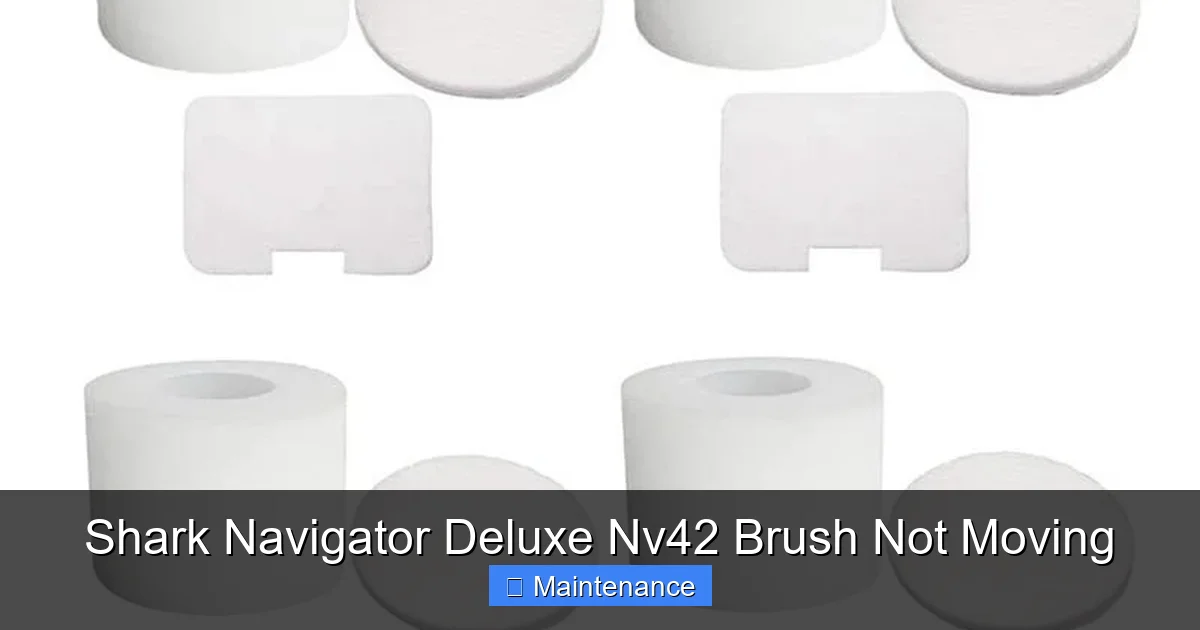
Visual guide about Shark Navigator Deluxe Nv42 Brush Not Moving
Image source: down-th.img.susercontent.com
Checking the Brush Roll Switch and Wiring
The Nv42 has a dedicated switch on the vacuum head that activates the brush roll. This switch can fail, or the wires leading to it can get pinched or frayed from the constant flexing of the steering mechanism.
- Unplug the vacuum.
- Locate the brush roll switch (usually a red button on the top or side of the head).
- You’ll need to remove the upper hood of the vacuum head to access the switch and wiring harness. This often involves removing more screws.
- Visually inspect the wiring for any cuts or burns. Use a multimeter to test the switch for continuity if you have one. If the switch is faulty, it’s a cheap and easy replacement.
Inspecting the Brush Roll Motor/Pulley Assembly
The pulley that the belt attaches to on the motor side can seize. It’s a simple bearing. With the belt removed, try to spin that pulley by hand. It should rotate smoothly. If it’s gritty, stiff, or doesn’t spin, the motor/pulley assembly needs to be replaced. This is a more involved repair but still a DIY job for the handy.
The Elusive Thermal Fuse
Some Shark models have a thermal fuse in the brush roll circuit that trips if the motor overheats (from a jam). If it trips, it cuts power to the brush roll motor. This is a small, often red or black, component on the wiring harness. You can test it with a multimeter for continuity. If it’s open (no continuity), replace it.
When to Call a Professional or Consider Replacement
Not every problem is a DIY success. Knowing when to stop is key.
Signs of Major Motor Failure
If you’ve replaced the belt, thoroughly cleaned everything, checked the switch and wiring, and the brush roll motor/pulley still doesn’t turn when power is applied (and you hear *no* sound from that area), the brush roll motor itself may be burned out. Replacing the motor is often not cost-effective on an older Nv42, as the part and labor can approach the cost of a new mid-range vacuum.
Warranty Considerations
If your Shark Navigator is still under the limited warranty (typically 5 years for the motor, 1 year for other parts), you may be covered for a defective part. Do not open the vacuum if you intend to make a warranty claim. Contact Shark customer service first. They may send you a new belt or brush roll assembly at no cost if it’s a known defect. Opening it yourself can void the warranty.
Cost-Benefit Analysis
A new drive belt costs $10-$15. A new brush roll assembly costs $30-$50. A new motor/pulley costs $50-$80 (if available). If your vacuum is 7+ years old and has other wear and tear (cracked hoses, weak suction), investing $100+ in parts might not make sense. A new Shark Navigator or comparable model starts around $150-$200 and comes with a full warranty.
Preventive Maintenance: Keeping Your Brush Roll Spinning
An ounce of prevention is worth a pound of cure. Integrate these habits into your cleaning routine.
The Monthly 5-Minute Brush Roll Check
Once a month, flip your vacuum over. Use the scissors-on-a-stick method: slide the scissors along the brush roll while spinning it to cut any hair starting to wind around the axles. This stops a small tangle from becoming a solid mat.
Seasonal Deep Clean
Every 3-4 months, or at the change of seasons, perform the full brush roll removal and housing clean described in Fix #1. This removes the fine dust and carpet dust that builds up inside the housing, which can cause odors and strain the motor.
Mind What You Vacuum
Your Shark Navigator is powerful, but it’s not indestructible. Avoid vacuuming:
- Large, hard objects (coins, screws, small toys).
- Wet anything (water, spills, wet pet messes).
- Very fine powders (talc, plaster dust) which can clog filters and blow back into the motor.
- Long, stringy items (tinsel, hair extensions, large strands of human hair) without pre-cutting.
Filter Care is System Care
A clogged filter reduces overall suction, which can make the brush roll seem less effective and put extra strain on the brush roll motor. Wash the foam filter and tap out the felt filter every 3 months (or as directed). Let them dry completely for 24 hours before reinstalling.
Conclusion: Getting Back to Clean
A Shark Navigator Deluxe Nv42 brush not moving is a frustrating but highly solvable problem. In the vast majority of cases, the culprit is a simple accumulation of debris jamming the brush roll or a worn-out drive belt. By following the systematic diagnostic approach—starting with the surface setting, moving to a physical inspection, and then a belt check—you can identify and fix the issue in under 30 minutes with minimal tools. Regular, proactive maintenance is your best defense, turning this occasional repair into a rare event. Remember to always unplug your vacuum before working on it, and don’t hesitate to consult Shark’s official support or a local appliance repair shop if you hit a wall. With a little effort, you can return your trusted Shark Navigator to its former, debris-agitating glory.
Frequently Asked Questions
Will a Shark Navigator Deluxe Nv42 brush not moving damage the vacuum if I keep using it?
Yes. Running the vacuum with a jammed brush roll puts excessive strain on the belt and the brush roll motor. The belt can shred or break, and the motor can overheat and burn out. Always stop using it immediately if the brush isn’t spinning.
How do I know if I need a new belt or a new brush roll?
Remove the brush roll and spin it by hand. If the bearings are gritty or it doesn’t spin smoothly, the brush roll itself is worn and needs replacement. If it spins perfectly freely, the issue is almost certainly the belt. Also, inspect the belt visually for cracks, glazing, or stretching.
My brush roll spins when I take it out, but not when it’s installed. The belt is new. What’s wrong?
This points to an installation error. Ensure the new belt is looped correctly around BOTH the motor shaft pulley AND the brush roll pulley. It’s easy to miss the motor pulley. Also, check that the brush roll is fully seated in its housing and that nothing is pinching the belt.
Can I use any universal vacuum belt for my Shark Nv42?
It’s strongly recommended to use the exact Shark replacement belt (part number 113-0006 or the equivalent listed for your specific Nv42 serial number). Universal belts often have the wrong length, width, or tread pattern, leading to slippage, poor performance, or premature failure.
Is it worth fixing an old Shark Navigator Deluxe?
If the vacuum’s suction is still strong, the hose isn’t cracked, and you like the machine, yes. The cost of a belt ($12) or brush roll ($40) is a fraction of a new vacuum. If the main suction motor is weak or you’re facing multiple part failures, replacement may be smarter.
Why does my brush roll stop working after I vacuum a rug with long fringe?
Long fringe or tassels are the #1 enemy of brush rolls. They wrap tightly around the axles and bearings, creating a solid jam that stops rotation. This is why the monthly “scissors-on-a-stick” prevention is so critical for homes with rugs or pets.