Don’t toss your Shark Rotator just yet! Most common issues like loss of suction, a stopped brush roll, or strange noises are often quick, DIY fixes. This guide walks you through systematic troubleshooting for every major problem, from clogged hoses to filter care. You’ll learn exactly what to check, how to clean it, and when a part might need replacing, saving you a costly service call. With basic tools and a little time, you can get your vacuum performing like new again.
Key Takeaways
- Loss of suction is usually a clog or dirty filter: Always check the hose, wand, and brush roll housing for blockages first, then clean or replace all filters.
- A non-spinning brush roll often has tangled debris: Remove the brush roll and clear any hair, string, or carpet fibers wrapped around the bristles and bearings.
- Strange noises indicate foreign objects or wear: Turn the vacuum upside down and inspect the brush roll area; grinding or rattling often means something is lodged inside.
- Preventative maintenance is crucial: Clean filters monthly (or as indicated), empty the dust cup after every use, and regularly inspect hoses for cracks or clogs.
- Know your model’s specifics: Consult your user manual for exact filter types, belt locations (if applicable), and disassembly instructions for your specific Shark Rotator series.
- Unplug before any inspection or repair: This is the #1 safety rule to prevent accidental startup and protect the vacuum’s electronics.
📑 Table of Contents
- Introduction: Your Shark Rotator Isn’t Broken—It’s Probably Clogged
- Diagnosing the Problem: A Systematic Approach
- How to Fix Loss of Suction in Your Shark Rotator
- How to Fix a Brush Roll That Won’t Spin
- Diagnosing and Fixing Strange Noises and Vibrations
- Cordless Shark Rotator Specific Issues: Battery & Charging
- When to Stop and Call a Professional
- Conclusion: Empowered Ownership
Introduction: Your Shark Rotator Isn’t Broken—It’s Probably Clogged
That sinking feeling when your trusty Shark Rotator vacuum suddenly loses its powerful suction, starts making a weird noise, or the brush roll just stops spinning is all too familiar. Your first instinct might be to panic, thinking you need an expensive repair or a brand-new vacuum. But hold on! In the vast majority of cases, these aren’t signs of a fatal breakdown. They’re symptoms of simple, fixable issues like clogs, dirty filters, or tangled brush rolls.
Shark designed their Rotator line for power and ease of use, but like any tool, it needs regular care. The great news is that you don’t need to be a mechanic to perform most basic Shark Rotator vacuum repair tasks. With a systematic approach and a few common household tools, you can diagnose and solve the problem yourself in under 30 minutes. This guide will be your step-by-step manual. We’ll start with the most common complaint—loss of suction—and work through every major component, empowering you to fix your vacuum and restore its legendary cleaning power.
Diagnosing the Problem: A Systematic Approach
Before you start taking things apart, you need to play detective. Is the issue suction-related? Is it a brush roll problem? Or is it a noise/vibration issue? Pinpointing the symptom is half the battle. Here’s your initial troubleshooting flowchart.
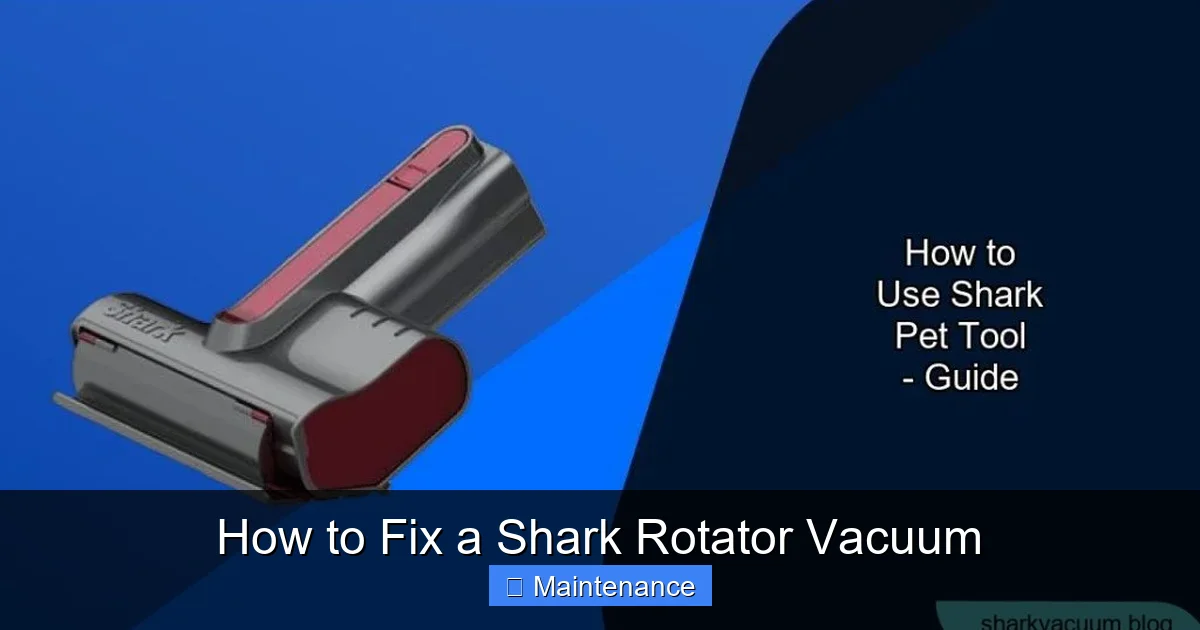
Visual guide about How to Fix a Shark Rotator Vacuum
Image source: sharkvacuum.blog
The First Three Questions to Ask
1. Is there any suction at all? Place your hand over the vacuum’s exhaust port (usually on the back or top). Do you feel air moving? If yes, the motor is running. If no, the issue is severe ( clogged hose, failed motor) or the vacuum is in a suction-reducing setting.
2. Is the brush roll spinning? Flip the vacuum over. Look at the brush roll. Is it turning when the vacuum is on and in carpet mode? If it’s not, the problem is isolated to the brush roll system (debris jam, broken belt, or electrical issue).
3. What is the noise? A high-pitched whine? A grinding rattle? A sudden thumping? The sound is your best clue. A rattling often means something is loose inside the brush roll housing. A whine can indicate a severe clog straining the motor.
Answering these three questions will direct you to the correct section of this guide. Let’s start with the most frequent culprit.
How to Fix Loss of Suction in Your Shark Rotator
This is the #1 issue. If your vacuum seems to be pushing debris around instead of picking it up, follow this sequence. Start at the vacuum and work your way to the wall.
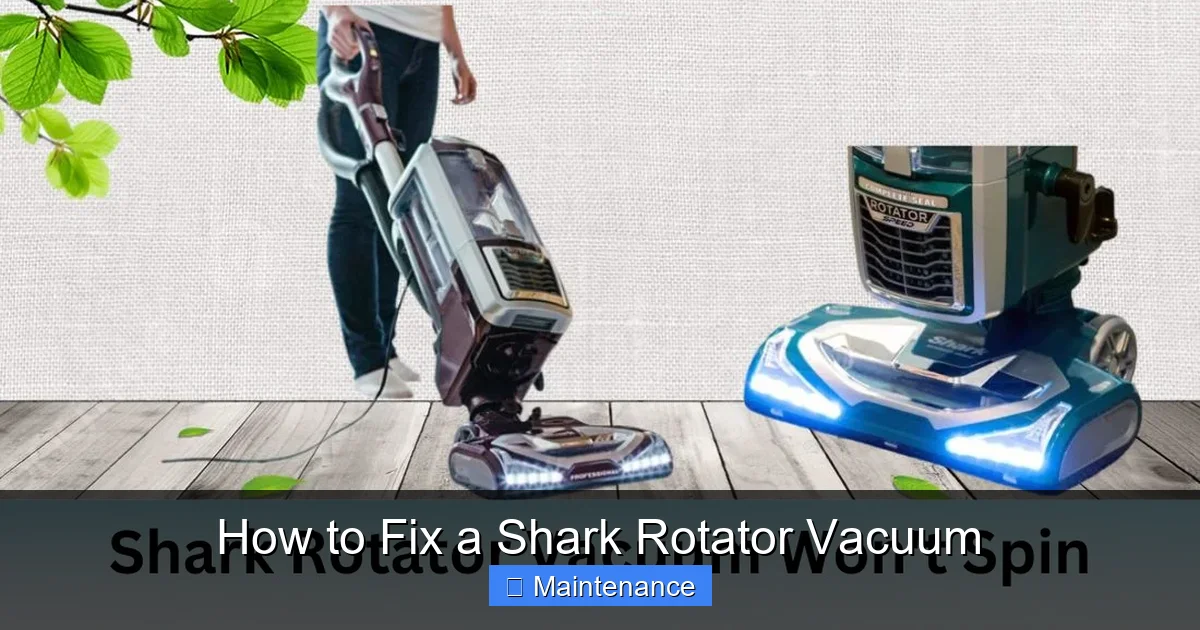
Visual guide about How to Fix a Shark Rotator Vacuum
Image source: sharkvacuum.blog
Step 1: Check and Empty the Dust Cup
It sounds obvious, but a full dust cup is the most common cause of instant suction loss. The Shark Rotator’s dust cup is easy to remove. Press the release button, pull it out, and empty it completely over a trash can. Pro Tip: Tap the sides firmly and use a brush to dislodge any fine dust caked in the mesh filters inside the cup. A seemingly “empty” cup can still have a layer of dust blocking airflow.
Step 2: Inspect and Clean All Filters
Your Shark Rotator has at least two filters: a pre-motor foam filter (protects the motor) and a post-motor HEPA filter (cleans exhaust air). Some models also have a felt filter on the back of the dust cup. Dirty filters are the second most common cause of suction loss.
- Foam Filter: Remove it (usually behind the dust cup). Rinse thoroughly under cool water. Do NOT use soap. Squeeze out excess water and let it air dry for at least 24 hours before reinserting. Never operate the vacuum with a wet filter.
- Felt/Pre-Motor Filter: Gently tap it out over a trash can to remove dust. If it’s very dirty, you can rinse it with cool water, but it takes much longer to dry completely.
- HEPA Filter: This is not washable! Use a soft brush to remove surface dust. If it’s clogged, you must purchase a replacement (find the part number in your manual).
Step 3: Clear All Air Pathways – The Hose and Wand
Suction is a sealed system. A clog anywhere breaks it. Here’s how to find the blockage:
- Detach the Hose: Press the release buttons on both ends of the hose and pull it off the vacuum body and wand.
- Look Through It: Hold it up to the light. Can you see through it? If not, you have a clog.
- Clear the Clog: Use a long, flexible brush (like a broom handle wrapped in a cloth or a bent wire coat hanger—be gentle!). Push and twist from one end. For stubborn clogs near the wand connections, detach the wand sections and clear them individually.
- Check the Wand and Crevice Tool: Don’t forget to look inside these extensions.
Step 4: Inspect the Brush Roll Housing
This is a prime spot for clogs, especially if you’ve vacuumed up pet hair or small objects. Flip the vacuum over. Look into the opening where the brush roll spins. Use a flashlight. You’ll often find a ball of carpet fiber or a sock fragment blocking the airway right at the entrance to the hose. Use long-nosed pliers to pull it out.
Step 5: The Ultimate Test – The Suction Gauge
If you’ve done all the above and suction is still weak, perform this test. Remove the hose completely. Place your hand over the vacuum’s intake (the hole where the hose attaches). The suction should be so strong you can’t pull your hand away easily. If it’s weak here, the problem is internal—likely a severely clogged internal hose (between the dust cup and motor) or a failing motor. This is a more advanced repair.
How to Fix a Brush Roll That Won’t Spin
A stationary brush roll means you’re only getting suction cleaning, not the deep scrubbing action for carpets. This is usually a mechanical jam, not an electrical failure.
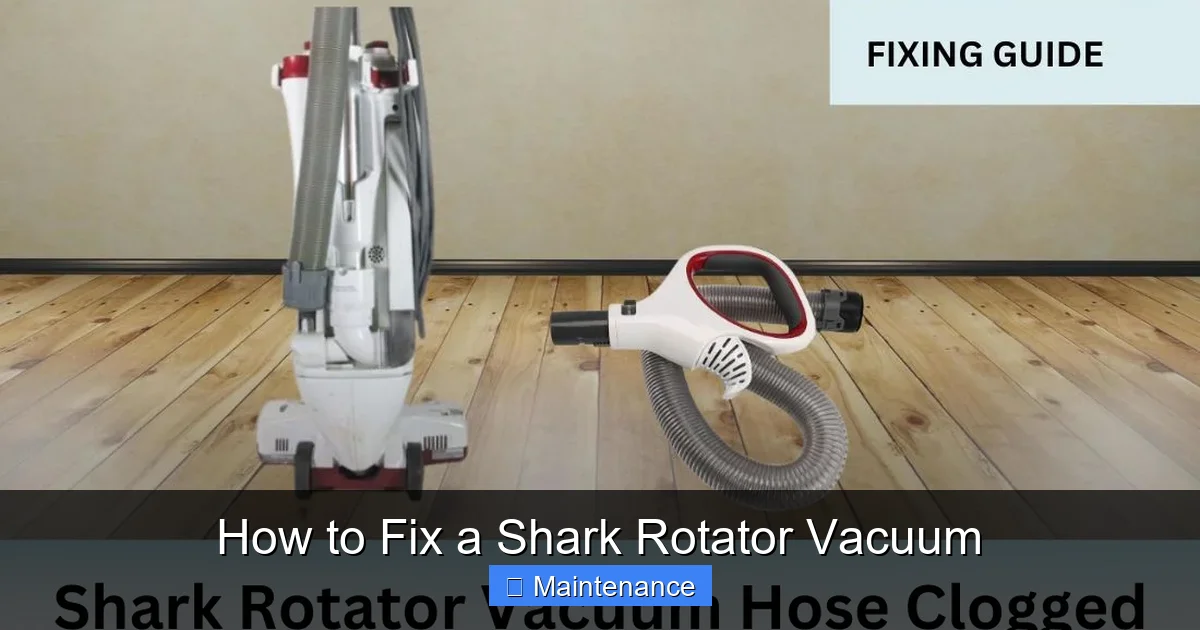
Visual guide about How to Fix a Shark Rotator Vacuum
Image source: sharkvacuum.blog
Step 1: Remove the Brush Roll for Inspection
Lay the vacuum on its side. On most Shark Rotator models, you’ll find a release lever or two screws on the bottom plate covering the brush roll. Remove the bottom plate. The brush roll will lift out easily. Note how it sits in the belt (if your model has one) or the motor coupling.
Step 2: The “Hair Wrap” Surgery
This is 90% of the fix. Look closely at the brush roll. You’ll see bristles and a plastic core. Hair, string, and carpet fiber wrap tightly around the core, between the bristles, and around the two end caps (bearings). This binds the roll, preventing it from spinning and putting strain on the belt or motor.
- Use a seam ripper, a sharp utility knife, or even just your fingers to cut and pull away the debris. Start at one end and work your way down.
- Pay special attention to the plastic end caps. Clean out the grooves completely. Any debris here will stop the bearings from spinning freely.
- Spin the brush roll by hand. It should rotate smoothly and silently. If it’s gritty or stiff, the bearings are likely damaged and the brush roll needs replacing.
Step 3: Check the Drive System
Now, look at what drives the brush roll.
- Belt-Driven Models (Older Rotators): You’ll see a rubber belt running from a small motor pulley to the brush roll. Is it broken, stretched, or missing? If yes, replace it. Part numbers are in your manual.
- Direct-Drive Models (Most Newer Rotators): There is no belt. The brush roll connects directly to a motor shaft via a plastic coupling. Check that this coupling isn’t cracked or broken. Also, ensure the brush roll is seated correctly in the coupling slot.
Step 4: Test the Brush Roll Switch
Some Shark models have a separate “Brush Roll On/Off” button on the handle or body. Make sure it’s turned on (there is often an LED indicator). If it’s on but the roll doesn’t spin, the switch may be faulty—a more complex electrical repair.
Diagnosing and Fixing Strange Noises and Vibrations
Grinding, rattling, and thumping are alarming sounds. They usually mean something is loose, broken, or shouldn’t be inside your vacuum.
Grinding or Scraping Noises
This is almost always the brush roll or its bearings.
- First, remove the brush roll (see previous section). Spin it by hand. If it grinds, the bearings are shot. The solution is to replace the entire brush roll assembly.
- Check the brush roll housing for cracks or damage. A cracked housing can cause the brush roll to sit unevenly and rub.
- Inspect the area around the motor. A small object like a coin, paperclip, or plastic toy piece can get sucked into the fan housing and cause a grinding noise. This often requires partial disassembly of the vacuum body to access.
Rattling or Thumping Noises
This is typically a sign of a broken or severely worn part.
- Broken Brush Roll Bristles: If several bristles are broken off and the roll is unbalanced, it can cause a thumping vibration. Replace the brush roll.
- Loose or Damaged Wheels: Check the rear wheels. Are they cracked or wobbly? A broken wheel can rattle loudly. They are usually simple snap-on replacements.
- Loose Internal Components: Over time, screws can vibrate loose. With the vacuum unplugged, check all external screws, especially around the handle, hose connection, and motor cover. Tighten any that are loose.
High-Pitched Whining or Motor Noise
This is a sign of extreme motor strain, almost always caused by a complete blockage. The motor is working desperately but can’t pull air. Go back to the suction troubleshooting section and be thorough. You likely have a deep clog in the internal ducting. If all airways are clear and the noise persists, the motor bearings may be failing, which requires professional assessment.
Cordless Shark Rotator Specific Issues: Battery & Charging
If you have a cordless Shark Rotator (like the IZ series), your troubleshooting adds a layer of battery management.
Symptom: Vacuum Runs for Only a Few Minutes
- Battery Calibration: Fully drain the battery by running the vacuum until it stops. Then, charge it uninterrupted for the full 3-4 hours (or until the light indicates full). Repeat this cycle 2-3 times. This can recalibrate the battery gauge.
- Battery Age: Lithium-ion batteries degrade. If your vacuum is 2+ years old and used frequently, the battery may simply be at the end of its life. Replacement batteries are available from Shark or third-party sellers. Check your manual for the exact part number.
- Charger & Connection: Inspect the charger for damage. Ensure the charging contacts on both the vacuum and charger are clean. Wipe them with a dry cloth.
Symptom: Vacuum Won’t Turn On At All
- Reset the Battery: Some models have a reset button on the battery pack (usually a small pinhole). Press it with a paperclip.
- Check the Safety Interlock: Many cordless models won’t power on unless the dust cup is properly seated or the handle is locked in the upright position. Double-check these connections.
- Test with a Known-Good Battery: If possible, borrow a compatible battery to test. If the vacuum works with another battery, yours is dead.
When to Stop and Call a Professional
While we’ve covered the vast majority of common issues, some problems are beyond a safe or practical DIY fix. Knowing your limits saves time, money, and prevents damage.
The Clear “Call a Pro” Signs
- Burning Smell: If you smell something burning or see smoke, unplug immediately and do not use. This indicates a severely overheating motor or electrical short. Do not attempt repair.
- Complete Motor Failure: If the vacuum makes no sound at all and you’ve ruled out battery/switch issues, the motor may be dead. Replacing a motor requires soldering skills and is often not cost-effective compared to a new vacuum.
- Severe Internal Clogs: If you’ve cleared every external hose and filter and suction is still terrible, the clog is deep inside the motor chamber. Disassembling this requires special tools and risks damaging seals and wiring.
- Persistent Electrical Issues: Intermittent power, sparks, or frayed cords are serious fire hazards. Replace the entire vacuum or have a pro assess if a cord replacement is feasible.
Warranty Considerations
Before you disassemble anything major, check your warranty status. If your Shark Rotator is still under warranty (typically 5-7 years for the motor, 1-2 years for parts), opening it up yourself may void the warranty. In this case, contact Shark Customer Support first. They may provide free troubleshooting or a certified repair center. Have your model number (on the back plate) and proof of purchase ready.
Conclusion: Empowered Ownership
Fixing your Shark Rotator vacuum isn’t about being a handyman; it’s about being a smart owner. The most common ailments—loss of suction, a tangled brush roll, dirty filters—are entirely preventable and reversible with a little routine care. By following this systematic guide, you’ve learned that a “broken” vacuum is often just a neglected one. You now have the power to diagnose that weird noise, restore powerful suction, and keep your machine running efficiently for years. Remember the golden rule: unplug first. Start with the simplest fixes—empty the cup, clean the filters, clear the hose—before moving to more complex inspections. With this knowledge, you’ve not only saved yourself a service fee; you’ve gained confidence and kept a reliable cleaning tool in your home. Now, go enjoy that newly restored suction!
Frequently Asked Questions
Why did my Shark Rotator vacuum suddenly lose all suction?
This is almost always caused by a severe clog or a full dust cup. First, empty the dust cup completely. Then, detach the hose and wand and check them thoroughly for blockages using a flashlight and a long, flexible brush. Finally, inspect the brush roll housing for debris blocking the airway.
My brush roll isn’t spinning. Is the belt broken?
Not necessarily. First, remove the brush roll and clean it thoroughly—hair and string wrapped around the core are the most common cause. If the brush roll spins freely by hand after cleaning, check the drive system. On belt-driven models, inspect the rubber belt for breaks. On direct-drive models, ensure the brush roll is properly seated in the motor coupling.
What does a grinding noise mean?
A grinding noise typically indicates a problem with the brush roll bearings. Remove the brush roll and spin it by hand. If it feels gritty or doesn’t spin smoothly, the bearings are worn out and the entire brush roll assembly needs replacing. It can also mean a foreign object is lodged in the fan housing.
My cordless Shark Rotator battery dies very quickly. Can I fix it?
For older batteries, try a full calibration: completely drain the battery, then charge it uninterrupted for 3-4 hours. Repeat 2-3 times. If this doesn’t help, the lithium-ion battery has likely degraded and needs replacement. Ensure charging contacts are clean and you’re using the correct Shark charger.
How often should I clean the filters on my Shark Rotator?
For optimal performance, clean the washable foam and felt filters every month with cool water (allow 24 hours to air dry completely). Inspect the non-washable HEPA filter monthly and gently brush off surface dust. Replace the HEPA filter every 6-12 months or when visibly clogged, as indicated in your manual.
Is it worth repairing an old Shark Rotator?
Often, yes! Most repairs involve cleaning (clogs, filters, brush roll) or replacing inexpensive wear parts like the brush roll or a belt. If the motor itself has failed or there’s significant internal damage, repair costs may approach the price of a new vacuum. Always check your warranty status first before disassembling.