A non-spinning brush roll is a common Shark robot vacuum issue, usually caused by hair, string, or debris tangles jamming the mechanism. The solution often involves a systematic shutdown, thorough cleaning of the brush roll and its housing, and checking for worn or broken parts like the belt or motor. Regular maintenance is the most effective prevention, but if basic cleaning fails, component replacement or professional repair may be necessary.
Key Takeaways
- Hair and debris tangles are the #1 culprit: Long hair, pet fur, and carpet fibers wrap around the brush roll bearings and axles, creating drag that stops it from spinning.
- Always power down completely first: Disconnect the vacuum from its dock and remove the battery if possible to prevent accidental activation during inspection and cleaning.
- Cleaning is a two-part process: You must clear debris from the brush roll bristles AND from the intricate plastic housing and bearing pockets where fibers accumulate.
- Inspect related components: A broken or stretched drive belt (on models that have one), a seized bearing, or a failed motor are common secondary causes after cleaning.
- Not all issues are user-repairable: Internal motor failures or damaged electronic control boards require professional assessment or warranty service.
- Preventive maintenance is critical: A quick 60-second brush roll check and clean after every 2-3 runs dramatically reduces the chance of a major jam.
- Model knowledge is key: Shark robot models (Ion, AI Ultra, etc.) have slightly different brush roll designs (tangle-free vs. bristle). Know your specific model for correct disassembly.
📑 Table of Contents
- Introduction: That Dreaded Silence
- Understanding Your Shark’s Brush Roll System
- Immediate Troubleshooting: The First 15 Minutes
- Deep Dive: Component Failure & Advanced Diagnostics
- Model-Specific Considerations & Common Pitfalls
- Preventive Maintenance: Stop The Problem Before It Starts
- Conclusion: Getting Back to Clean
Introduction: That Dreaded Silence
You press the clean button on your trusted Shark robot vacuum. It dutifully navigates across the floor, but something’s off. The familiar whirring sound is quieter, and when you look, you see the tell-tale sign: the main brush roll—the long cylindrical roller with bristles—is stationary. It’s either not moving at all or barely twitching. Your floors aren’t getting properly agitated and cleaned; it’s just pushing debris around. This frustrating problem, a Shark robot vacuum brush roll not working, is incredibly common but almost always fixable with the right approach.
The brush roll is the workhorse of any vacuum, especially on carpets. It agitates dirt and embeds it into the suction path. When it stops, cleaning performance plummets. Before you panic and assume the worst—a failed motor or a totaled machine—take a breath. In over 80% of cases, the issue stems from a physical obstruction or a simple maintenance oversight. This guide will walk you through every possible cause, from the quick 2-minute fix to more advanced diagnostics, empowering you to get your robotic helper back in fighting shape.
Understanding Your Shark’s Brush Roll System
To diagnose the problem, you first need to understand what makes the brush roll spin. It’s not magic; it’s a simple mechanical system driven by a small electric motor.
Visual guide about Shark Robot Vacuum Brush Roll Not Working
Image source: sharkvacuum.blog
The Core Components
- The Brush Roll: The long roller with either rubber fins (on “tangle-free” models like the Shark IQ/ION series) or traditional stiff bristles (on some older models). It rotates on two sealed bearings, one at each end.
- The Drive System: This varies by model generation. Some use a small rubber drive belt that connects the motor shaft to the brush roll. Others (like most newer Sharks) use a direct-drive gearbox where the motor gear engages a gear on the brush roll axle directly, eliminating the belt.
- The Motor: A small DC motor housed in the robot’s chassis. It provides the rotational force.
- The Brush Roll Housing: The plastic casing that holds the brush roll. It has precise openings for debris entry and, crucially, small pockets on either side where the brush roll bearings sit. These pockets are prime real estate for hidden fiber buildup.
Understanding whether your model has a belt or direct-drive is your first diagnostic clue. You can often find this in the user manual or by a quick visual inspection after removing the brush roll. If you see a rubber loop around the motor pulley and the brush roll, you have a belt system.
Immediate Troubleshooting: The First 15 Minutes
Do not skip this section. This systematic, safe approach solves the vast majority of brush roll jams. Rushing or skipping steps can lead to injury or further damage.
Visual guide about Shark Robot Vacuum Brush Roll Not Working
Image source: sharkvacuum.blog
Step 1: Safe Power-Down and Access
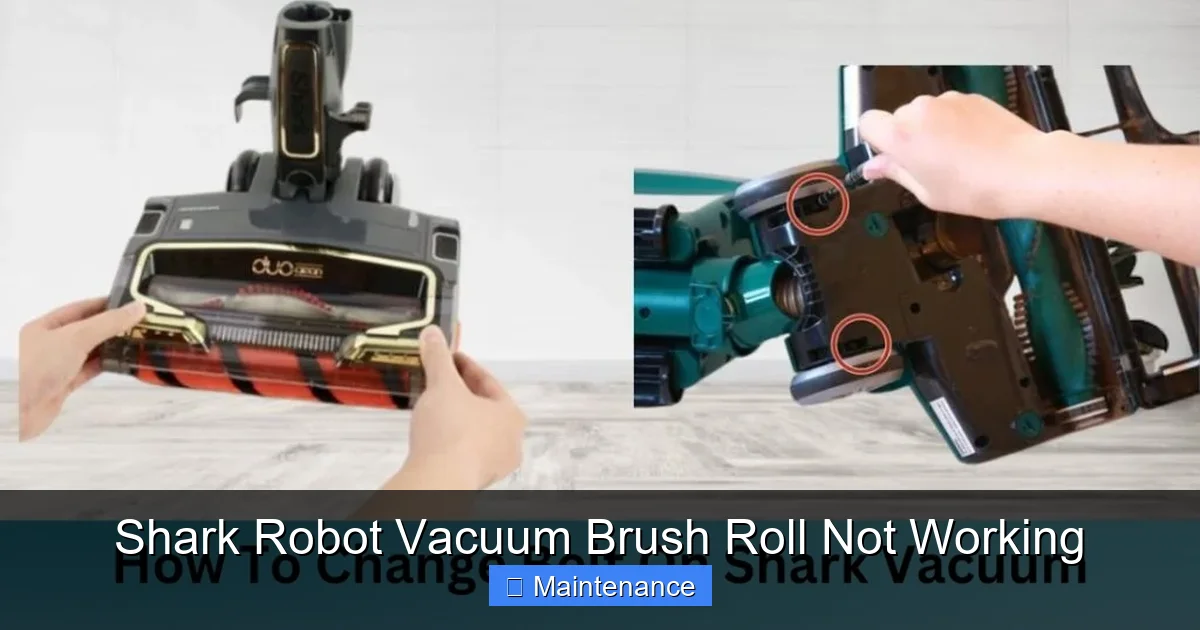
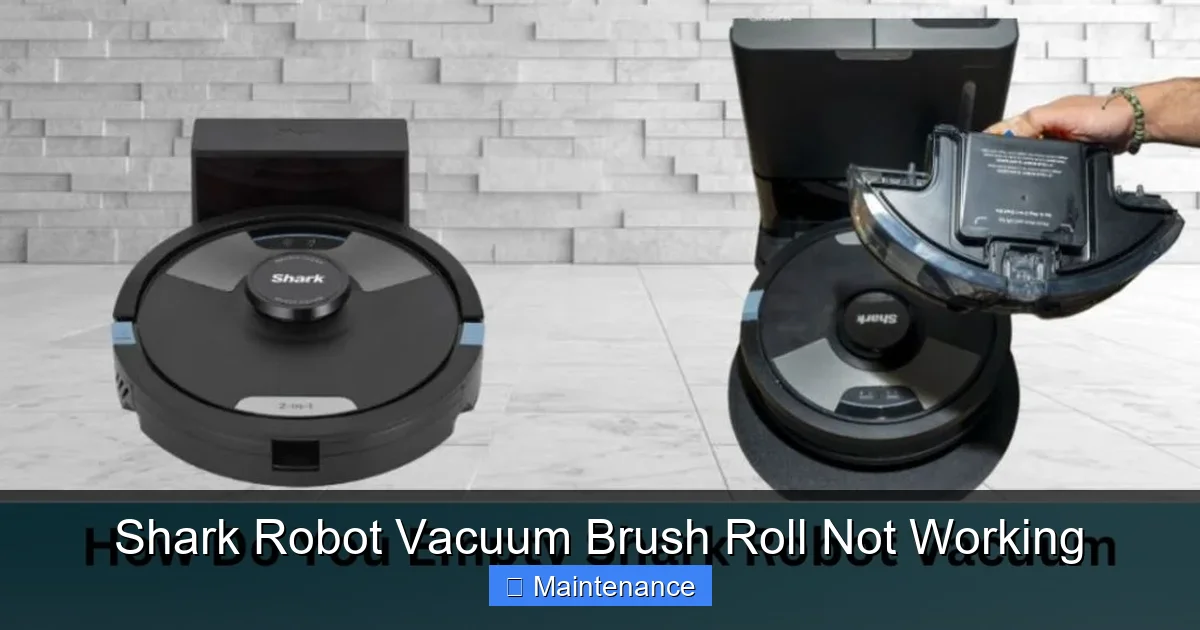
Place the robot upside-down on a soft towel. Press and hold the power button until it powers off completely. For models with removable batteries (like some older ION robots), remove the battery. This is a critical safety step to prevent the wheels or brush from suddenly activating while your fingers are near them. Locate the brush roll release levers or tabs, usually on either side of the housing. Press them and lift the entire brush roll assembly straight up and out.
Step 2: The Obvious Visual Inspection
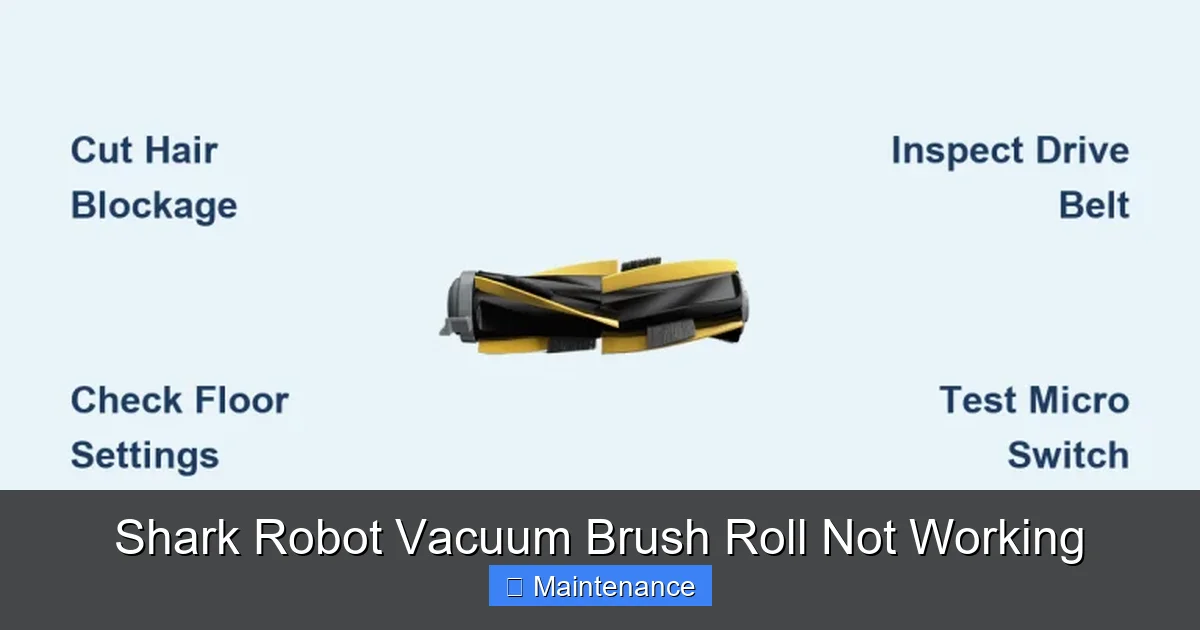
With the brush roll out, give it a good look. You’re likely to see the problem immediately: a thick, dense wrapping of hair, carpet fiber, or string binding the bristles or fins together, often near the center or the ends. Use a small pair of scissors or a dedicated seam ripper to carefully cut and remove this mass. Never pull tangled hair with your fingers; it can cause severe cuts and will rarely remove the core of the tangle.
Step 3: The Hidden Culprit – Bearing Pockets
This is the step most people miss, and it’s the reason a brush roll that looks clean still won’t spin. Flip the brush roll over and look at the ends where the axles protrude. You’ll see the bearings (plastic or metal cylinders). Now, look into the corresponding sockets in the plastic brush roll housing on the robot. These are the “bearing pockets.” They are small, cylindrical holes, and they are notorious for accumulating compacted lint, hair, and carpet dust. If debris is packed in here, it creates immense resistance against the bearing, making it nearly impossible for the motor to turn the brush roll. Use a small tool—a toothpick, a plastic opening tool, or a compressed air canister—to meticulously clean out every millimetre of these pockets. This step alone often restores function.
Step 4: Manual Spin Test
With the brush roll clean and the pockets clear, try spinning the brush roll by hand. It should rotate smoothly and freely for several seconds with a light whirring sound. If it feels gritty, stiff, or makes grinding noises, the bearing itself is likely damaged and the brush roll needs replacement. If it spins perfectly, proceed to reinstallation.
Step 5: Reinstall and Test
Place the brush roll back into the housing, ensuring the axle ends seat fully and correctly into the bearing pockets. You should hear/feel a soft click. Snap the retention latches securely. Place the robot upright, power it on, and initiate a cleaning cycle. Watch the brush roll. If it spins, success! If it does not, or if it spins very slowly and the motor sounds strained, you have a secondary issue.
Deep Dive: Component Failure & Advanced Diagnostics
If the thorough cleaning didn’t solve the problem, the failure is internal. Here’s how to diagnose the next likely suspects.
Visual guide about Shark Robot Vacuum Brush Roll Not Working
Image source: sharkvacuum.blog
The Drive Belt (On Belt-Drive Models)
Locate the motor inside the robot’s chassis. You’ll see a small rubber belt looped around the motor’s pulley and a pulley on the brush roll axle. Check for these belt issues:
- Broken/Snapped: The belt is in two pieces. Obviously, this stops all drive.
- Stretched or Glazed: The belt is loose, slips on the pulleys, or has a shiny, hardened surface. It won’t grip.
- Dislodged: It has jumped off one of the pulleys.
Fix: Replacements are inexpensive and usually come with Shark’s official part numbers. Search for “Shark [Your Model] drive belt.” Replacing it involves removing a few screws to access the motor compartment and slipping the new belt on. Tutorial videos for your specific model are invaluable here.
Seized or Worn Bearings
Even after cleaning, a bearing can fail. The internal ball bearings can corrode or the plastic housing can crack. Test: Remove the brush roll entirely. Hold it by the ends and try to wiggle the roller side-to-side. Any noticeable play or clunking indicates worn bearings. Also, spin it by hand again—if it has a gritty feel or stops abruptly, it’s bad. Fix: Shark typically sells the brush roll as a single pre-assembled unit with bearings pressed in. Replacing the entire brush roll is simpler and more reliable than trying to press new bearings in yourself.
Motor Failure
This is the least common but most serious cause. The motor itself has burned out. Symptoms: A completely clean system with a good belt, but the brush roll doesn’t move. When you try to spin it by hand, there’s no resistance (it spins freely) because the motor’s internal gears are stripped, not because it’s jammed. You might also smell a faint electrical burning odor. Diagnosis: This requires multimeter testing of the motor’s resistance, which is advanced. Fix: Motor replacement is possible but often labor-intensive. For robots under warranty, contact Shark. If out of warranty, weigh the cost of a motor/part+labour against the price of a new robot.
Faulty Electronic Control Board
The motherboard might not be sending power to the brush roll motor. This can happen after a power surge, moisture exposure, or general component failure. Symptom: The motor makes no sound or attempt to turn at all, even with a perfectly clean, free-spinning brush roll and a good belt. Fix: This is a professional repair or warranty claim. Board-level diagnostics and soldering are required.
Model-Specific Considerations & Common Pitfalls
Shark’s robot lineup has evolved, and knowing your exact model helps avoid mistakes.
Tangle-Free vs. Bristle Brush Rolls
Newer Shark ION and AI series robots use rubber fin brush rolls. These are excellent at resisting hair wrap but can still jam. The fins themselves can get clogged with fine dust and pet hair, matting together and creating a solid block. Cleaning them requires a different technique: use a stiff, dry brush (like a pet brush) to scrub between the fins. For bristle models, use scissors meticulously to cut hair away from the base of the bristles.
The “Click-Clack” of Proper Seating
A very common mistake is not fully seating the brush roll. After cleaning, when you reinsert it, you must push it in firmly until you hear/feel a distinct click from both side latches. If it’s even slightly loose, the drive mechanism won’t engage properly, and the brush will appear dead. Double-check this.
Debris in the Wheels or Swivel Caster
It’s easy to overlook, but if a wheel or the front swivel caster is jammed with hair, the entire robot struggles to move. The motor for the brush roll might be fine, but the increased drag from a stuck wheel can trigger a safety cut-out or simply be too much load for the brush motor to overcome while moving. Always check and clean all wheels and the caster thoroughly during your maintenance session.
Preventive Maintenance: Stop The Problem Before It Starts
An ounce of prevention is worth a pound of cure. Adopt this simple routine.
The 60-Second Post-Run Check
Every 2-3 cleaning cycles, take your robot out, flip it over, and do a quick visual and manual check. Remove any obvious hair or debris wrapped around the brush roll ends with your fingers or scissors. Wipe the rubber fins or bristles with a dry cloth. This takes less than a minute and prevents minor tangles from becoming major jams.
Monthly Deep Clean
Once a month, perform the full removal and cleaning procedure detailed in the Troubleshooting section. Clean the bearing pockets, the brush roll itself, and all wheels. Use a microfiber cloth slightly dampened with water (never spray liquid directly into openings) to wipe down sensors and charging contacts.
Environmental Awareness
If you have long-haired pets or a high-pile carpet that sheds, you are in the high-risk category. Consider running the robot more frequently on hard floors and less on problem carpets, or use the “No-Go” zones in the app for particularly troublesome rooms until you can do a manual clean.
Use Genuine or High-Quality Parts
When replacing a brush roll or belt, opt for Shark OEM parts or reputable third-party manufacturers with good reviews. Cheap, poorly molded belts can stretch or break prematurely, and flimsy brush rolls have bearings that fail quickly.
Conclusion: Getting Back to Clean
A Shark robot vacuum with a non-functioning brush roll is a major inconvenience, but it is almost never a lost cause. The path to resolution is a logical progression: start with the safe, simple, and free step of a meticulous cleaning, focusing especially on the hidden bearing pockets. This solves the problem 8 times out of 10. If cleaning fails, move to inspecting the drive belt (if applicable) and the brush roll bearings themselves. Motor and board failures, while possible, are statistically rare.
By understanding the mechanics and committing to a light, regular maintenance schedule, you can ensure your Shark robot remains a powerful, hands-free cleaning ally for years. Remember, the sound of that brush roll spinning is the sound of a job being done right. Now that you’re armed with this knowledge, you can confidently diagnose, fix, and prevent the issue, getting the most value and performance from your investment.
Frequently Asked Questions
Should I reset my Shark robot if the brush roll stops?
A full power cycle (turn off, remove battery if possible, wait 60 seconds, reconnect) is a good first step to clear any temporary electronic glitch. However, a physical jam will persist after a reset. Always perform the physical cleaning inspection first.
Is a non-spinning brush roll covered under the Shark warranty?
Yes, if the failure is due to a manufacturing defect in the motor, gearbox, or brush roll assembly. However, warranties typically do not cover damage from debris jams, user abuse, or normal wear and tear on consumable parts like the brush roll or belt. Check your specific warranty terms.
Can I use a brush roll from a different Shark robot model?
Generally, no. Brush rolls are model-specific due to differences in length, axle diameter, and drive system (belt vs. direct-drive). Using an incompatible part will not function and could cause damage. Always purchase the part listed for your exact model number (found on the underside label).
How often should I clean the brush roll on my Shark robot?
For optimal performance and prevention, perform a quick visual check and remove surface debris after every 2-3 cleaning runs. Perform a full removal, deep clean of the brush roll and housing, and inspect all wheels at least once a month, or more frequently if you have pets or shedding carpets.
What if the motor sounds like it’s trying to turn but the brush roll doesn’t move?
This classic symptom almost always points to a severe physical obstruction. The motor is straining against the jam. You must remove the brush roll and clean the bearing pockets and the brush itself with extreme care. If it’s clean and still won’t turn, the motor’s internal gears are likely stripped, requiring motor replacement.
Is it worth repairing an older Shark robot’s brush roll motor?
It depends on the model’s age and your budget. A motor part may cost $30-$50. If you’re comfortable with DIY repairs and the robot is otherwise in good shape, it can be worth it. For older, out-of-warranty models, the cost of a professional repair (part + labor) might approach the cost of a new entry-level robot. Evaluate the overall condition of the robot’s battery, sensors, and navigation system before deciding.