Replacing the brush motor in your Shark Navigator vacuum is a common and cost-effective repair that restores powerful carpet cleaning. This guide provides a complete, safe, step-by-step process for DIYers, from correctly diagnosing a faulty motor to sourcing the exact replacement part and completing the installation. With the right tools and this detailed walkthrough, you can extend the life of your vacuum and avoid the expense of a new machine.
That trusty Shark Navigator vacuum has been a workhorse, tackling pet hair and tracked-in dirt with ease. But lately, you’ve noticed it’s not agitating carpet fibers like it used to. The brush roll might be still, or you hear a faint whirring but no rotation. That distinct, slightly sweet smell of an overheating electrical component might even waft through the air. Your heart sinks. Is it the end? Before you resign yourself to shopping for a new vacuum, take a deep breath. The most likely culprit is a failed brush motor, and replacing it is a very achievable DIY project for most homeowners. This comprehensive guide will walk you through every single step of a Shark Navigator brush motor replacement, turning a moment of frustration into a satisfying victory of repair over replacement.
We’ll start by understanding exactly what this little powerhouse does, how to be 100% sure it’s the problem, where to find the perfect replacement part for your specific model, and then dive into a detailed, photo-friendly disassembly and reassembly process. We’ll cover safety, tools, common pitfalls, and how to test your work. By the end, you’ll have the knowledge and confidence to bring your Shark Navigator back to its full, debris-engulfing glory, saving you significant money and keeping a reliable tool out of the landfill.
Key Takeaways
- Accurate Diagnosis is Crucial: Not all brush roll issues are motor-related. Confirm symptoms (burnt smell, no rotation, weak suction on carpet) before replacing the motor to avoid unnecessary cost.
- The Exact Part Number is Non-Negotiable: Shark Navigator models (NV350, NV356, etc.) use specific brush motors. Using your model number to find the OEM or guaranteed compatible part ensures a perfect fit and function.
- Safety First: Always disconnect the vacuum from power and remove the battery (if cordless) before starting. Be mindful of sharp edges and electrical connections during disassembly.
- Organization Saves Time: Use containers or a labeled mat for screws and clips. Taking phone photos at each disassembly stage creates a invaluable reassembly reference.
- Post-Replacement Testing is Mandatory: Reassemble correctly, then test the brush roll engagement and motor sound with the vacuum upright and on a carpet before full use.
- Preventative Maintenance Extends Life: Regularly clean the brush roll housing, check for tangled debris, and ensure the belt (if applicable) is intact to prevent premature motor failure.
📑 Table of Contents
Understanding the Heart of the Action: The Brush Motor
To diagnose and fix the problem, you first need to understand what you’re dealing with. The brush motor is a small, dedicated electric motor, typically located in the cleaner head or floor nozzle assembly of your Shark Navigator. Its sole job is to spin the cylindrical brush roll at high speed. This rapid rotation is whatagitates carpet fibers, loosening embedded dirt and pet hair so the suction motor can then lift it away. Without this mechanical agitation, your vacuum is essentially just a sweeper on hard floors, severely underperforming on carpets and rugs.
How the Brush Motor System Works
In most Shark Navigator models, the brush motor is a separate unit from the main suction motor. It’s powered through the vacuum’s electrical system when you press the “brush roll on” button. The motor’s shaft connects directly to a belt (in some older models) or via a gear/pulley system (in many newer ones) that turns the brush roll. Common points of failure include worn brushes inside the motor, burnt windings from overheating (often due to clogs or jams), seized bearings, or broken gears/pulleys. Because it’s a mechanical part in a high-friction, debris-filled environment, it has a finite lifespan, especially in homes with long pet hair or frequent use on thick rugs.
Common Symptoms of a Failed Brush Motor
Recognizing the signs early can prevent damage to other components. Here are the primary red flags:
- No Brush Roll Rotation: The most obvious sign. The suction feels strong (you can feel it on the hose), but the brush roll is completely stationary when the vacuum is on and the brush roll switch is engaged.
- Weak or No Agitation: The brush roll turns very slowly, struggles, or stops entirely when slight pressure is applied to the carpet.
- Burning Smell or Visible Sparks: A classic sign of an electrical short or burnt windings. Immediately turn off and unplug the vacuum.
- Strange Noises: A high-pitched whining, grinding, or buzzing sound from the cleaner head instead of the normal hum indicates the motor is trying to turn but is seized or its internal gears are stripped.
- Intermittent Operation: The brush roll works sometimes but not always, which can point to a failing motor or a loose electrical connection.
Diagnosing: Confirming the Brush Motor is the Problem
Before you order a part and start taking things apart, you must rule out other, simpler issues. A dead brush motor is a common diagnosis, but it’s not the only one. A systematic check will save you time and money.
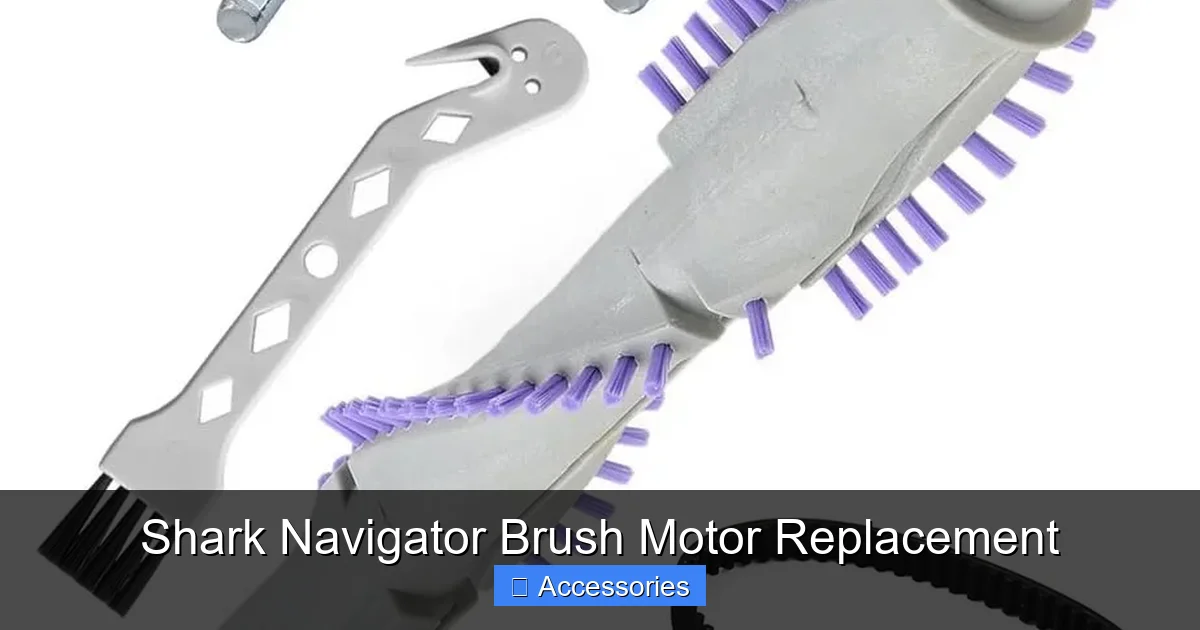
Visual guide about Shark Navigator Brush Motor Replacement
Image source: m.media-amazon.com
Step 1: The Basic Checks
Start with the simplest possibilities. Ensure the brush roll “on/off” switch on the handle or wand is engaged. On some Shark models, the brush roll automatically disengages when the vacuum is upright on its stand—lay it flat on the floor to test. Check for obvious jams: turn the vacuum over and manually rotate the brush roll. Is it seized by carpet fibers, string, or a small object? Clear any debris thoroughly. If your model has a removable brush roll, take it out and inspect it. Worn or missing bristles won’t clean well, but a jammed brush roll can also burn out the motor. Clean the housing thoroughly.
Step 2: The Belt Inspection (If Applicable)
Some Shark Navigator models (especially older ones) use a rubber drive belt connecting the motor shaft to the brush roll. If this belt is broken, stretched, or slipped off, the brush roll won’t turn despite a working motor. Accessing the belt usually requires removing a few screws from the bottom plate of the cleaner head. If the belt is intact and properly tensioned, you can move to the next step. If it’s broken, replacing the belt is a much cheaper and easier fix than a motor.
Step 3: The Motor Test (Advanced)
If the brush roll is free and the belt (if present) is good, the motor is the prime suspect. You can test it with a multimeter for continuity, but this requires comfort with basic electronics and accessing the motor’s wiring harness. A simpler, more definitive test is to listen and feel. With the vacuum upright, lay the cleaner head on a carpeted area, turn it on, and engage the brush roll. Place your hand lightly on the cleaner head housing over the motor area. Do you feel a faint vibration? If you feel vibration but no rotation, the motor is likely spinning but not transferring power (a belt/gear issue). If you feel no vibration and hear only suction, the motor is not receiving power or is dead. A dead motor will often feel warm to the touch after a brief attempt to run.
Sourcing the Correct Replacement Brush Motor
Assuming you’ve confirmed the motor is faulty, the next critical step is obtaining the exact right part. Shark has produced numerous Navigator variants over the years (NV350, NV356, NV502, etc.), and their brush motors are not universally interchangeable. Using the wrong part will not work and could cause damage.
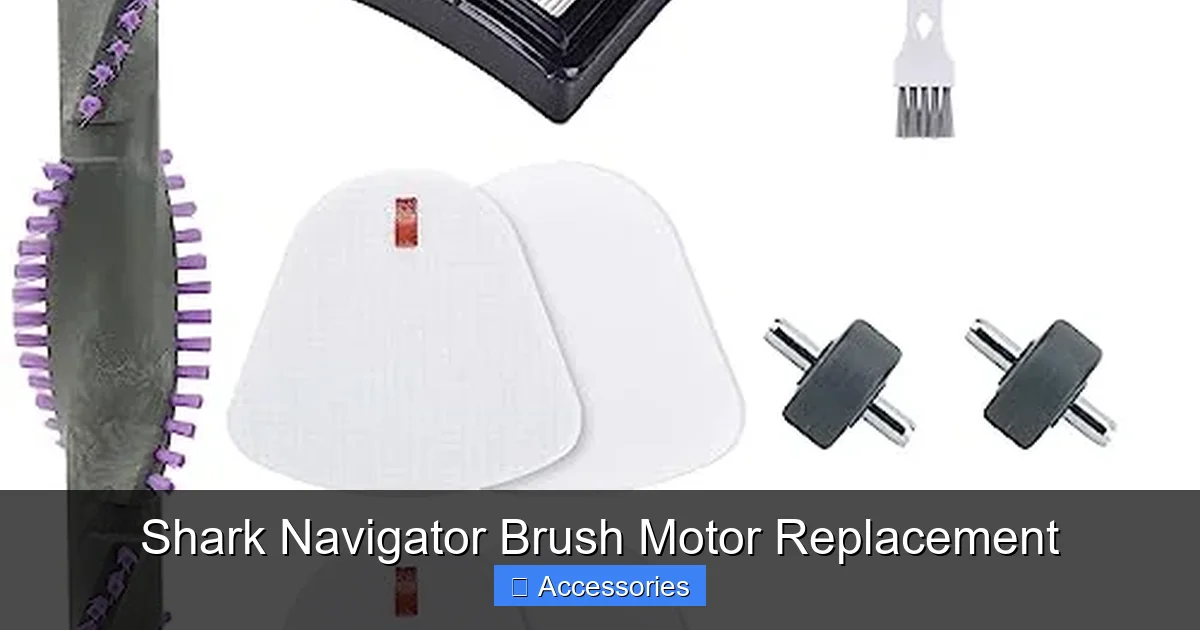
Visual guide about Shark Navigator Brush Motor Replacement
Image source: m.media-amazon.com
Finding Your Model Number
Your model number is the golden ticket. It’s typically found on a sticker on the back or underside of the vacuum body, near the handle or on the main housing. It will look like “Shark Navigator Lift-Away Professional NV356E” or similar. The alphanumeric code after “Shark Navigator” is the crucial part. Write it down exactly.
OEM vs. Aftermarket: What’s the Difference?
You’ll encounter two main types of replacement parts:
- OEM (Original Equipment Manufacturer): This is a genuine Shark part, sold by authorized dealers or Shark directly. It’s guaranteed to match the original specifications and comes with a warranty (often 90 days to a year). It’s the safest, most reliable choice but is usually the most expensive.
- Aftermarket/Universal: These are third-party manufactured parts designed to fit and function like the OEM. Quality varies wildly. Some are excellent, made to strict standards; others are cheap and fail quickly. When choosing aftermarket, buy from reputable sellers with high ratings and explicit compatibility listed for your exact model number. Look for phrases like “Fits Shark Navigator NV350, NV356” etc.
Our Recommendation: For a critical component like a motor, spending a bit more on a high-rated aftermarket part with a good warranty or the OEM part is wise. Avoid the absolute cheapest options. A failed aftermarket motor can damage the new brush roll or other components, costing you more in the long run.
Where to Buy
Search online using your exact model number + “brush motor.” Major retailers like Amazon, Walmart, and Target often carry both OEM and popular aftermarket brands (like “Part # X” or “Supur”). Specialty appliance part websites (e.g., PartSelect, Encompass) are also excellent resources. Always double-check the product listing’s compatibility list against your model number.
The Step-by-Step Shark Navigator Brush Motor Replacement
Now, the main event. While exact screw locations and clip types vary slightly between Navigator generations, the overall process is remarkably similar. We’ll describe a typical process for a Lift-Away style model (NV350/NV356 series). Always refer to a service manual or a model-specific YouTube tutorial if you get stuck.
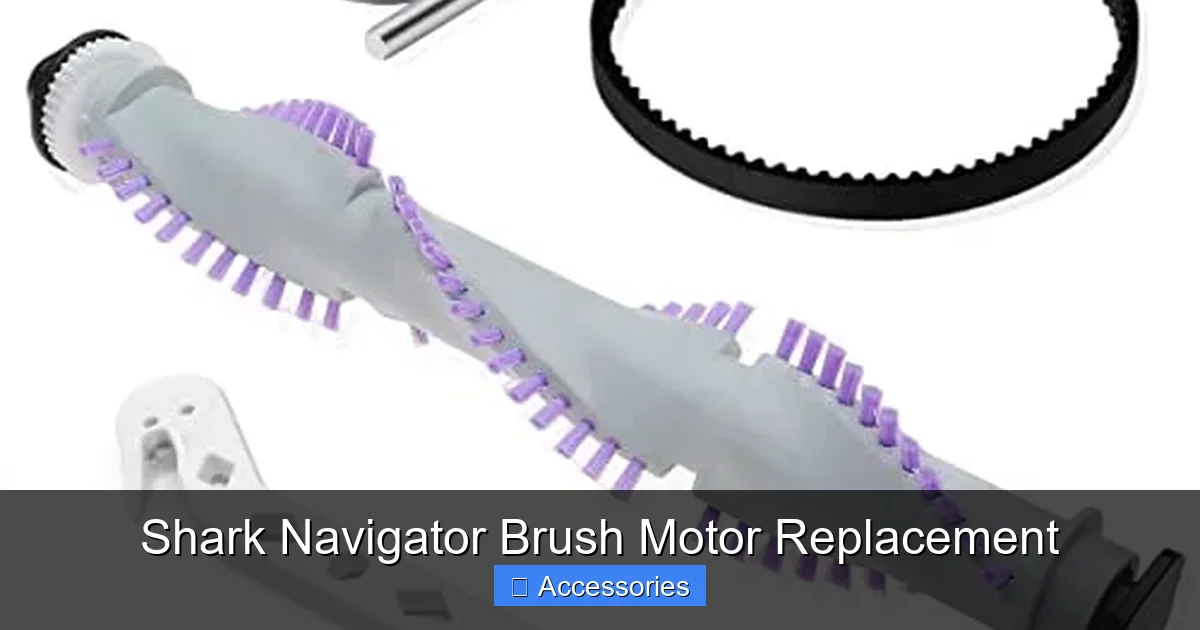
Visual guide about Shark Navigator Brush Motor Replacement
Image source: m.media-amazon.com
Tools and Preparation You’ll Need
- Replacement Brush Motor (verified for your model)
- Screwdrivers: A set of Phillips-head (#1 and #2 are most common). A small flat-head can be useful for prying clips.
- Torx Bits (T10, T15): Many Shark models use Torx security screws. A cheap Torx bit set is a worthwhile investment for appliance repair.
- Pliers: Needle-nose for clips or wiring harnesses.
- Small Container or Magnetic Mat: To keep screws organized. Label them if you’re nervous.
- Flashlight/Headlamp: The interior of the cleaner head is dark.
- Gloves: Optional, but good for grip and to avoid sharp edges.
- Smartphone Camera: For taking progress photos.
Disassembly: Accessing the Faulty Motor
- Disconnect Power & Prepare: Unplug the vacuum. If it’s a cordless model, remove the battery. Lay the vacuum on its side or back on a soft towel to protect the finish.
- Remove the Cleaner Head: On Lift-Away models, press the “Release” button on the back of the main pod and lift the pod away from the cleaner head. On stick models, there is usually a release lever or button where the wand connects to the head. Set the main vacuum body aside.
- Flip the Cleaner Head: Turn the detached cleaner head over so the brush roll and bottom plate are facing up.
- Remove the Bottom Plate: This is the large plastic cover over the brush roll. It’s held by 4-6 screws. Use your appropriate screwdriver (often Torx) to remove them. Tip: Some screws may be different lengths. Keep them in order. Gently pry the plate off. It may have plastic clips; use a flat-head screwdriver to gently pop them if needed.
- Remove the Brush Roll: With the plate off, slide the brush roll out of its housing. Note its orientation (which side faces the carpet). Some models have a belt; if so, slip it off the motor pulley first. Set the brush roll aside. This gives you clear access to the motor.
Locating and Removing the Old Motor
The brush motor is a black or gray rectangular or cylindrical component mounted inside the cleaner head housing, usually with two or three screws and a wiring harness plug.
- Identify the Motor: It will have a small gear or pulley on one end (that drives the brush roll) and two or three wires leading to a plastic connector plug.
- Disconnect the Wiring Harness: This is the most important step. Locate the plastic plug connecting the motor to the vacuum’s wiring. Press the release tab (usually on the side) and pull the plug straight out. Do not pull on the wires themselves.
- Unmount the Motor: Remove the screws holding the motor to the plastic housing. There are usually 2-3. Hold the motor as you remove the last screw to prevent it from dropping.
- Remove the Motor: Gently wiggle and pull the motor out. It may be seated with an O-ring or gasket. If it’s stuck, check for any hidden screws or clips.
- Transfer Any Components: If the old motor has a drive pulley or gear that is separate and in good condition, you may need to transfer it to the new motor. Compare the old and new parts. The new motor may come with a new pulley pre-installed.
Installing the New Brush Motor
Installation is essentially the reverse of removal, but with careful attention.
- Prepare the New Motor: If transferring the pulley/gear, do so now. Ensure it’s seated correctly on the motor shaft.
- Seat the Motor: Place the new motor into the housing, aligning its screw holes. If there was an O-ring/gasket, ensure it’s properly positioned to create a seal against debris ingress.
- Screw it In: Hand-tighten the screws first to avoid cross-threading. Then, using your screwdriver, tighten them securely but do not over-tighten. Plastic housings can crack.
- Reconnect the Wiring Harness: This is critical. Align the plug and push it firmly into the socket until you hear/feel the tab click into place. Give it a gentle tug to ensure it’s locked.
- Reinstall the Brush Roll: If your model uses a belt, loop it around the motor pulley and the brush roll pulley. Then, slide the brush roll back into its bearings/housings, ensuring it spins freely. Rotate it a few times by hand to check for smooth operation.
- Reinstall the Bottom Plate: Align the plate with the housing. It may have tabs that need to slot in first. Hand-tighten all screws, then fully tighten them in a cross pattern for even pressure.
Post-Replacement Checklist and Testing
You’re reassembled! But before you celebrate, you must verify the repair was successful. Rushing this step can lead to a repeat failure.
The Initial Power-On Test (No Carpet)
Before reattaching the cleaner head to the main vacuum body, do a preliminary test if your model allows. Some Navigator heads can be powered directly from the main pod once connected. With the head still off the main body, plug in the vacuum, lay the head on a flat surface, and turn it on. Engage the brush roll switch. You should hear the distinct, healthy hum of the motor and see the brush roll spin smoothly. If it doesn’t spin, immediately unplug and recheck your wiring connection and motor mounting. If it spins but sounds gritty, the brush roll bearings might be the issue, or the motor pulley may be misaligned.
The Full Vacuum Test on Carpet
- Reassemble Fully: Reattach the cleaner head to the main vacuum body/pod securely.
- Engage on Carpet: Place the vacuum on a medium-pile carpet. Turn it on and engage the brush roll.
- Observe and Listen: The brush roll should spin vigorously immediately. Listen for a smooth, consistent motor hum. There should be no grinding, squealing, or intermittent stopping. Place your hand near the head to feel the vibration—it should be firm and steady.
- Check Suction: While the brush roll is spinning, check the suction at the wand/hose. It should feel strong. A weak suction with a spinning brush roll could indicate a separate issue in the main suction path.
- Run for a Minute: Let it run for 60-90 seconds. Does the motor get excessively hot? A slight warmth is normal; a burning smell or very hot motor housing indicates a problem (possibly a defective new motor or a jam).
Maintenance Tips to Prevent Future Motor Failure
Your new brush motor is an investment. Protect it with these simple habits that address the most common causes of premature failure.
Routine Cleaning is Non-Negotiable
The #1 cause of brush motor burnout is obstruction and overheating. After every few uses, especially if vacuuming pet hair or long fibers:
- Remove the Brush Roll: Take it out and use a seam ripper, scissors, or a dedicated cleaning tool to cut and pull away any hair, string, or carpet fiber wrapped around the bristles and bearings. Letting this buildup constrict the brush roll creates immense drag on the motor, causing it to overheat and fail.
- Clear the Housing: With the brush roll out, use a vacuum crevice tool or a damp cloth to remove all debris from the housing floor, around the motor, and in the belt/gear cavity.
- Check the Airflow Path: A clogged filter or full dust cup reduces overall suction and can cause the system to work harder, indirectly affecting motor temperature. Clean filters regularly and empty the cup after every use.
Inspect the Drive System
If your model has a belt, inspect it every 6 months for cracks, stretching, or glazing. Replace it at the first sign of wear. A slipping belt makes the motor work harder and can cause it to burn out. For gear/pulley systems, ensure the teeth are not worn or broken.
Listen and Act Early
Get familiar with your vacuum’s normal sound. If you notice a new whining noise, a change in pitch, or the brush roll seems slower, stop and diagnose immediately. Catching a problem when it’s just a jammed brush roll or a failing bearing can save you from a burned-out motor.
Frequently Asked Questions
How much does a Shark Navigator brush motor replacement cost?
The cost varies by model and part type. Genuine Shark OEM motors typically range from $40 to $70. High-quality aftermarket motors usually cost between $25 and $50. This is a fraction of the $150-$300 cost of a new Shark Navigator vacuum.
Is replacing the brush motor difficult for a beginner?
For someone comfortable with basic tools and following instructions, it’s a moderate DIY task rated 3/5 in difficulty. The main challenges are finding the correct screws (often Torx) and carefully handling the wiring connector. Taking photos as you go makes reassembly much easier. Most people can complete it in 30-60 minutes.
What specific tools are required besides screwdrivers?
At minimum, you need the correct screwdrivers—typically a set of Phillips and Torx bits (T10 and T15 are very common on Shark vacuums). Needle-nose pliers are helpful for clips and connectors. A flashlight and a small container for screws are highly recommended.
Will replacing the brush motor void my Shark vacuum’s warranty?
If your vacuum is still under the manufacturer’s warranty, having an unauthorized person (or yourself) open it and replace parts will almost certainly void that warranty. However, warranties on vacuums are typically 1-5 years, and brush motors are considered wear items that often fail after the warranty period. Check your specific warranty terms.
Are brush motors the same for all Shark Navigator models?
No. While they serve the same function, the physical size, mounting points, connector type, and shaft/pulley design differ between model series (e.g., NV350 vs. NV502) and even between production years of the same model. Using your exact model number to find a compatible part is essential.
When should I consider calling a professional instead of DIY?
Consider professional repair if: you are uncomfortable with basic tools or electronics; the motor is not the issue and the diagnosis is unclear (e.g., main suction motor failure); you lack the correct tools (especially Torx bits); or after disassembly you find significant damage to the housing or other internal components. For a simple brush motor swap on a standard model, DIY is usually more economical.